


Review: LG LX370
Calls
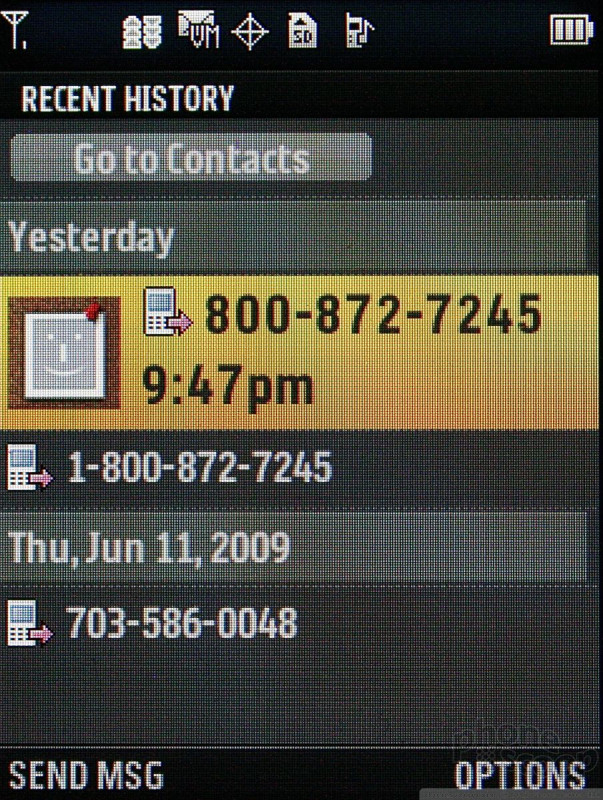
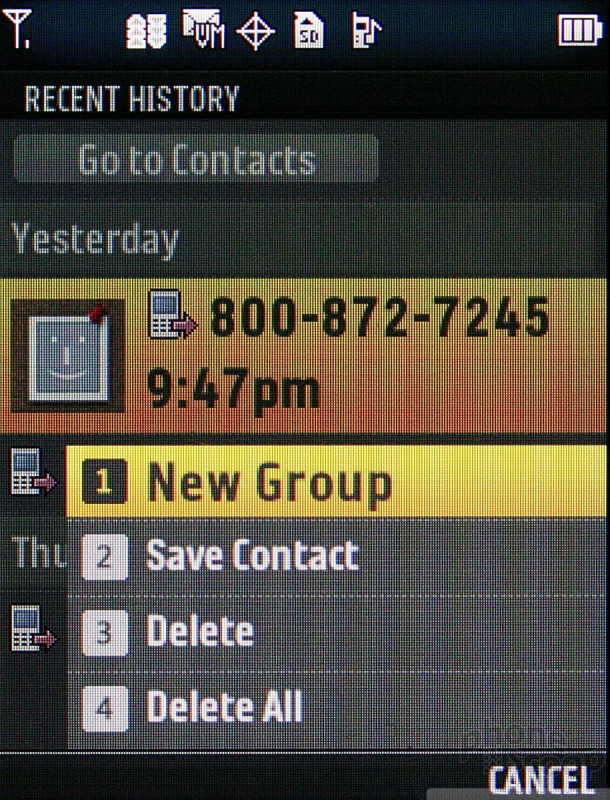
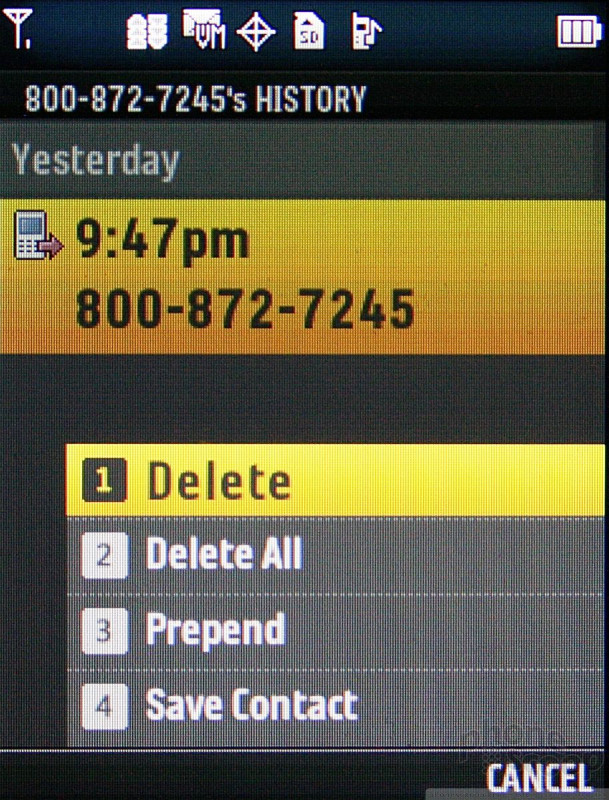
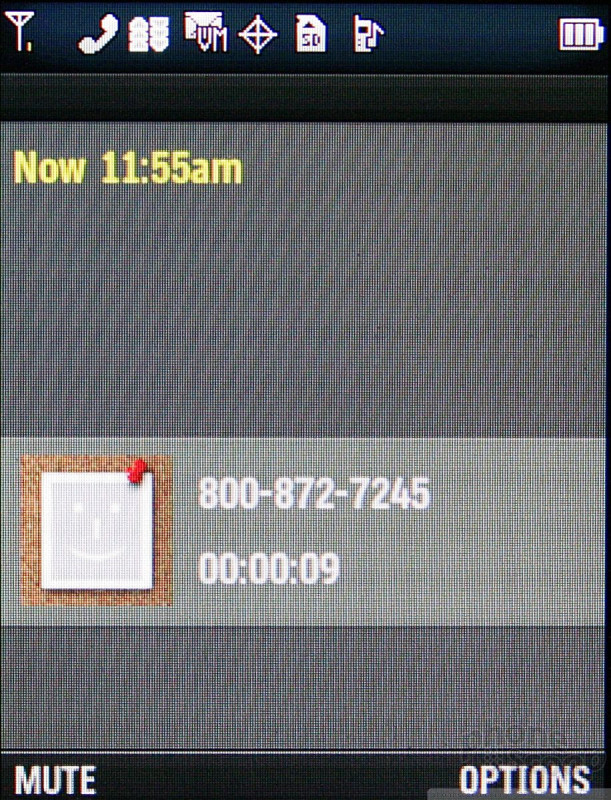
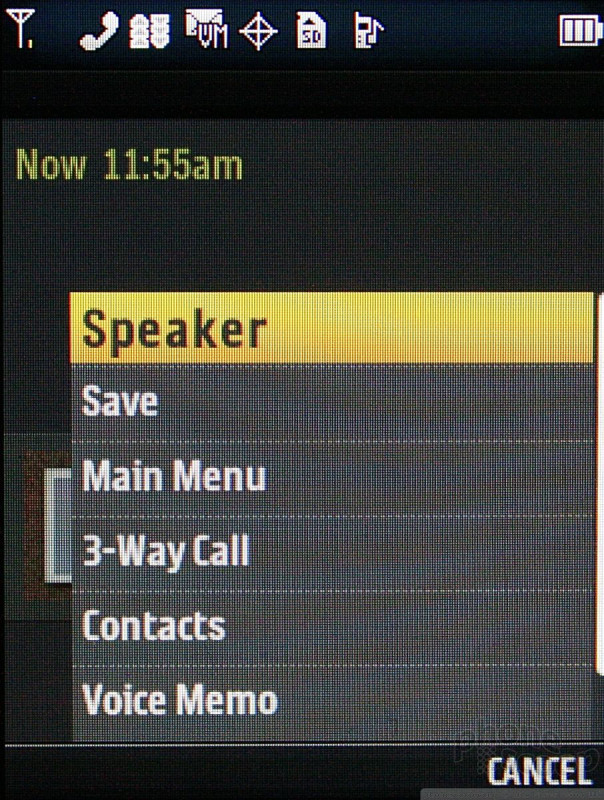
No surprises here. Pressing the green send key on the LX370 brings you to a list of your recent calls. Numbers that are stored in your contacts display the name and what type of phone call it was (work, mobile, home). Pressing the D-pad will open up information about the call, and show you recent correspondence with that person, including text messages and emails. Being able to see all correspondences from a single contact in one place is a nice feature. You can view contact details, the main menu or your entire contacts list during a call.
Contacts
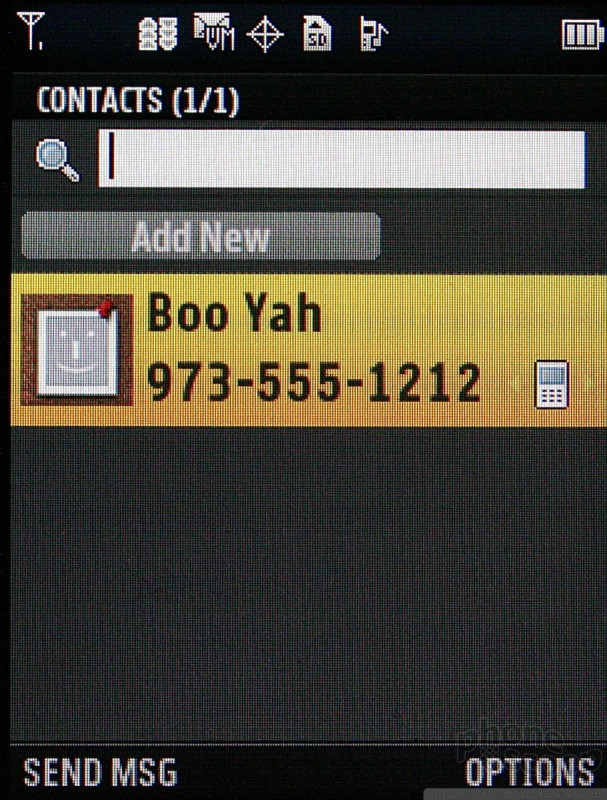
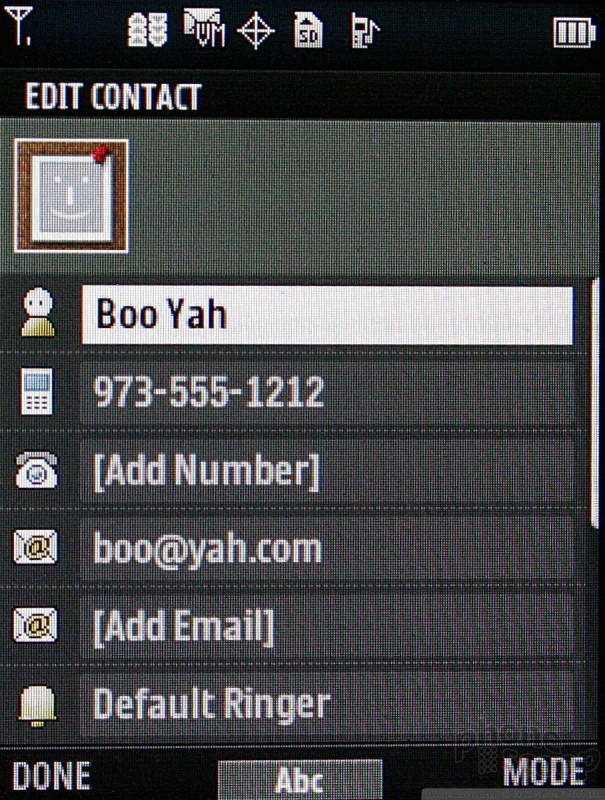
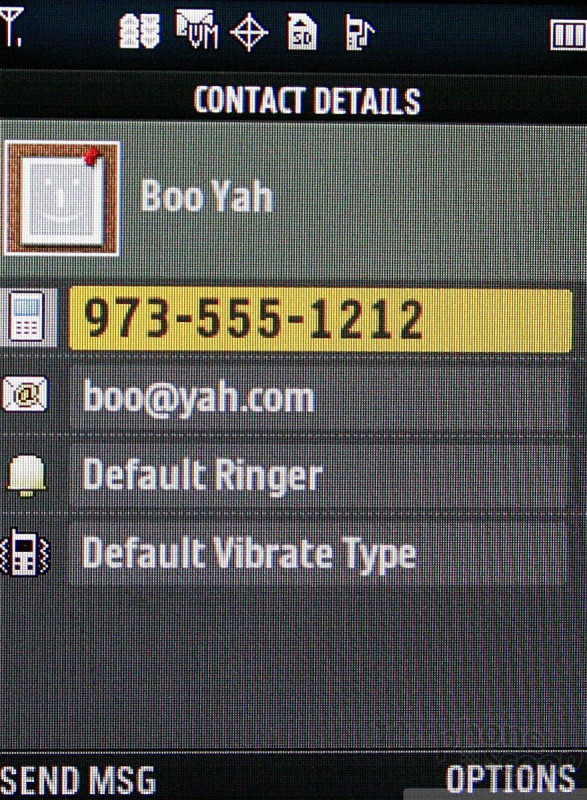
The contacts application can be reached from the home screen in several different ways, including using the right soft key. Each contact can hold a bevy of numbers, email addresses, URLs, IM screen names.
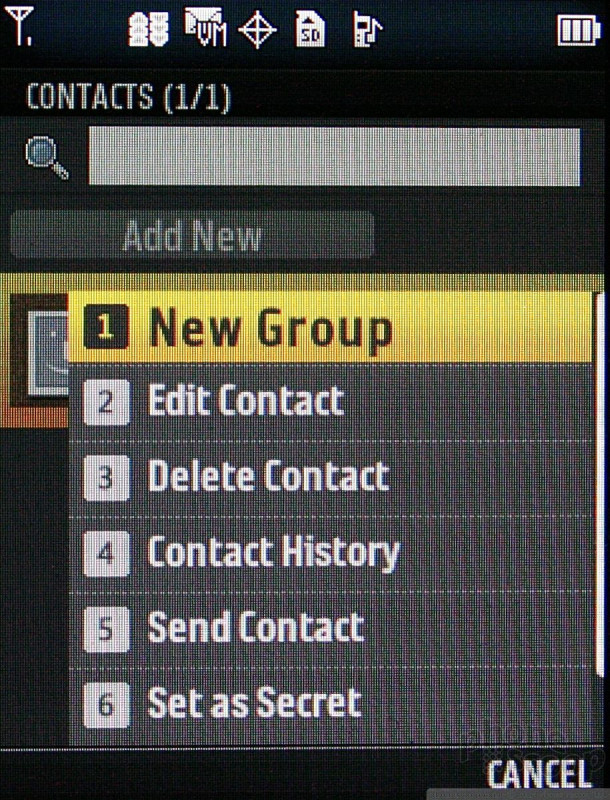
The LX370 carries forward the "secret" option in the contacts app. You can choose to make a detail's contact information invisible. This means the contact can still be seen in the list, but the actual details (i.e., their phone number, email address, etc.) are not displayed. In order to access secret contacts, you need to use the phone's unlock code. This means you can protect your loved ones' or colleagues contact details if you wish, or simply make sure that certain people's information in unavailable to anyone who might pick up your phone.
 Qualcomm Expands Flagship Phone Chip Series
 Google Starts Android 15 Testing Campaign
 Motorola Brings More Affordable 5G Phones to its 2024 Lineup
 Light Phone Gets a Complete Redesign with Third Edition
 Android 15 Exits Beta, Starts Rolling Out
 LG LX-370 / UX-370 / MT-375 Lyric / Force


