


T-Mobile HotSpot @Home Review
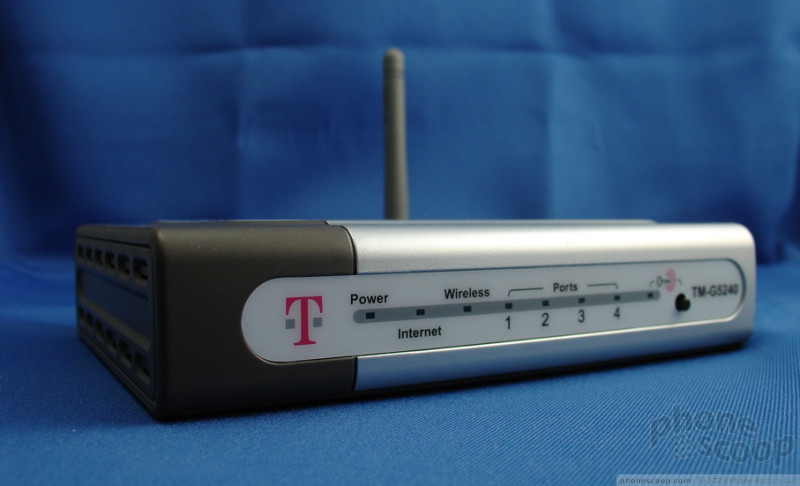
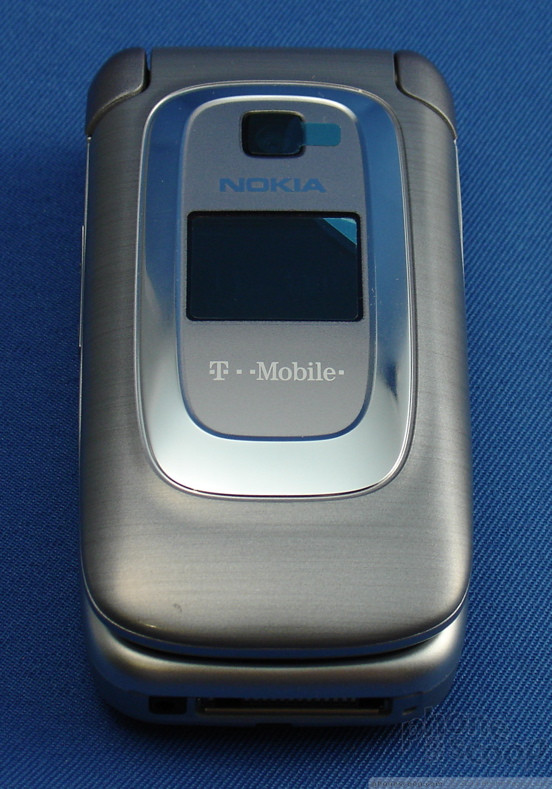
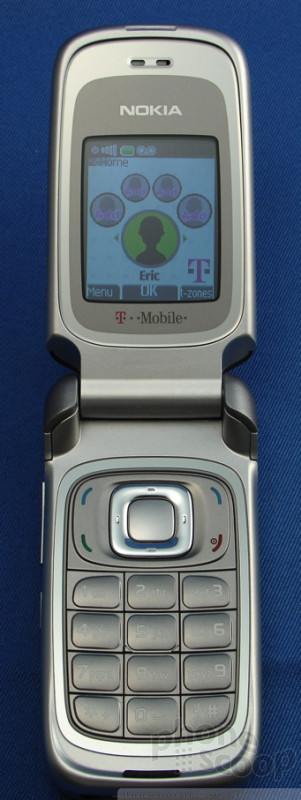
While all this technology might sound complicated, in practice, it could not have been easier to use. We received a review unit (a Nokia 6086) and D-Link Wi-Fi router from T-Mobile. T-Mobile suggests that subscribers use its branded routers for optimal performance, but it will also work on existing unlocked Wi-Fi networks, as well as all T-Mobile HotSpots such as those in Starbucks and Borders.
We unboxed the router and plugged it into our home network. We already have a regular Wi-Fi router, so this meant we had two Wi-Fi networks up and running. Once we turned on the phone, it automatically connected to the T-Mobile HotSpot without us having to configure the phone or make any adjustments. This was all the set up required: plugging in the router and turning on the phone. It doesn't get much easier than that.
 iPhone 15 Series Goes All-In on USB-C and Dynamic Island
 Samsung Launching Two New Affordable 5G Phones Today, Too
 Apple Watch Series 10 Puts Larger Display in Thinner, Lighter Body
 Samsung Refines Flaships with More AI in Slimmer Shapes
 TCL Gives More Detail on 60 XE NXTPAPER 5G


