Review: Samsung Focus 2 for AT&T
Browser
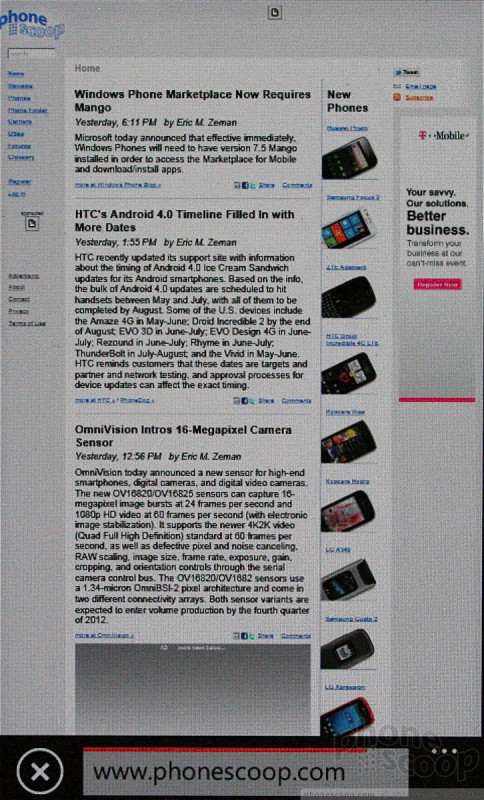
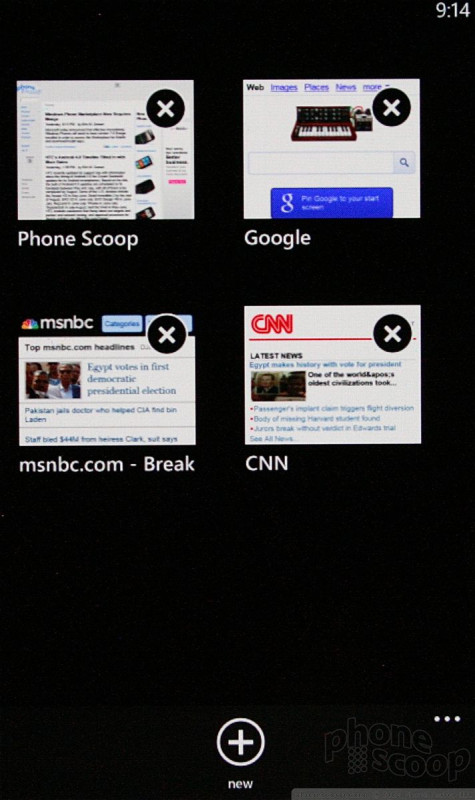
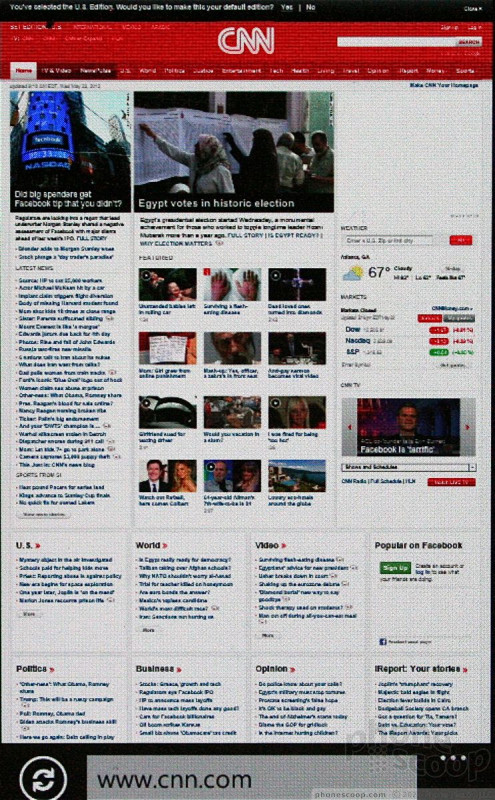
Internet Explorer on Windows Phone devices is decent. Both mobile and full HTML sites look really good on the Focus' display, and Internet Explorer was good at rendering pages quickly. Browsing speeds were consistently good: the browser did the best it could with whatever signal was available and the results always impressed me. The browser supports the standard list of features for a smartphone, including pinch-to-zoom, double-tapping to zoom, multiple tabs, etc.

Customize
Windows Phone 7.5 Mango offers few customization tools. Users can recolor, rearrange, delete, and otherwise organize how the Live Tiles behave on the home screen. But that's about it. The main menu is stuck in the list view, which gets kind of old if you install a lot of apps. Being able to pin apps, shortcuts, web pages, etc., to the home screen as Live Tiles is cool. Beyond these simple controls, however, the Windows Phone interface remains relatively locked down. It would be nice to see even the color palette for icon/background colors changed up a bit.
 Hands-On: Samsung Focus 2
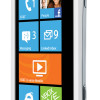 AT&T Boosts LTE Portfolio with Samsung Focus 2
 iPhone 15 Series Goes All-In on USB-C and Dynamic Island
 Samsung S24 Series Adds More AI, Updates the Hardware
 iPhone 16 Brings More Features to All Price Points, Including New Camera Control
 Samsung Focus 2