


Review: Samsung Sidekick 4G
Browser
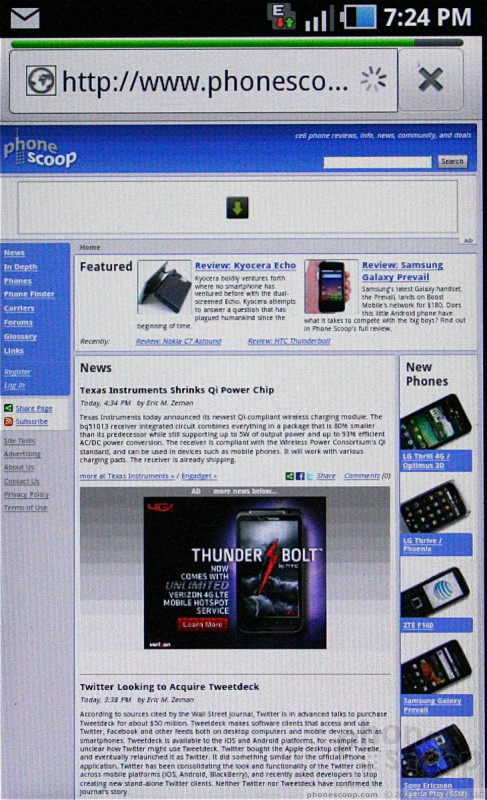
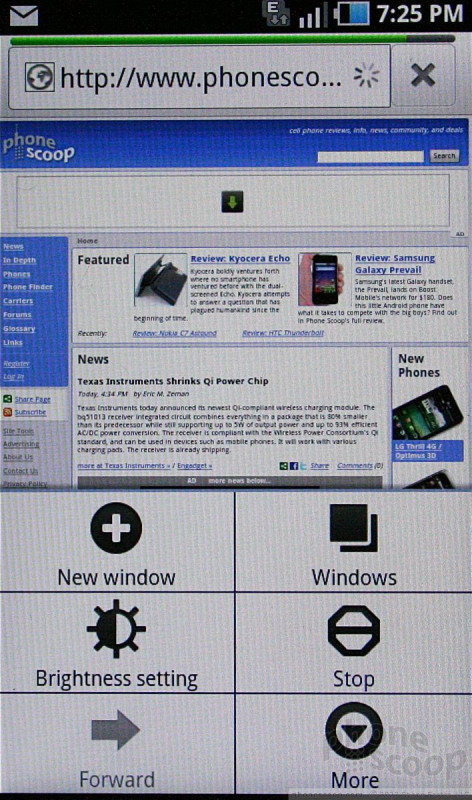
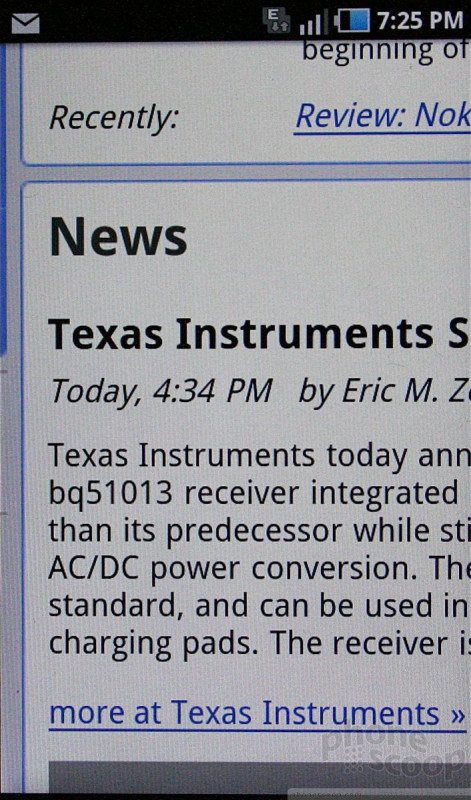
The Sidekick 4G comes with the stock Android browser. It's a good browser, and running over T-Mobile's HSPA+ network, it was blazing fast. Under 4G coverage, the Sidekick 4G loaded web sites in the blink of an eye. The problems I experienced with the browser were limited to areas where the Sidekick 4G only found EDGE data. When in 4G, it was 100% go-go-go, but in EDGE, it became downright po-po-pokey.
Customize
Customization options are only slightly more than what you'd find on a stock Android 2.2 phone. Samsung has preloaded the Sidekick 4G with eight different themes. Basically, the themes change the wallpaper and overall color scheme of the device. If you want to set your own wallpapers, you can do that, too, as well as take advantage of the normal customization features found in Android.
The one real departure for the Sidekick 4G when it comes to customization is, of course, the Jump Key and its user-adjustable settings.
 T-Mobile Sidekick 4G Boasts Group Text, 21Mbps HSPA+
 Hands On with Teams-Certified Bluetooth Earbuds
 Hands On with the moto g stylus 5G (2023)
 Samsung Sidekick 4G


