Review: Samsung Galaxy Note for AT&T
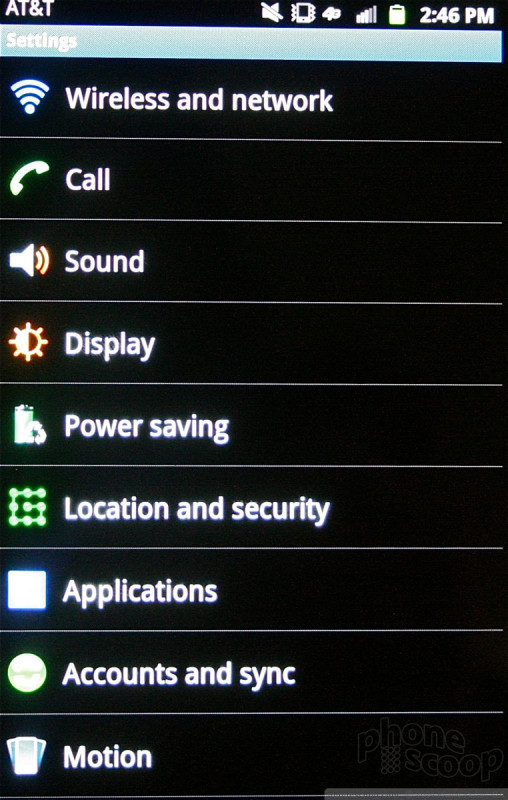
From here on out, the Galaxy Note is more or less identical in terms of software features when compared to its Galaxy S II smartphones. It runs Android 2.3.6 Gingerbread with the newest version of Samsung's TouchWiz. Samsung and AT&T have committed to updating the Note to Android 4.0 Ice Cream Sandwich, but there is no timeframe suggesting when that will actually happen.
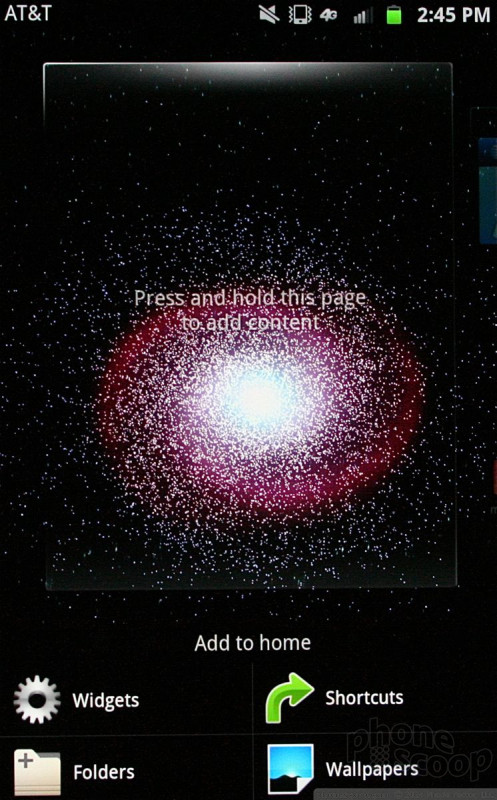
The Galaxy Note includes seven home screen panels for customization, though you can delete up to four of them. The phone comes with plenty of apps and widgets littered across the home screens out of the box, but obviously you can change all that to your own liking.
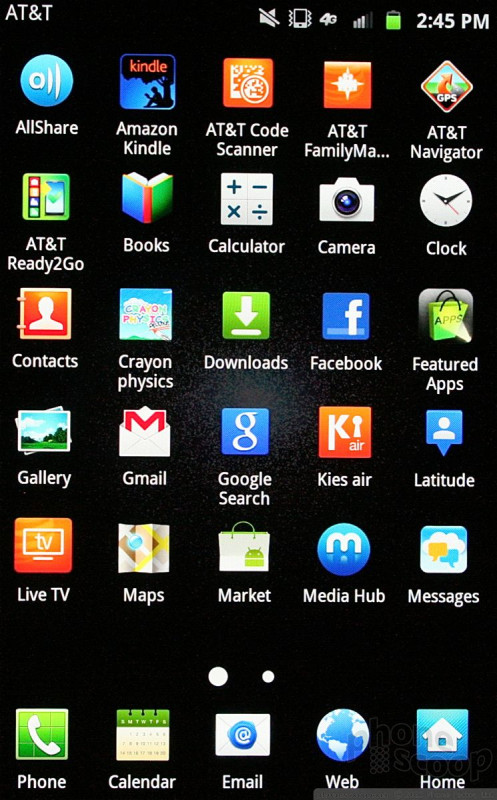
The main app menu can be viewed in an alphabetical grid, a customizable grid, or in an alphabetical list.
One thing I'll say in favor of the Galaxy Note, the huge display means you can really pack stuff on the home screens. For example, most phones can't fit more than four apps across, but the Galaxy Note can fit five. The home screens can house up to 25 app shortcuts each, in addition to the five permanent app shortcuts at the bottom of the screen.
The user interface was Tomahawk Missile fast. I was able to jump from app to app and screen to screen with zero delay. With a 1.5GHz dual-core processor under the hood, it has plenty of power to get things done and it performed well no matter what I threw at it.

 Hands On: Samsung Galaxy Note for AT&T
 T-Mobile's Galaxy Note to Ship with Android 4.0
 Samsung Galaxy Note