Review: Motorola Droid RAZR MAXX for Verizon Wireless
Calls
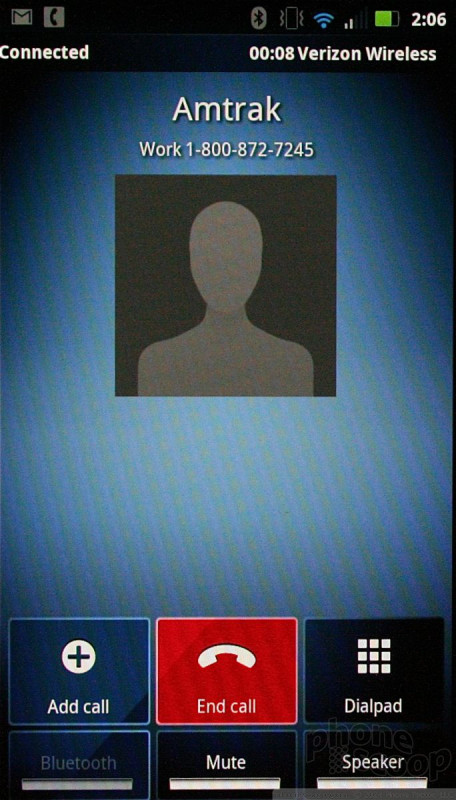
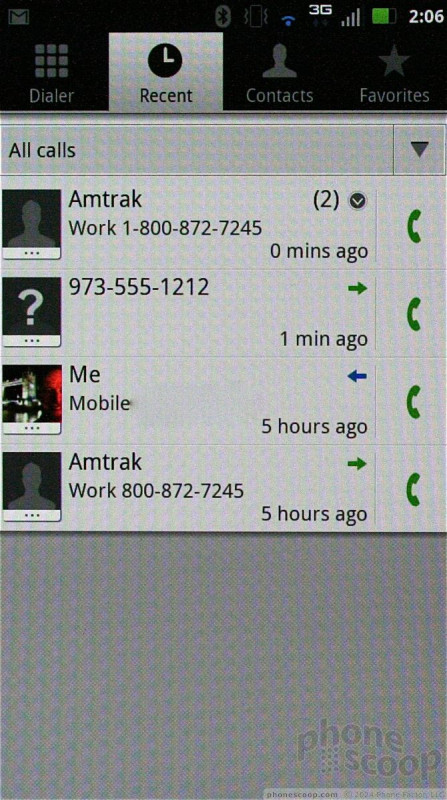
The phone application itself is a stock Android calling tool. Motorola uses some new colors to spruce it up a little, but in-call features are unaltered from stock Android, and are simple to use.
Contacts
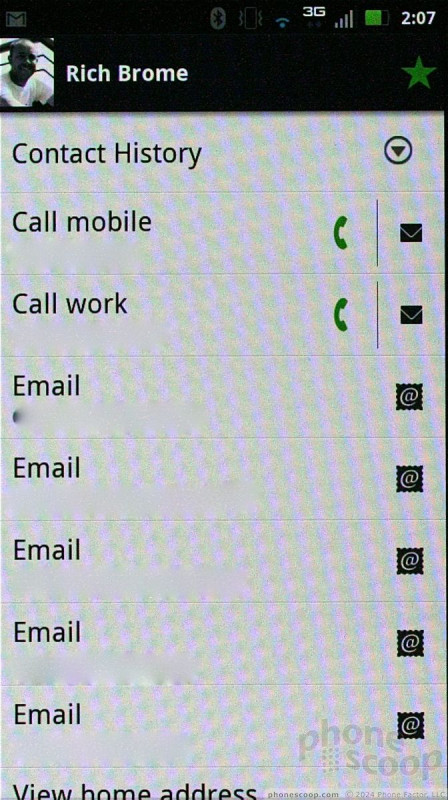
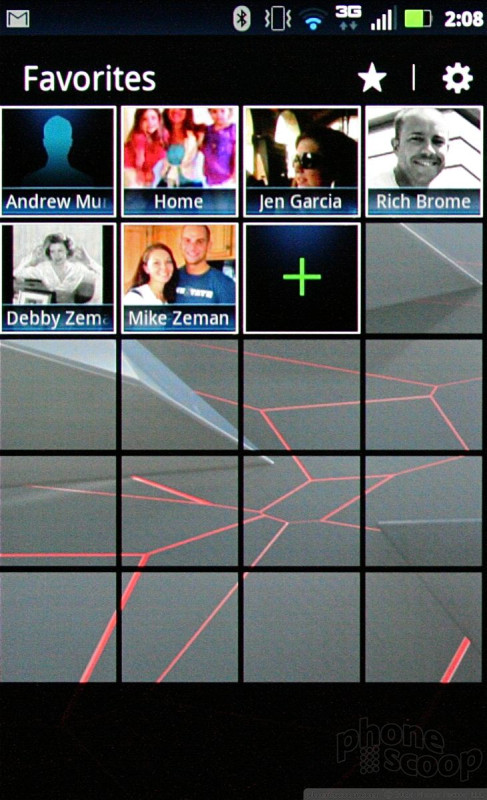
The main contact application is stock Android, but Motorola installed its cool home screen widget for your favorites.
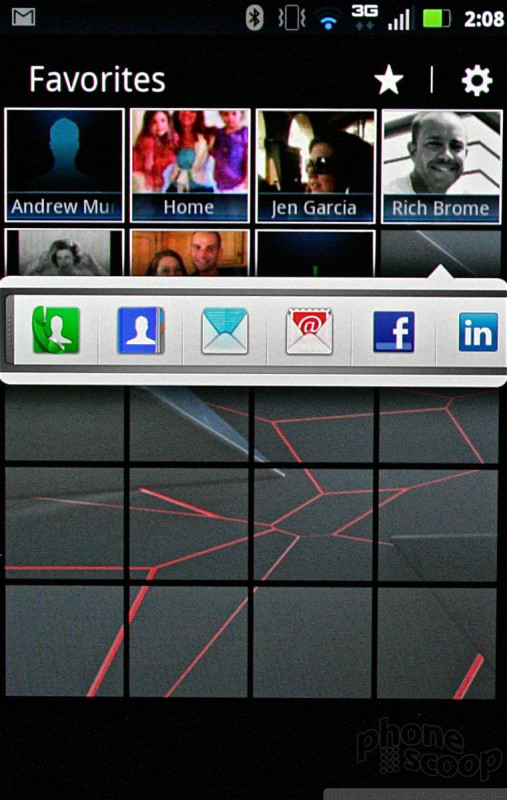
At the top of the central home panel, you'll notice four empty boxes at the top, with what appear to be other boxes stacked behind them. These are your favorites. Drag the set of boxes down, and the stacks will open up to show you a grid of your top 20 contacts, complete with photo ID. Tap the photo of your contact, and it will open a drop-down menu that offers a handful of quick actions, such as calling them, messaging them, or sending them a Facebook message.

 Hands On with the Moto Droid 4 and Droid RAZR MAXX
 Review: Motorola Droid RAZR for Verizon Wireless
 Hands On with the Motorola Droid RAZR and ACTV
 Motorola and Verizon Announce the 7.1mm Thick Droid RAZR
 Blue Moto Droid RAZR Hitting Stores Starting Today
 Motorola Droid RAZR
 Motorola Droid RAZR MAXX