Review: Helio Fin
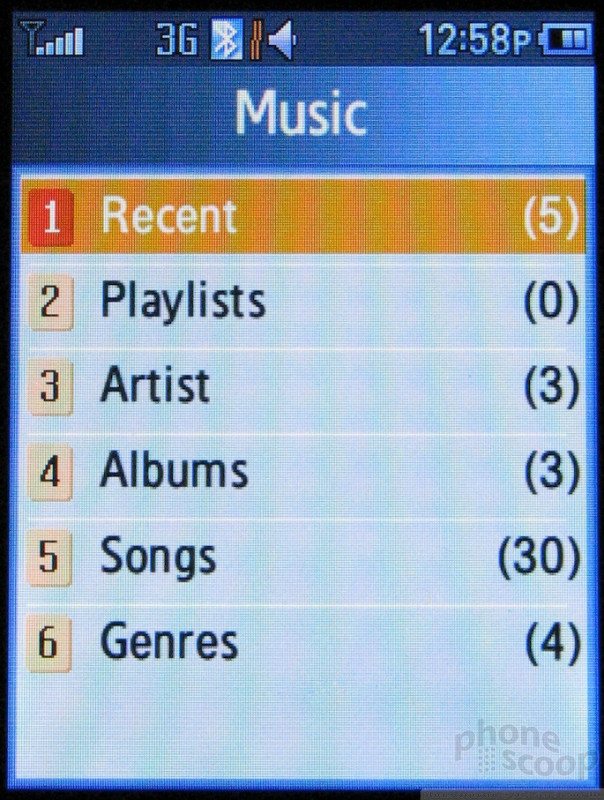
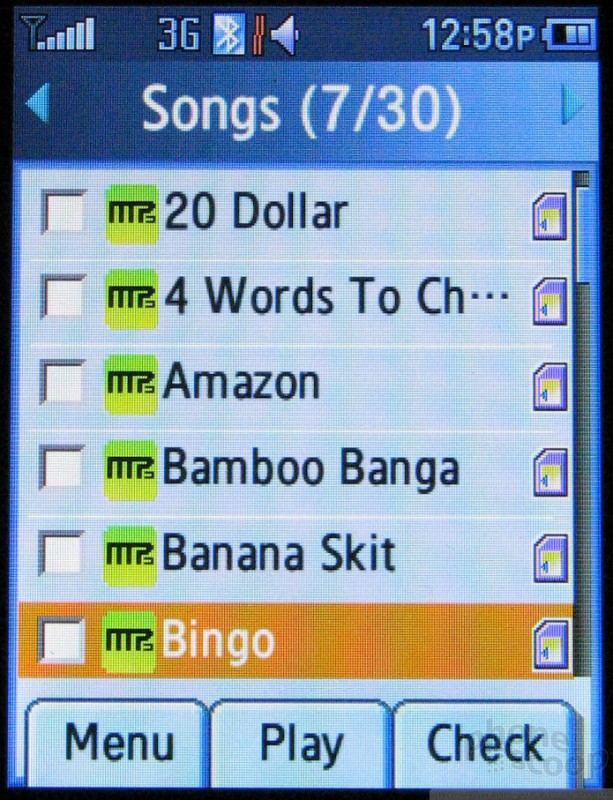
Fire up the music player from the keypad and it scans your phone and memory card for any songs it can play and then shows you a main menu sorted by artist, album, songs and more.
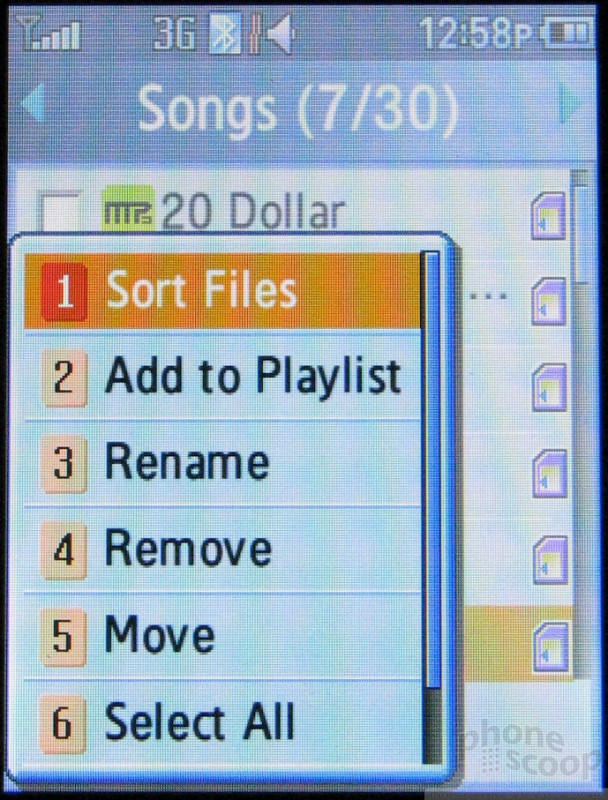
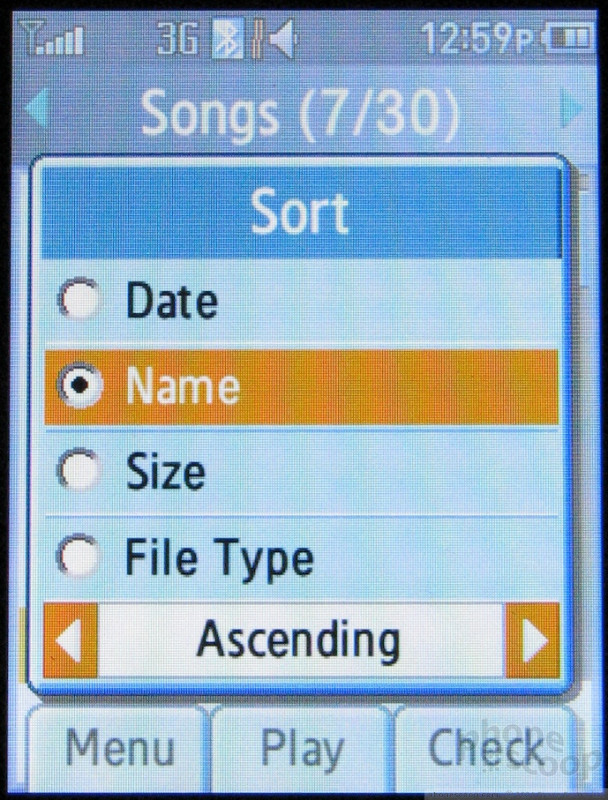
From there you can play through songs in a chosen list, or you can check off as many songs as you want and create a playlist of your own. Songs are listed and played in alphabetical order. Other than choosing "random" the only other ways to sort songs is by date or file size, not by track number. As far as we can tell, there is no way to play songs in track order.
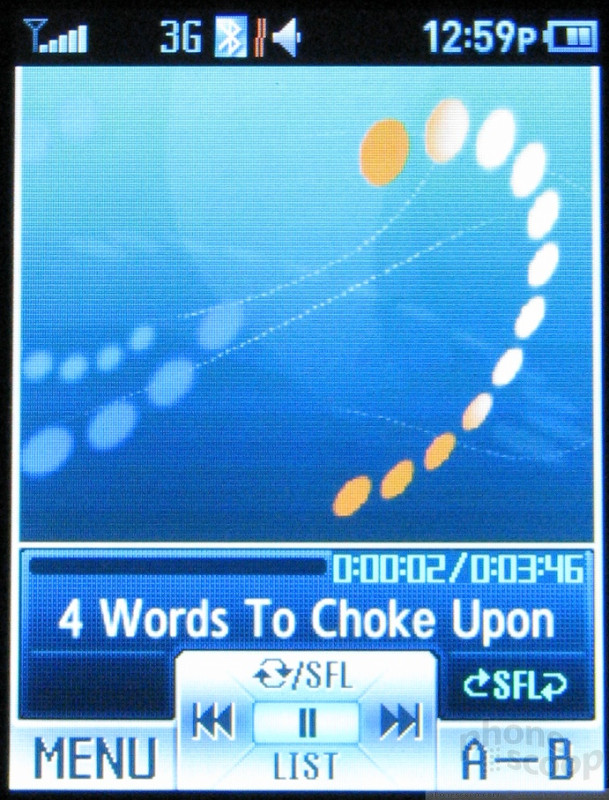
Once playing, the Fin cannot do anything else, even returning to the track list stops playback. There are "sound effects" which are not exactly equalizer settings, but bass boost and settings that change stereo separation. Another feature the player has that's typically found on portable stereos is an A/B repeat, which lets you loop a section of a song and play it over and over.

 Helio Fin is Thinnest Flip Yet
 Samsung Announces Thinnest Flip Yet
 Hands On with the CAT S22 Flip
 Hands On with the T-Mobile SyncUp Kids Watch
 Verizon Picks up Nokia's New Flip Phone
 Samsung Fin