Preview: Samsung M610
Nov 27, 2006, 9:00 AM by Eric Lin
Our hands-on preview of Sprint's latest flagship phone, and the thinnest clamshell available in the US.
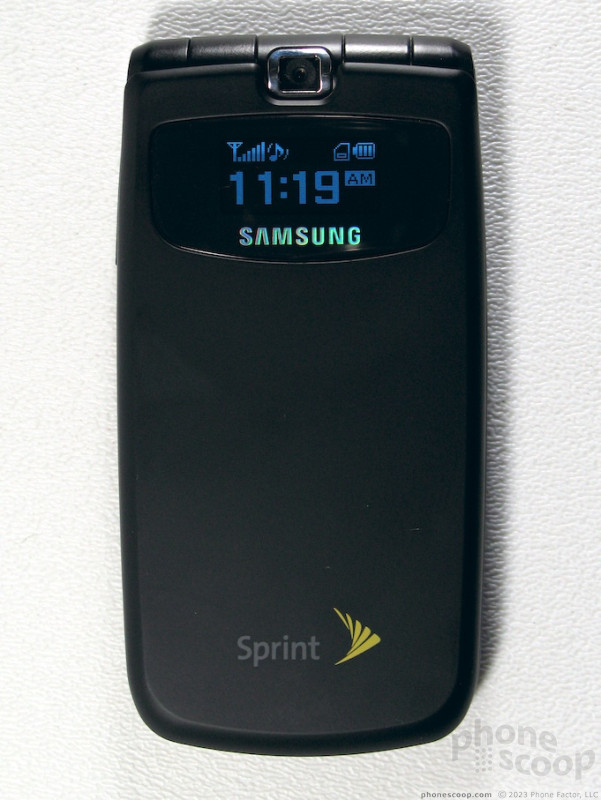
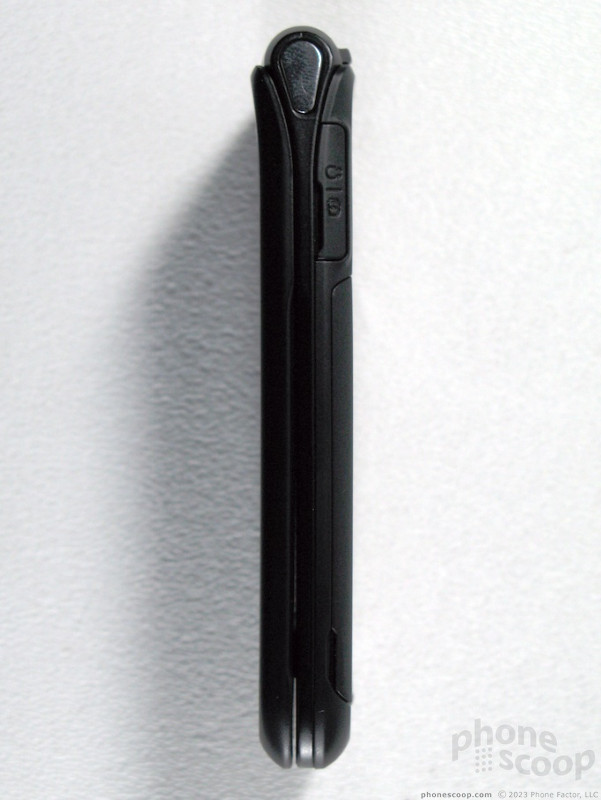
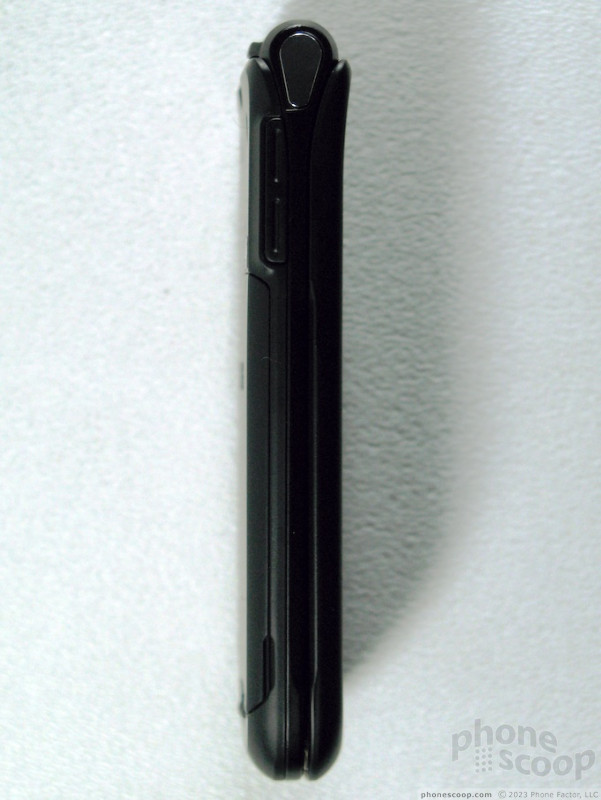
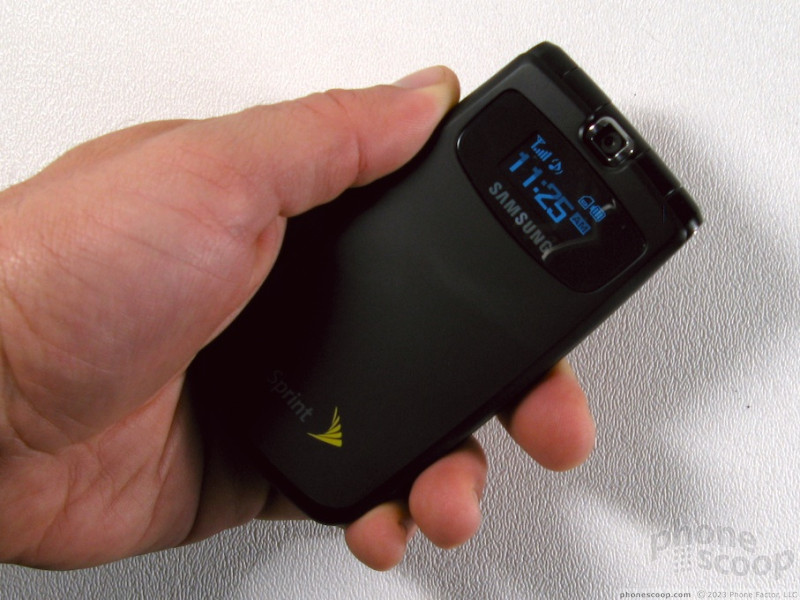
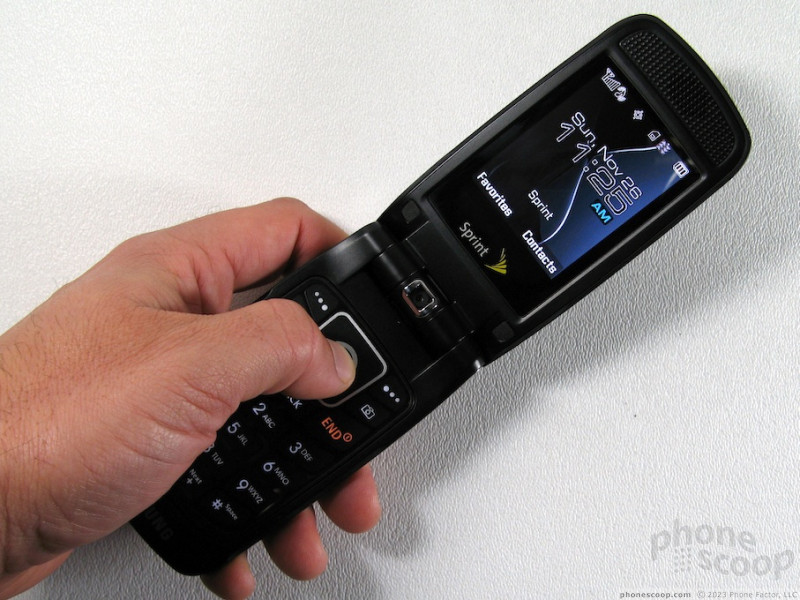
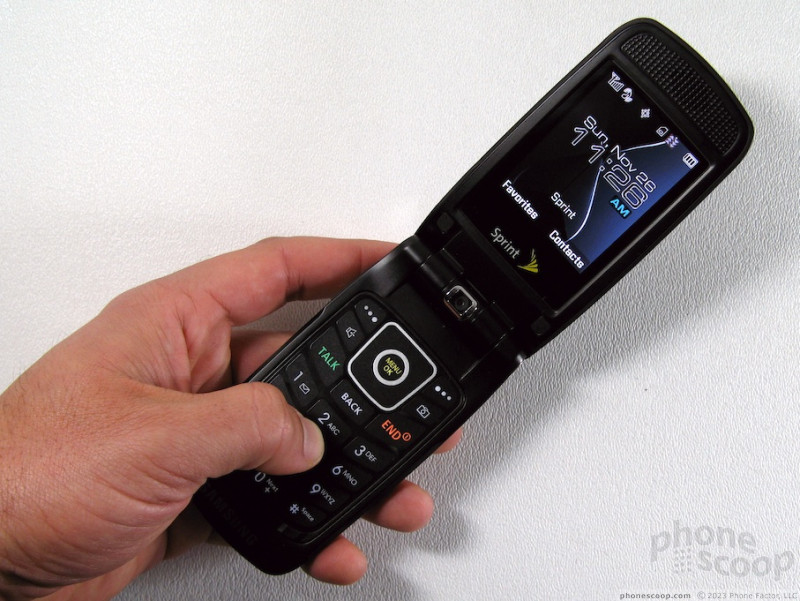
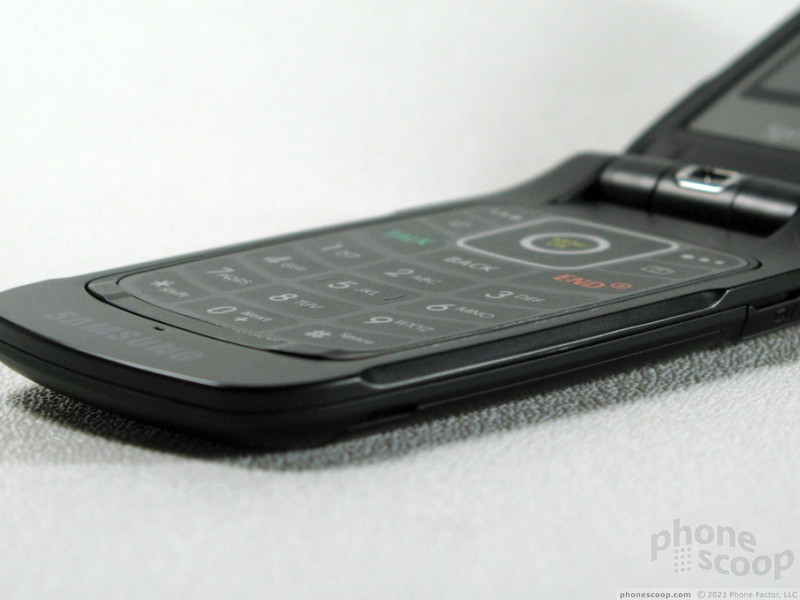
Physically, the m610 is quite unique when it's closed. It doesn't really look like a phone, but it doesn't really look like anything else either. It is an incredibly thin assembly of matte black plastic with a soft-touch rubberized finish. Nothing looks technological about it unless the external screen happens to be on. But once you open the m610 (This phone deserves a name, not an old fashioned model number.) then the phone is revealed.
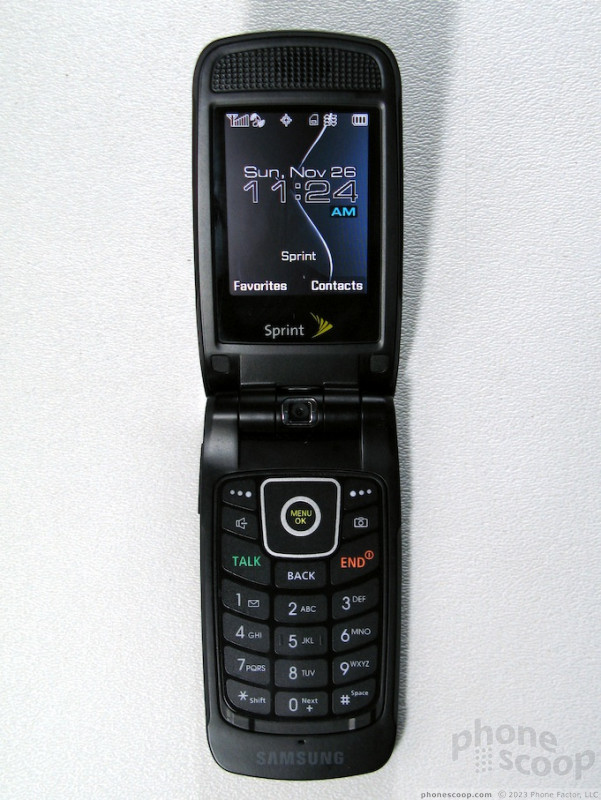
The first time you open the m610 you are faced with a warning sticker telling you how not to hold the phone. No experience could be less pleasant. While it is wise of Sprint and Samsung to explain the best way to hold the phone for optimum reception, it would have been better to design the phone so that such a sticker was not needed. If there's a problem, change the design, don't change the person.

No matter how you wind up holding the m610, it feels odd in your hand - a bit like the original RAZR design. The soft touch finish does help to make your grip a bit more comfortable, however the wide, paper-thin shape is still odd to hold.
The hinge starts out very solid, but it develops some wiggle rather quickly. It does not seem like it will crack or break, but the flex that develops definitely detracts from what otherwise seems like a solidly built phone.
The QVGA screen is the m610's shining star, and the keypad below it one of the few disappointments. The screen is bright and sharp; it makes most every task a joy. The keypad is totally flat and only provides the slightest tactile feedback - a slight click when you press a key. There is no way to feel your way around the flat keypad, not even the navigation keys, so you'll need to look down for even the simplest tasks.
The battery lasts about two and a half to three days with normal use, although it will drain much quicker with Bluetooth on, even if there is no headset or computer connected. Signal strength was good and the m610 passed the vault test with flying colors. It even held a signal in one of Sprint's few remaining dead zones in San Francisco.
The 2 megapixel camera takes sharp, well balanced pictures, and features a new easier to use interface. Our only complaint is that the viewfinder is still set to "full screen" by default, which has been common on many Sprint phones. This means you see a portrait orientation preview, even though you are taking a landscape orientation picture. You can change the viewfinder to "wide screen" in the camera settings panel.
Other than the new viewfinder, the software on the M610 is the same as on most newer Sprint handsets. All of the menus and software look the same and are arranged the same in the menus. A few applications like the browser have been updated, but you would not know except that now they feature new capabilities. For example, you can now can visit some desktop formatted websites.

 Samsung Announces Thinnest Flip Yet
 Hands On with the T-Mobile REVVL 6 Pro 5G
 Hands On with the Motorola edge (2022)
 Hands On with Xplora Kids Smartwatches
 Hands On with the 2023 moto g 5G & moto g stylus
 Samsung SPH-M610
Comments

It does have a name, not just the Alphanumeric designation
The nickname glint sucks, but at least it's a little easier to say than emm-six-ten.
Suggestions for a better nickname?
(continues)
(continues)

How to Create ringtones.
I primarily didn't know if you could do it through the memory card or if it had to be through usb. Either way... I've just had a horrible time trying to do this and would like some help on the subject.

Its not easy to tell whats going on?
What does this guy think we are... morons?
"Like, oh my gosh, wh-wha-what is this thing that I just took out of the box that I got at the Sprint store??"
🙄
Come on! I mean seriously... its a pretty sweet phone as anyone can tell. I understand the guy is trying to be non-bias and review the phone from the most objective stance possible, but I mean REALLY... to act in the video as if a user that picks this thing up is not going to know that the damn thing is a phone?!?!? What the hell did they think they just bought from the Sprint store... a paperweight? HAhaha... the guy was like, "oh, but if you see at the top of this black square, there is a hinge, and then there are buttons on the side, and THEN, oh, theres the OLED...
(continues)

I have the blade but I would love a version with a longer battery life and a GPS that works.
now when the IC902 comes out then i will have something to think about

Handling Instructions...
Honestly we're gonna call this a "con" about the phone. Its the thinnest phone in the country! I'm not a phone designer or anything but I would assume things have to be placed pretty strategicly in these things! 😛

Data Sheet for Samsung M610
Here is the link for the data sheet.
http://www.samsungwireless.com/techtrain/tekweb/Misc ... »

Anyone know if it can sync with Outlook?

Antenna Stickers
Anyone remember grabbing the bunny ears on your TV set and messing with the signal? Same concept.
My two cents
(continues)

need more pics
one with camera quality
tv landscape?

Telenav
I really hope so, because I have the Samsung M500, and it works on this phone flawlessly...
Thanks!

Stereo Speakers / Magnesium?
Also, is it entirely soft plastic or is it reinforced with magnesium in some places like it's GSM Ultra 9.9 cousin?

Menu System
(continues)


OLED have caller ID?