Review: Pantech Pocket for AT&T
Calls
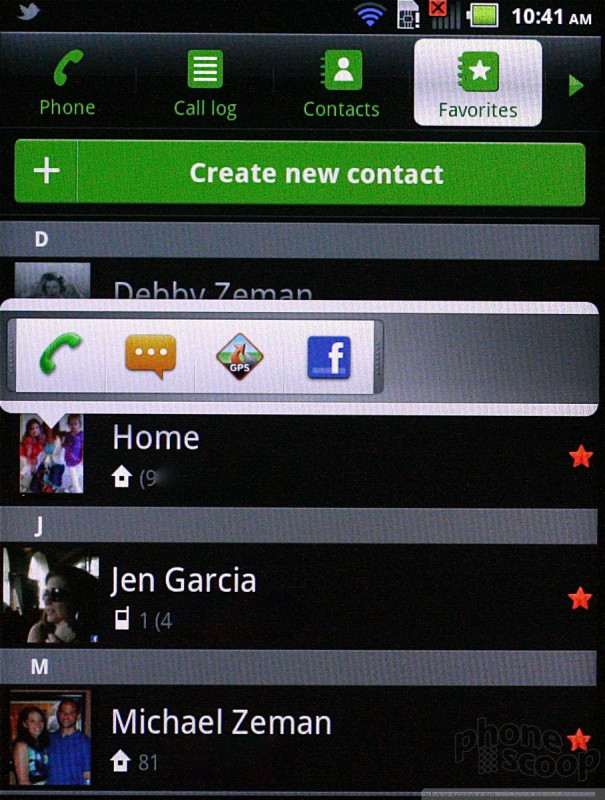
Aside from the lock screen shortcut that takes you directly to the call log, there's little setting the Pocket apart from other Android handsets when it comes to the phone app. It looks a little different thanks to the judicious use of green and blue accents, but the function of the phone dialer and recent calls is exactly the same as on any stock Android handset. A tab of choices runs across the top of the screen, permitting access to favorites, the contacts app, etc.
Contacts
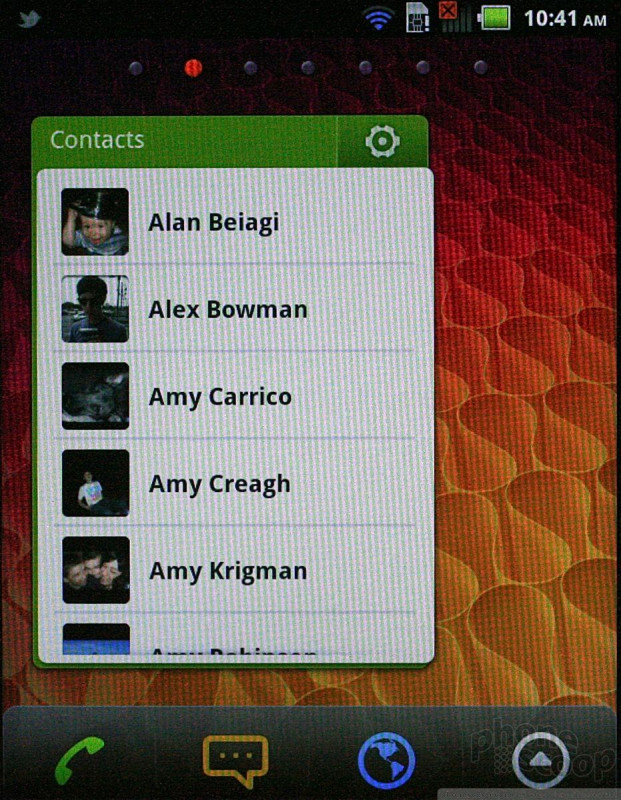
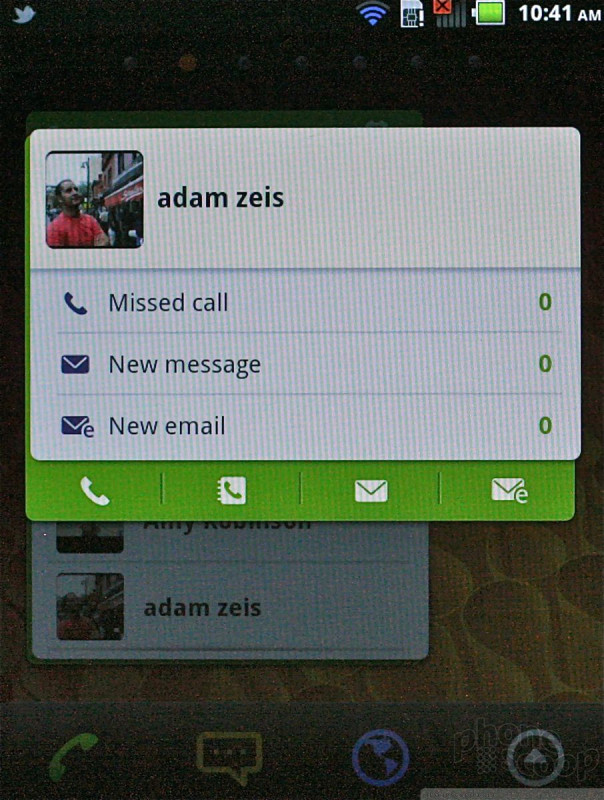
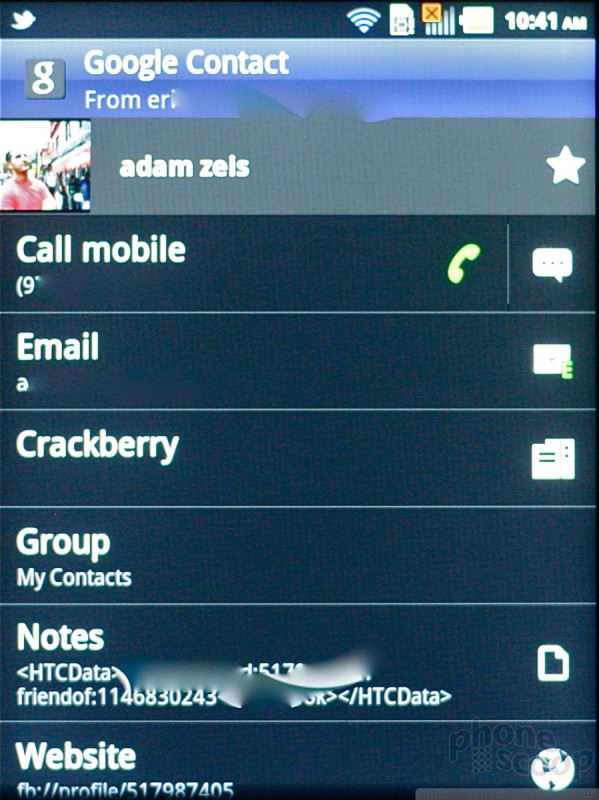
The contact application, too, is that of stock Android. The one thing setting it apart is a really useful home screen widget. The widget lets create a miniature list contact list that is accessible from the home page. It holds at least ten people, and includes their thumbnail photo. Press any of the faces, and a second screen appears with info such as the last call, email, and SMS received by that person, as well as links to the phone app, full contact app, and so on. It's a neat widget.

 Hands-On: Pantech Pocket for AT&T
 AT&T Announces Five New Android Smartphones
 Pantech Pocket