Review: HTC Vivid for AT&T
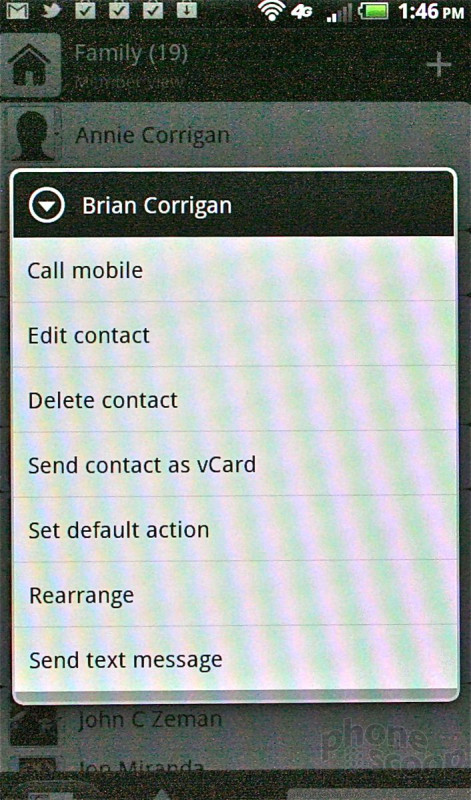
There don't appear to be any changes to the behavior of the Sense phone call and contacts applications.
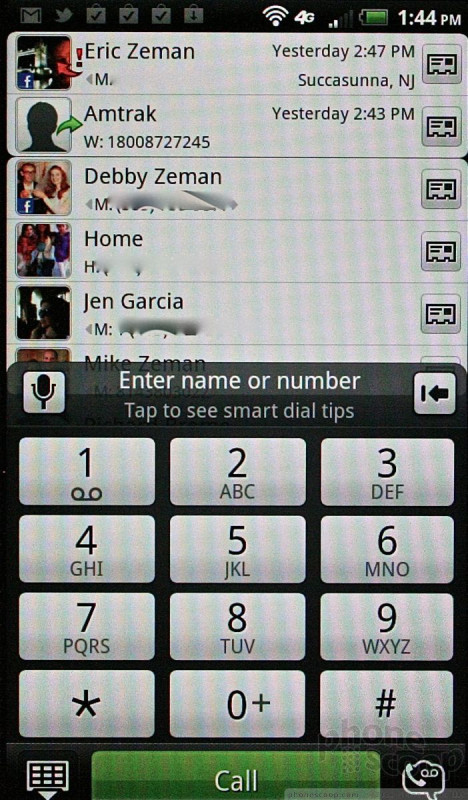
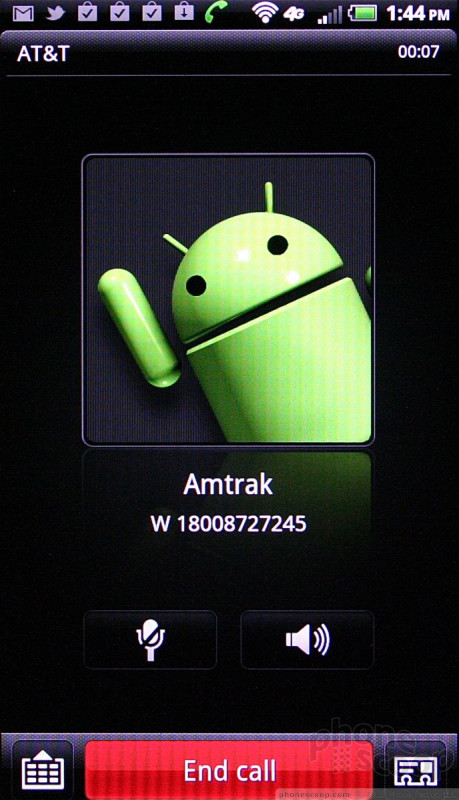
By default, the phone app opens with the dial pad on the bottom half of the screen and either you recent call log or your top favorites above it. The phone app sorts through your contacts as you type a name, so you can sift through a large contact database quickly. In-call features run the usual tried-and-true offerings, such as mute, speakerphone, add a line, or send to Bluetooth.
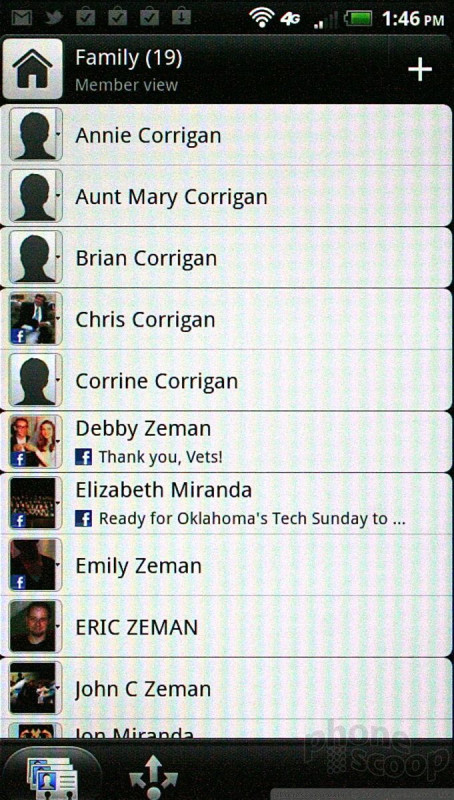
It's easy to save specific call records to your contact database. The contact app will easily handle thousands of contacts imported from Google, Exchange, Yahoo, etc. You can also make use of the "People" widget on the home screen, if you like. This widget is basically a speed-dial-style app in that it lets you quickly access your besties from the home screen. Tap the little face profile on the widget to get their contact data.
 Hands-On: HTC Vivid for AT&T
 What is C Band 5G?
 HTC Vivid