Review: BlackBerry Bold 9900
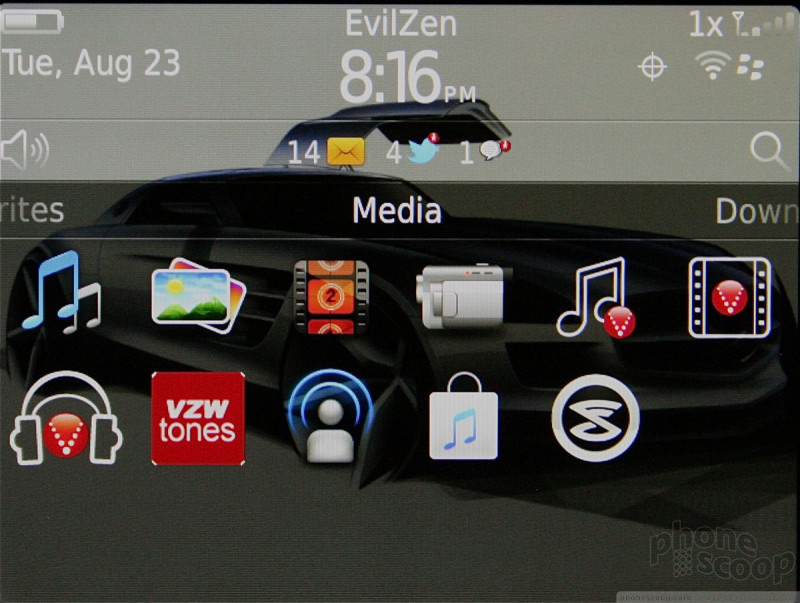
Music
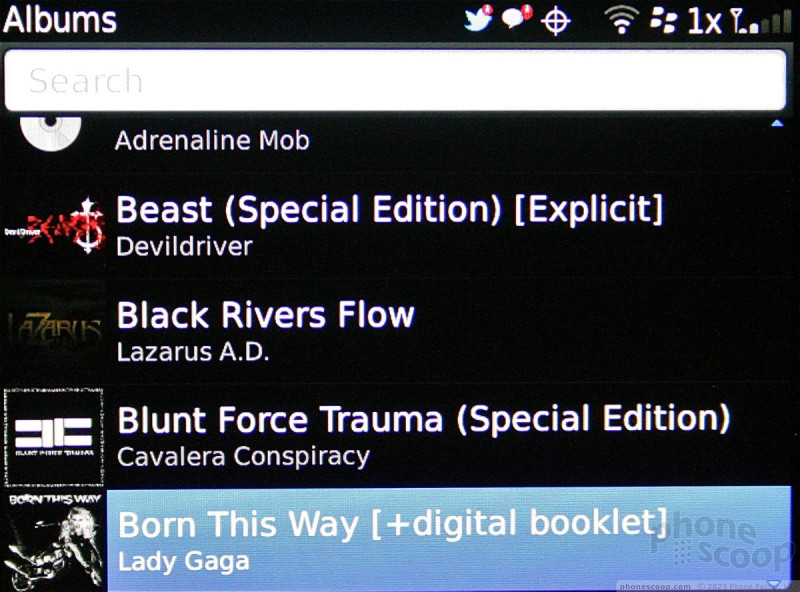
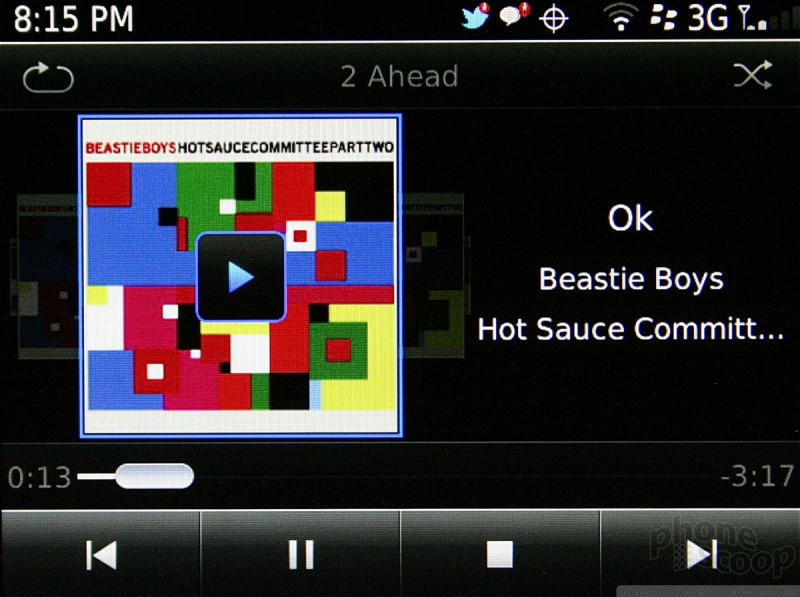
RIM hasn't changed the music app much. When viewing artist, album, or song lists, album art is displayed next to the file or folder in question. Once you've chosen to listen to a song, the 9900 automatically displays cover art in a coverflow appearance for the current playlist. This means that while you're listening to the music, you can scroll through your library visually via album cover art. It's neat.
The music player can be sent to the background and users may listen while doing other things, such as browsing the web. Incoming calls pause music, which resumes once the call is disconnected.
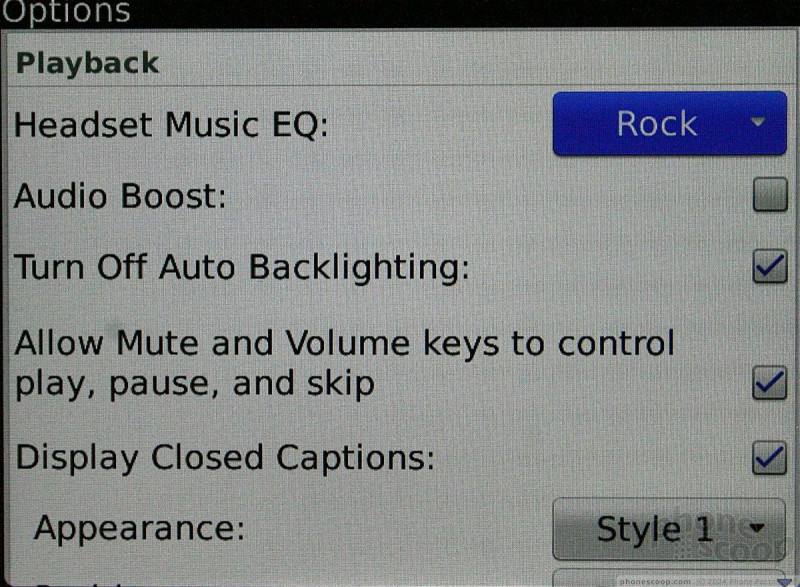
There are some advanced options, but not too many. There is an audio boost; captions can be turned on/off; and music can be enhanced when the 9900 is used with headphones.
As for syncing, the latest version of BlackBerry Desktop manager is helpful for stuffing the 9900 full of your favorite playlists. It can add songs via USB cable or Wi-Fi.
The media player also has access to the Amazon MP3 store installed, and Slacker Radio is on board as well.
Video
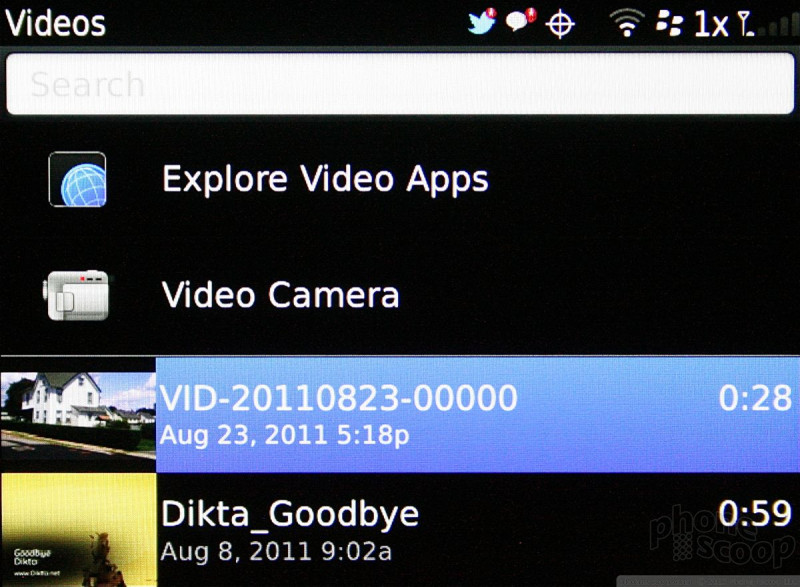
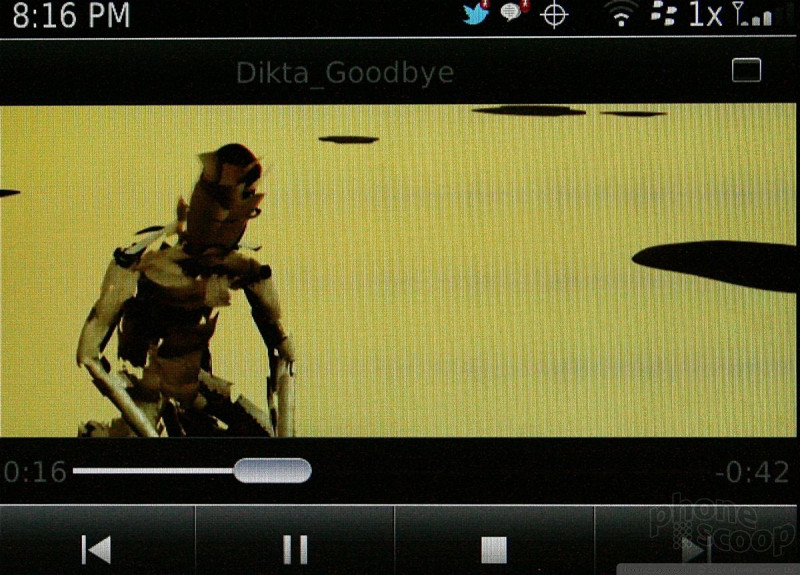
The 9900 comes loaded with a few video features. First, there is a dedicated video application that can play sideloaded or captured content. There is also a YouTube application for managing and interacting with your YouTube account.
Nice as these options are, they don't make up for the fact that the 9900's screen simply isn't meant for consuming video. I'd never think to watch a movie on it, even though the video content I sideloaded looked really good on the 9900's solid display. It's just too small.
 AT&T and RIM Announce 4G BlackBerry Lineup
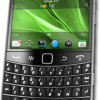 New BlackBerry Bolds Add Touch, NFC, Run OS 7
 BlackBerry Bold 9900