Review: HP Veer 4G
Camera
The camera software on the Veer is as disappointingly bare-bones as on previous webOS devices. The camera app is one of the slower apps to load. Once it does, all you get is a shutter button and a button to switch to the camcorder. There doesn't appear to be auto-focus, as shots are simply fired off as fast as you can press the shutter button. Perhaps the speed with which the Veer can capture images is its best feature. You can't do anything else, such as set up white balance, exposure, scenes, etc. Advanced photogs will be disappointed.

Gallery
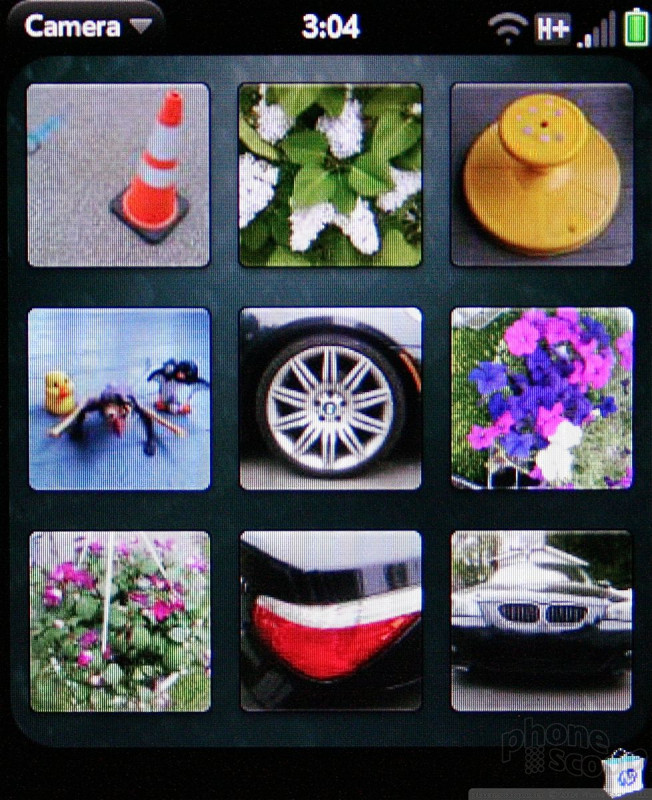
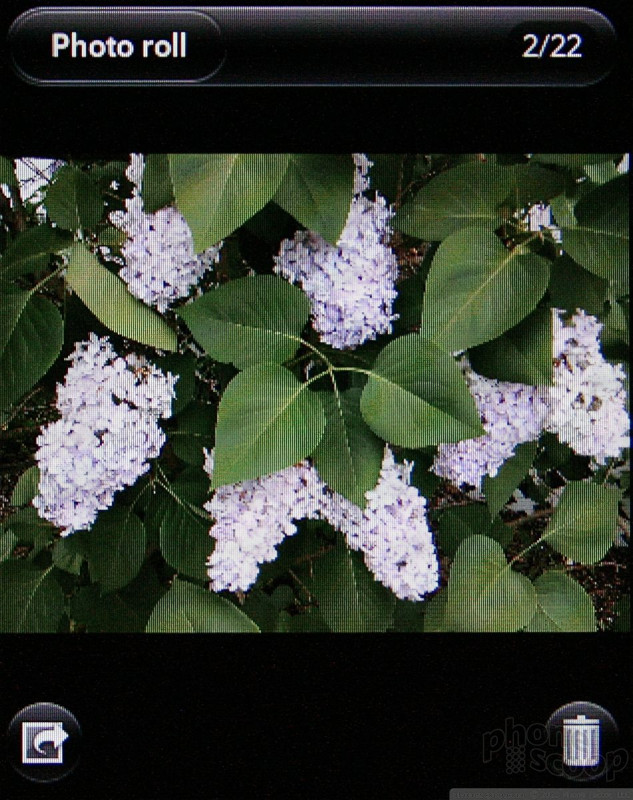
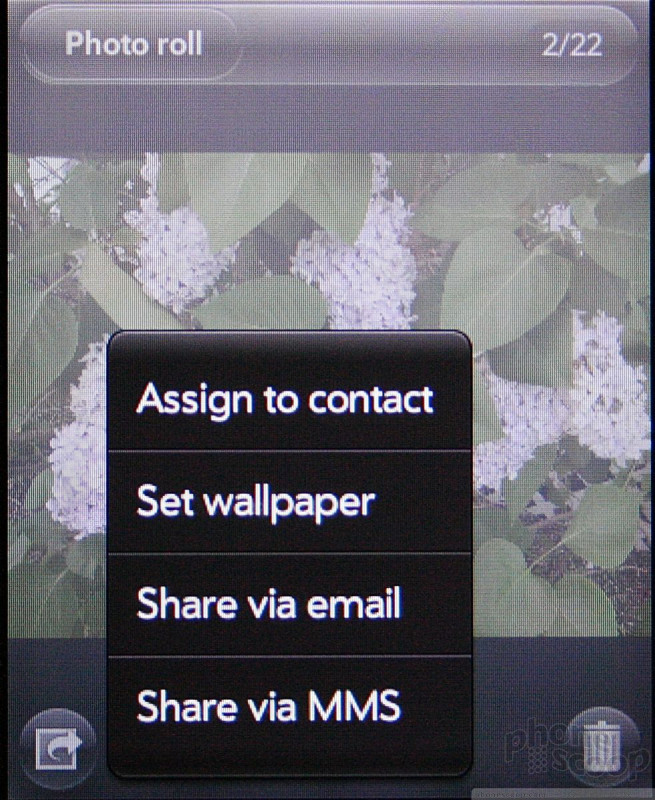
If you thought the camera lacks features, wait until you check out the Gallery. You can barely do anything with it. You can view pictures (in list or grid view), delete them, set them as contact/wallpaper, or send them off via MMS or email. That's it. There are no editing features (not even basic ones).
Combined, the camera and gallery applications are about the weakest and most featureless of any smartphone platform. You need to do better than that, HP.
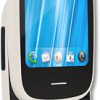 HP Veer Landing On AT&T
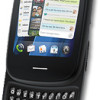 HP Announces Veer
 iPhone 14 Plus Offers a Big Screen For Less
 Qualcomm Taps Iridium for Satellite Connectivity
 HP Veer