Review: HTC Droid Incredible 2
HTC's treatment of the phone application doesn't change too much from what unadulterated Android would provide, but what is different makes the Incredible 2 much easier to use.
By default, the phone app opens with the dial pad on the bottom half of the screen and your top favorites above it. The phone app automatically sorts through your contacts as you dial a number, so you can easily jump though a large contact database quickly.
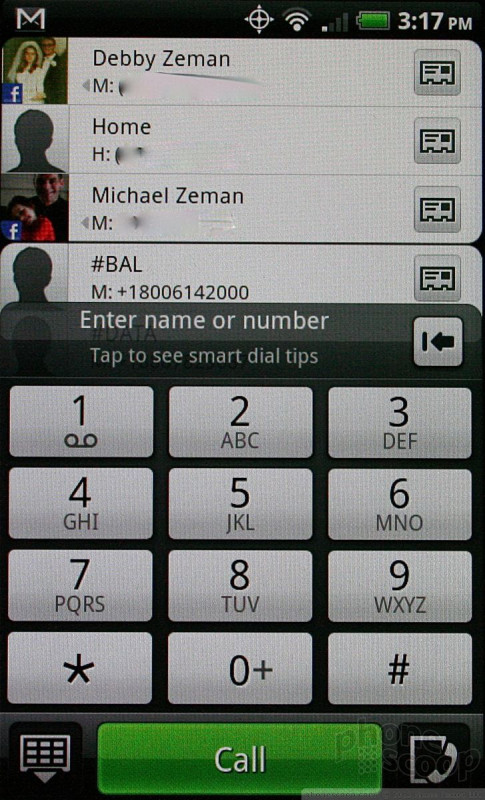
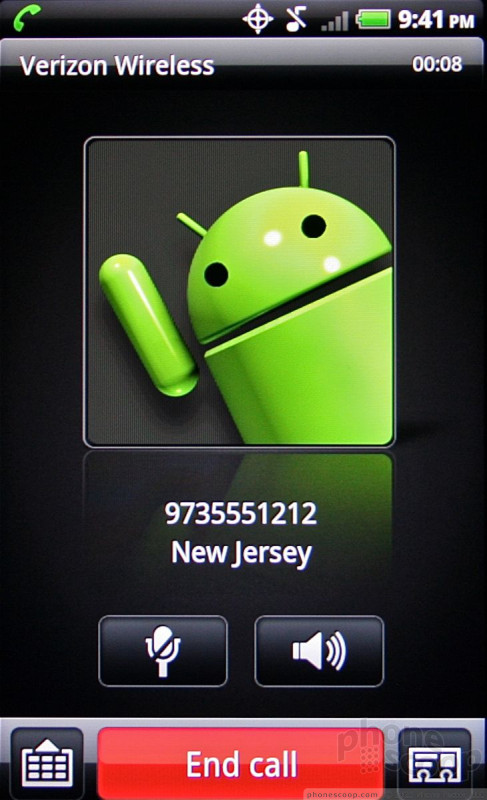
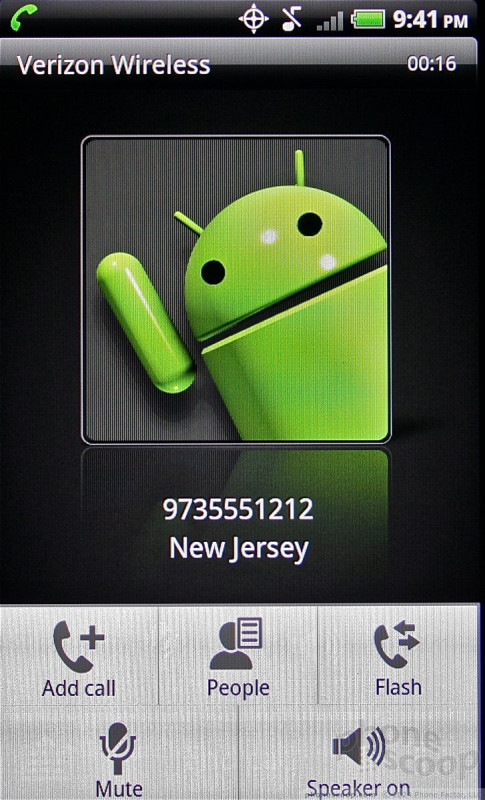
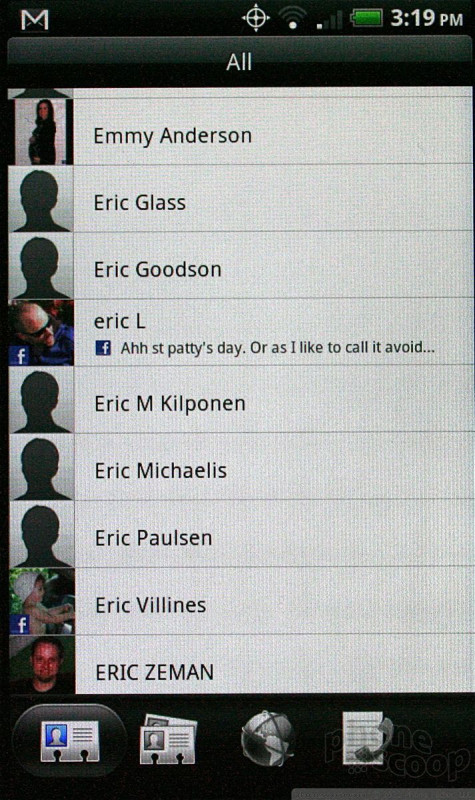
If you've synced the Incredible 2 with a Facebook account, the device automatically adds not only your friends' Facebook profile pictures to their contact info, it also ports over any phone numbers stored in their Facebook profile. This feature isn't unique to the Incredible 2, though.
The synergy between the calling and contacts apps is very well done with Sense. I like what HTC has done to make them one tool, rather than separate functions. For example, both the calling and contact applications share the same sliding dock at the bottom that lets you sort through contact groupings with a simple swipe of the thumb.
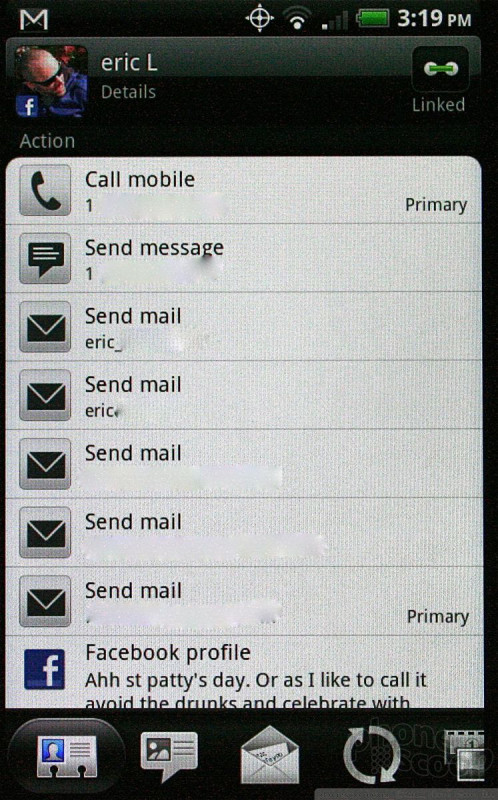
 HTC Droid Incredible 2