


Review: HTC Thunderbolt
Browser
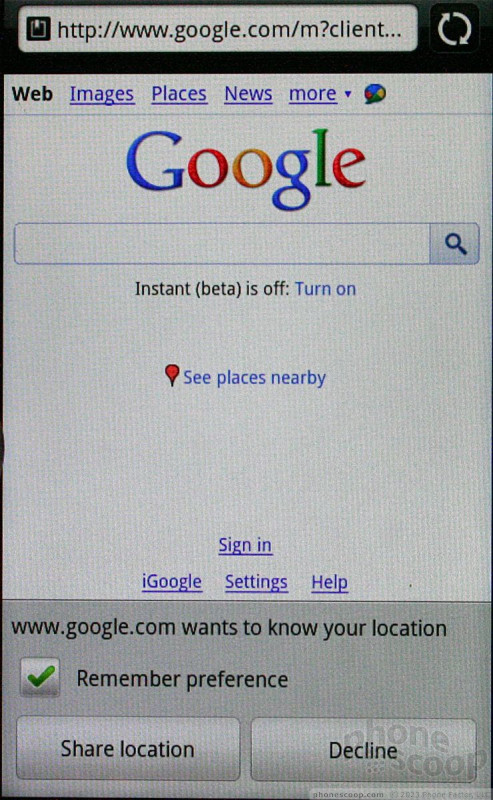
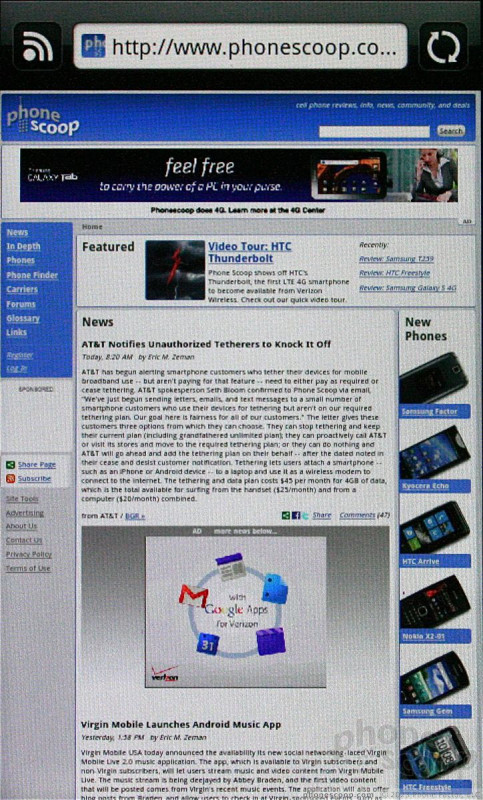
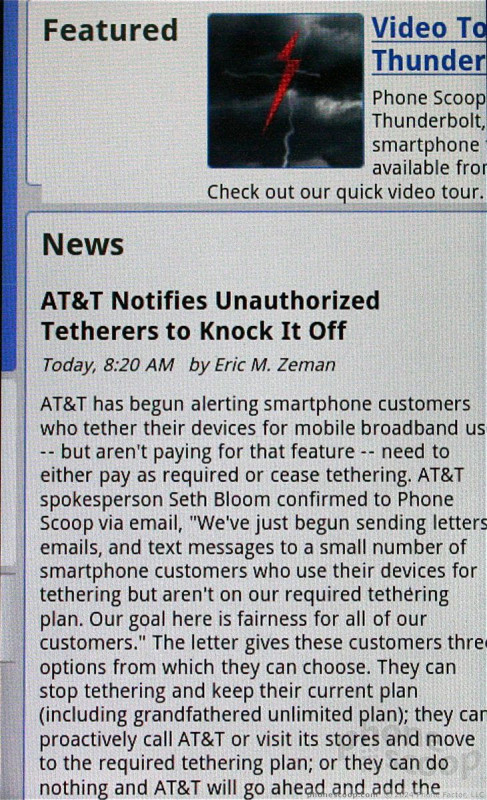
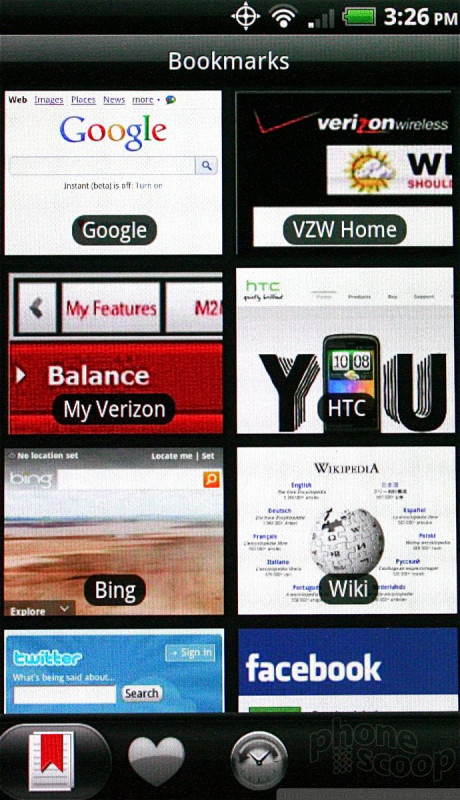
Browsing the web when covered by LTE 4G is flat-out ridiculous. Web sites load instantly. There's no delay, no hesitating, the pages just appear. Everything from NYTimes.com, CNN.com, ESPN.com, YouTube.com, CollegeHumor.com, and so on loaded in a snap and looked great on the Thunderbolt's big display. As noted above, download and upload speeds were hugely fast, though it is worth mentioning that I was probably the only person using the LTE network at Teterboro airport. Having LTE backing up the browser is simply awesome (as long as you have a power outlet nearby).
Customize
We've noted in the past how HTC's Sense user interface is one of the best when it comes to user customization. The Thunderbolt isn't any different in that regard. Sense lets users adjust about every element of the home screens, wallpapers and other behaviors of the phone.
 Video Tour: HTC Thunderbolt
 HTC ThunderBolt


