Hands-On with the LG Optimus 3D
Feb 14, 2011, 6:13 AM by Rich Brome
We had time to play with LG's new Optimus 3D, with 3D display, 3D camera, and dual-core, dual-channel architecture. See what we think about this unique new phone.
The Optimus 3D is undoubtedly LG's flagship for 2011. Just a month ago, we thought that would be the Optimus 2X, but this industry moves too quickly for that.
It has a lot of firsts, including a huge, serious 3D display, 3D camera, and a high-performance architecture that LG claims makes it one of the fastest phones in the world.
Hardware
The display is really something. It definitely has a "2D mode" and a "3D mode". In 2D mode, you can't tell it's a 3D display, and it's bright (VERY bright,) smooth, huge, and high-resolution. There are no compromises that we could notice.
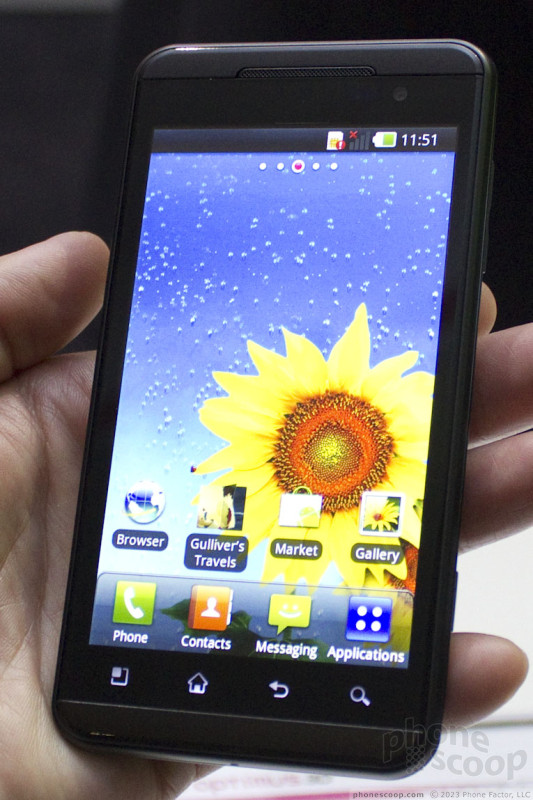
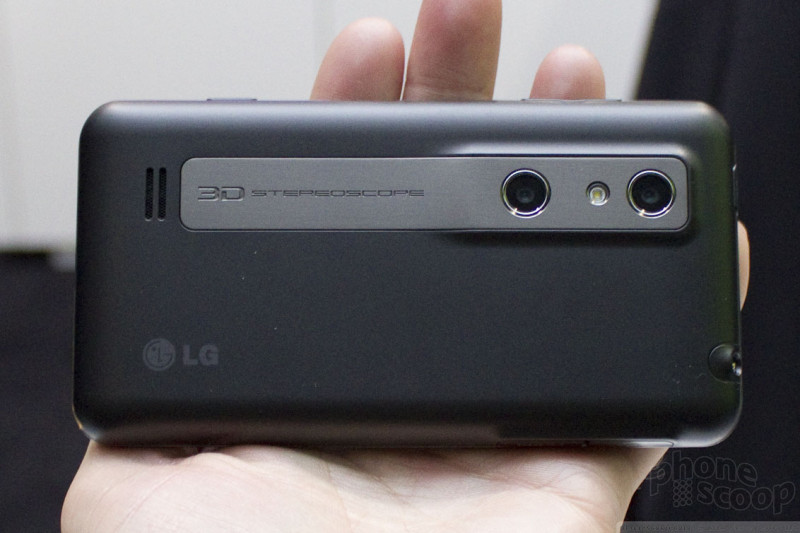
But as soon as it switches to 3D mode, you definitely see the 3D effect. It requires no glasses, which is definitely good in a phone (can you imagine carrying around glasses to use with your phone?) However, like all current glasses-free 3D displays, the viewing angle is very tricky. First, it only works sideways (landscape mode) although of course that's how you'd want to view videos and most games anyway. Moving the phone an inch closer or farther changes the 3D effect; you need to find the sweet spot in distance. Even trickier is the side-to-side angle; tilt it just one degree off and the 3D effect is ruined. It's very tricky to align it correctly with your eyes and even trickier to keep it aligned. When you do, it works, but it's kind of a pain to get it just right.
As with most 3D displays, resolution and brightness are halved when in 3D mode, and it's quite noticeable.
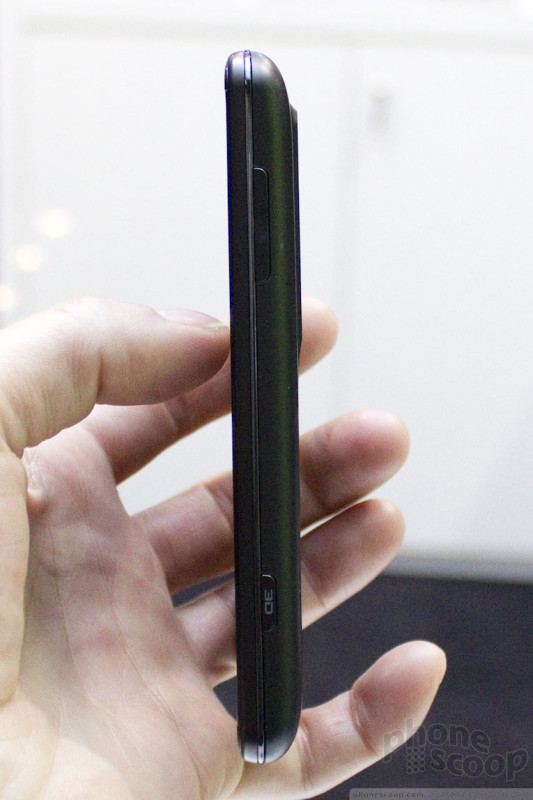
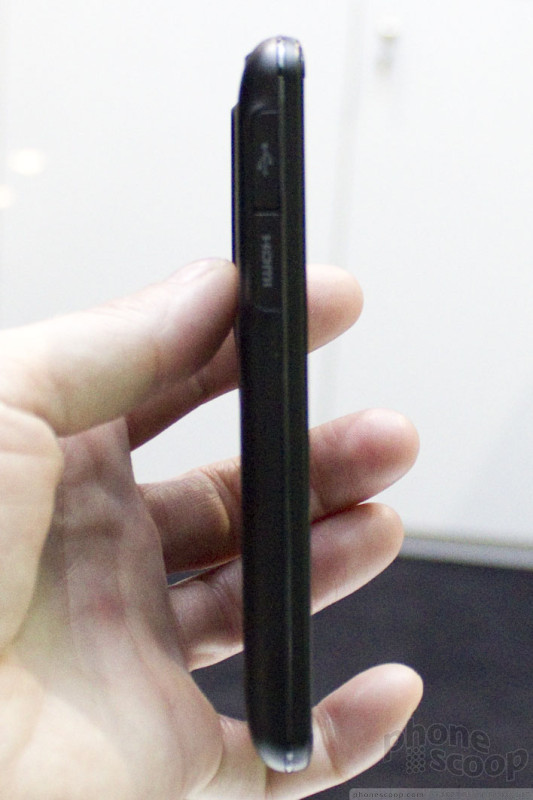
The overall feel is good. It's not as thin as Samsung's Galaxy S II, but it's still pretty thin, especially for a phone with such high-end specs. The build quality is decent. It's all plastic, and feels like it, but still high-quality. Some small metal flourishes add a touch of class, at least visually.
The side keys feel good. Instead of a camera button, it has a dedicated 3D button for launching a special menu for all of the 3D features. I might prefer a camera button. There are touch keys below the display that light up when you touch them, but are invisible before you touch them, even when the phone is unlocked and in use, which makes them darn hard to find!
The innards include a 1 GHz dual-core OMAP 4 processor. LG is making a big deal about not just the processor, but the "dual-channel" and "dual-memory" architecture. They didn't go into detail about what that means, but they claim it goes a long way to improve performance. It could mean dedicated circuits for general processing vs. graphics (that would be combined / shared on other phones) but we haven't verified that.
Software
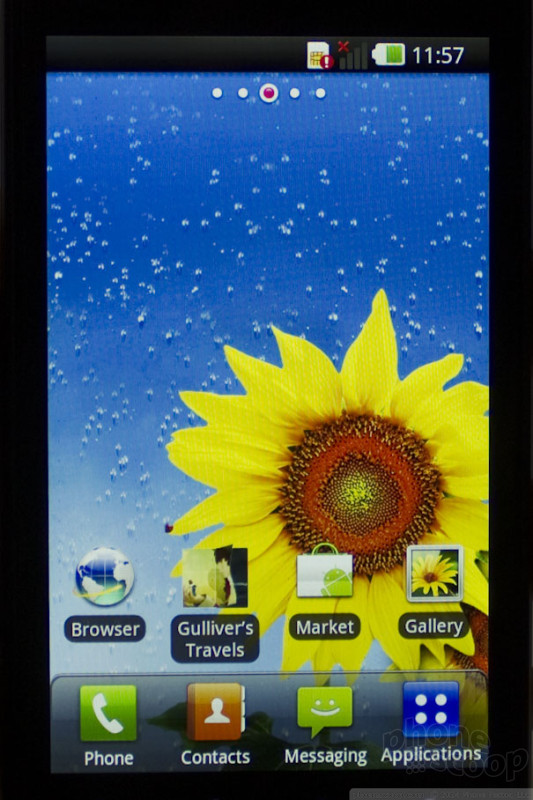
The general software is pretty much standard Android, with LG's usual visual tweaks.
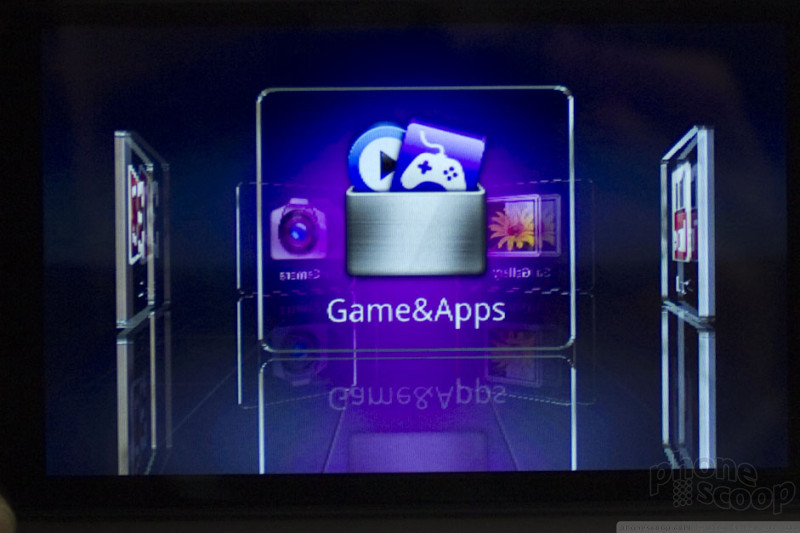
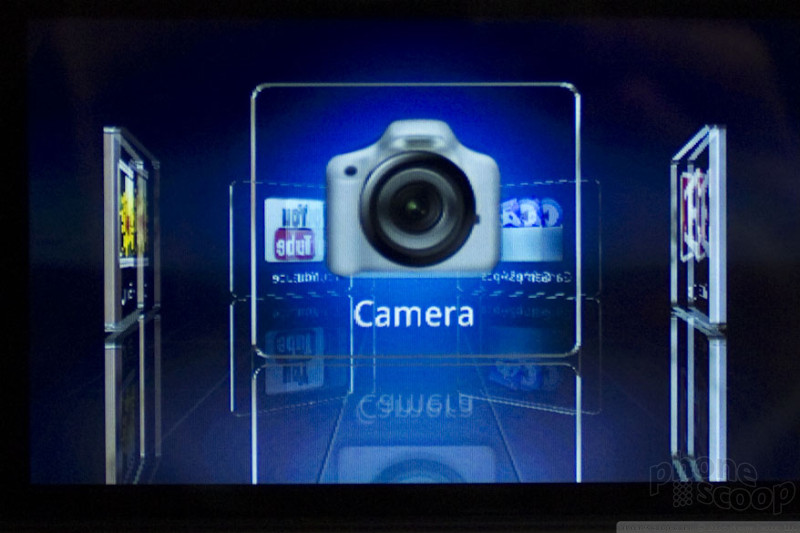
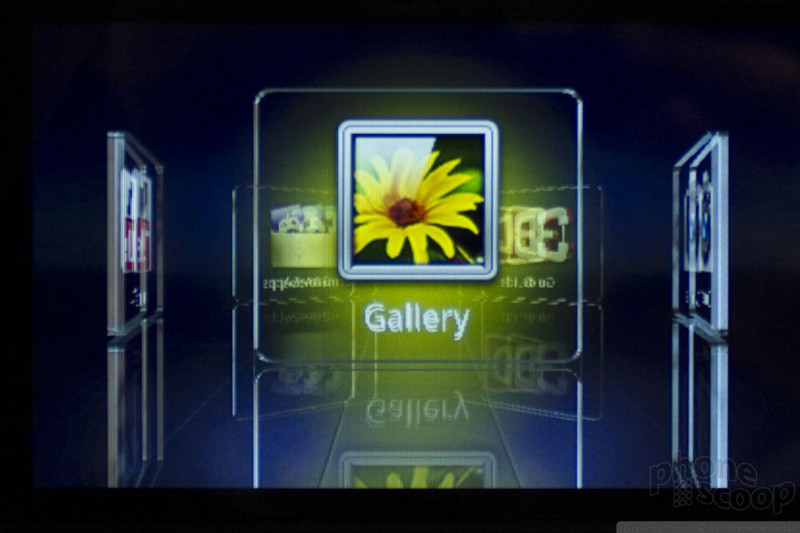
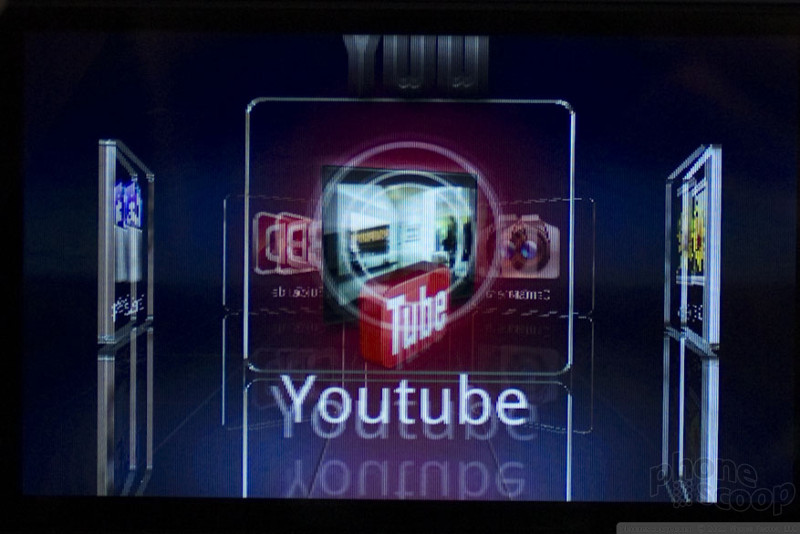
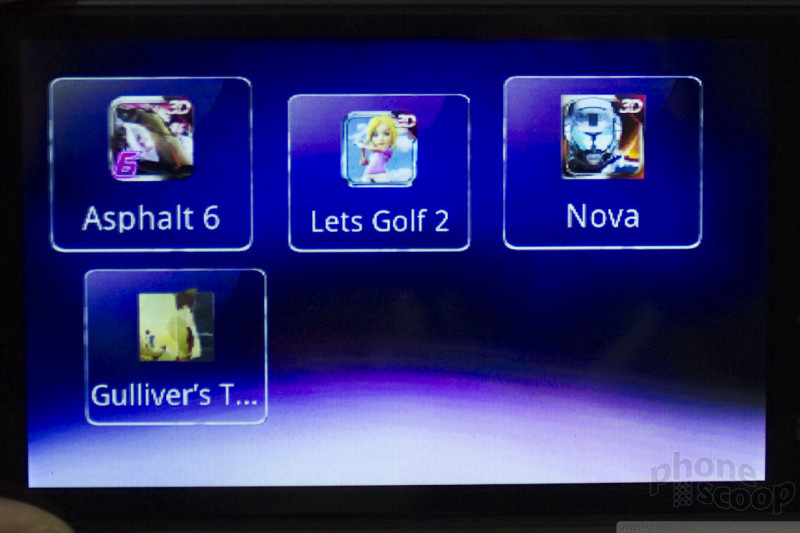
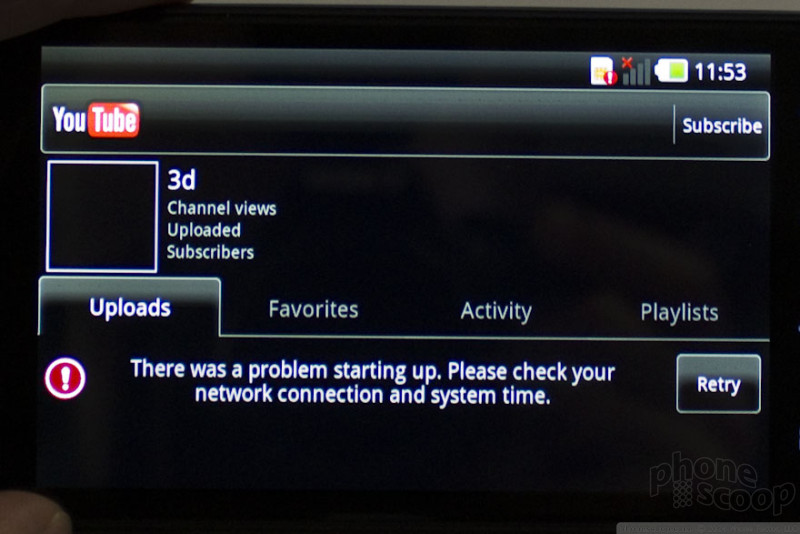
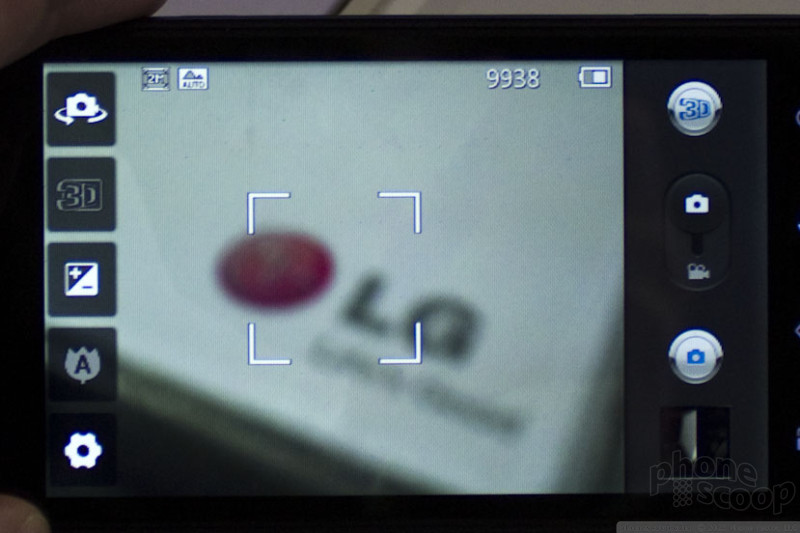
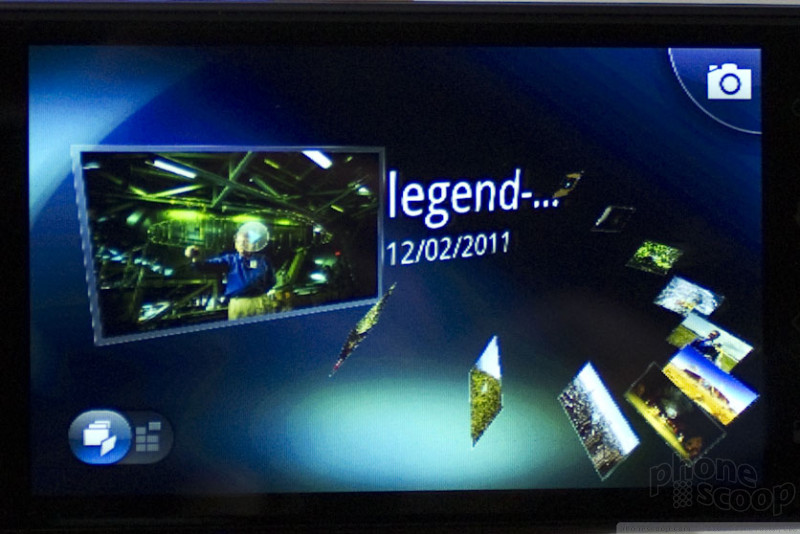
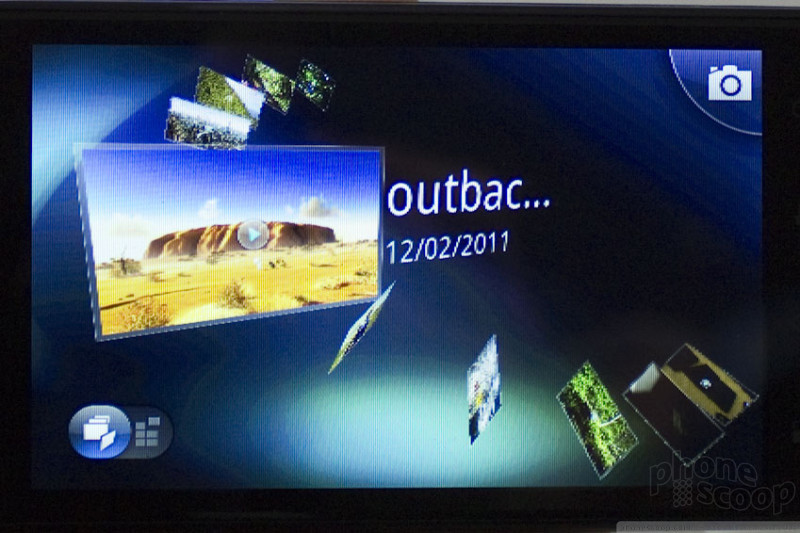

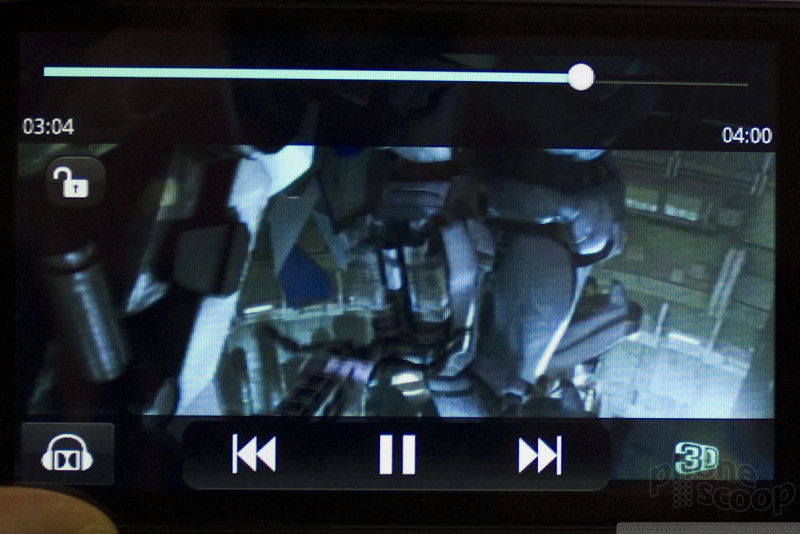
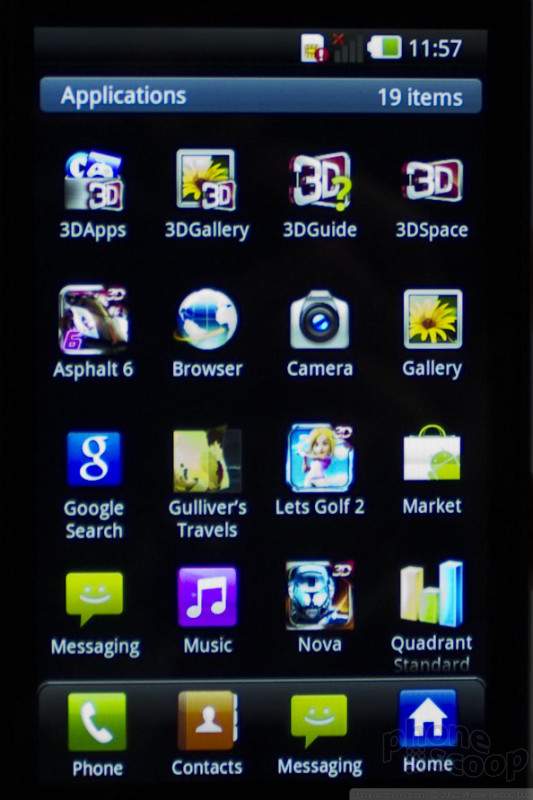
The 3D button brings up a 3D menu of 3D-related apps, including 3D video capture, YouTube 3D, and 3D games.
YouTube 3D is exclusive to LG devices for a few months.
LG has included their own video player, always a good idea on an Android phone.
Of course we can't show you the 3D effect, but trust us, it works.
 About the author, Rich Brome:
Editor in Chief Rich became fascinated with cell phones in 1999, creating mobile web sites for phones with tiny black-and-white displays and obsessing over new phone models. Realizing a need for better info about phones, he started Phone Scoop in 2001, and has been helming the site ever since. Rich has spent two decades researching and covering every detail of the phone industry, traveling the world to tour factories, interview CEOs, and get every last spec and photo Phone Scoop readers have come to expect. As an industry veteran, Rich is a respected voice on phone technology of the past, present, and future.
 Hands-On with The New LG Thrill 4G
 Optimus 3D, HD7 Come To AT&T
 LG Thrill 4G / Optimus 3D


Comments

Question
What happens when you transfer these captured 3D Pics and Vids to your PC or send them to another phone?
the Display is the key, along with the camera, i get that... but will images and vids be 3D (but need glasses) when viewed on another machine?
John B.