Review: HTC EVO Shift 4G
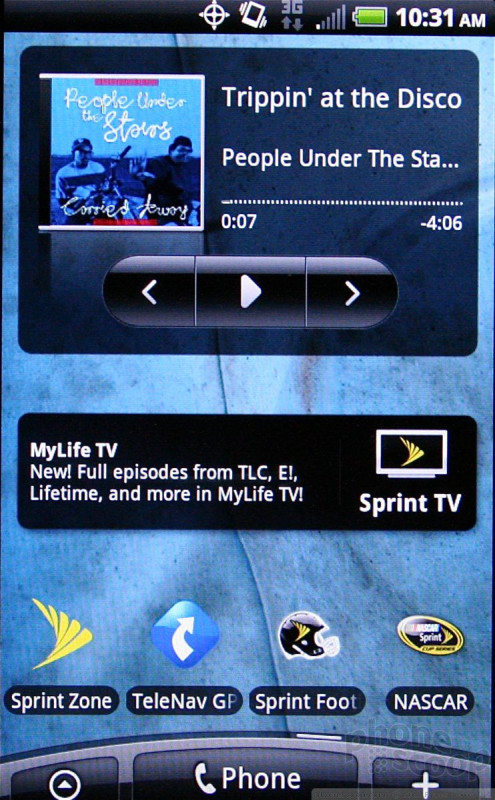
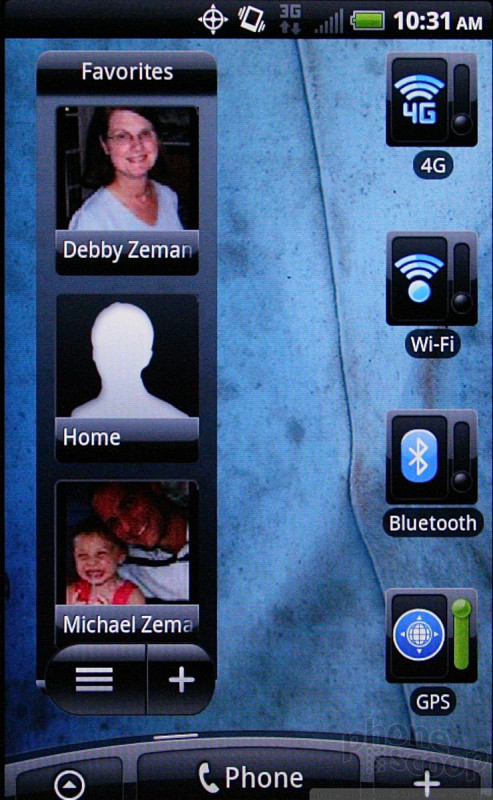
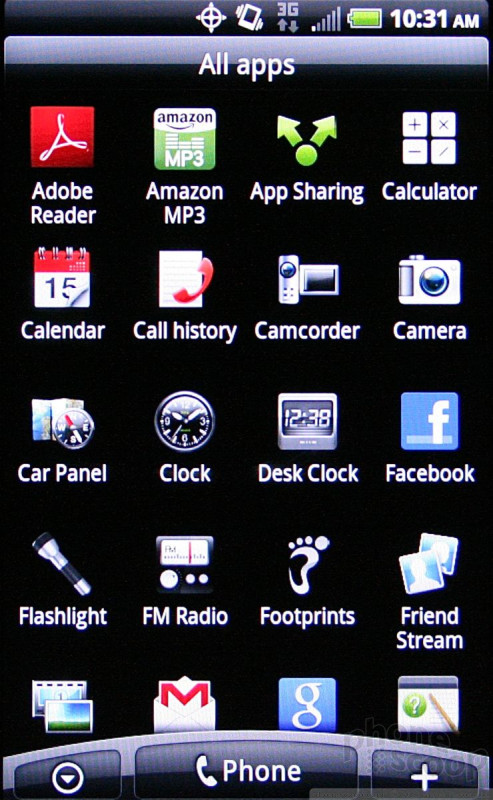
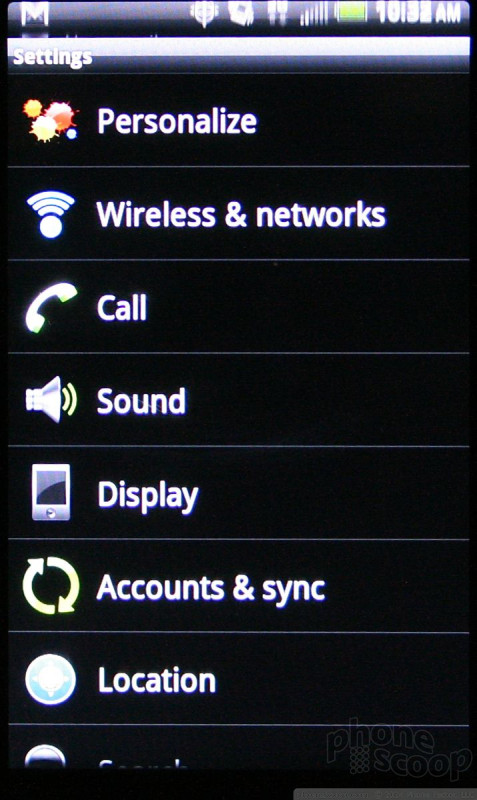
The EVO Shift 4G runs the newest version of HTC's Sense user interface overlay. Sense offers 7 home screens on which to stuff content. The basic menu architecture of Android itself hasn't changed, and HTC hasn't made too many obvious improvements to the main menus.
One of the other neat features of Sense is that it offers a number of different "Scenes." Each Scene is basically a completely different set of configurations for the home screens. For example, the "Work" Scene prioritizes work email, calendar, and so on. All of the screens are rearranged with different applications, widgets and shortcuts to reflect this. Each can be customized, meaning that users have an infinite way to arrange apps and content on their device.
As for speed, the EVO Shift 4G has an 800MHz processor, which is slower than the 1GHz processors that many of today's Android devices use for power. Amazingly, that doesn't appear to have any impact on speed of the user interface or the device's general performance.

 Hands On with the T-Mobile SyncUp Kids Watch
 iPhone 14 Plus Offers a Big Screen For Less
 HTC EVO Shift 4G