


Review: BlackBerry 9670 Style
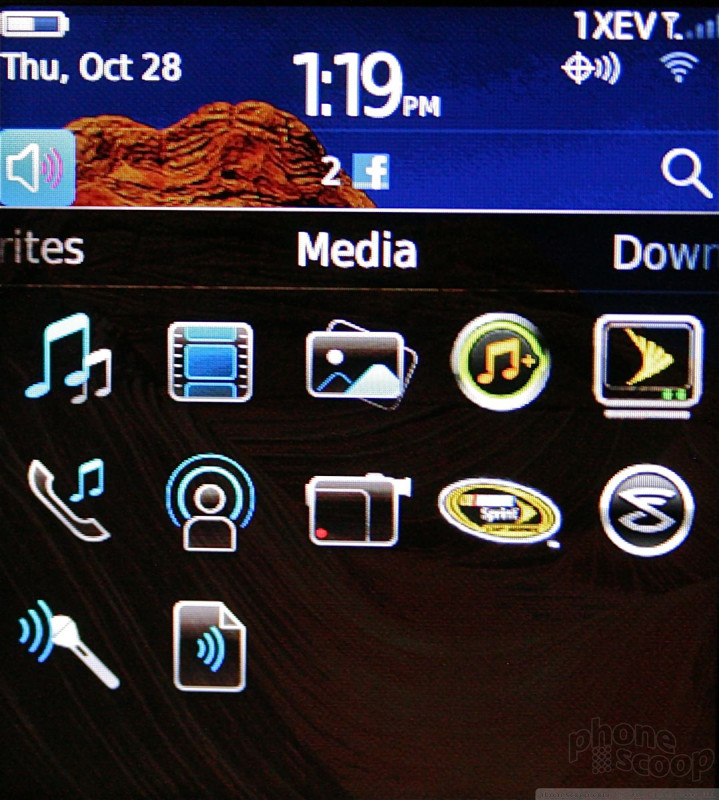
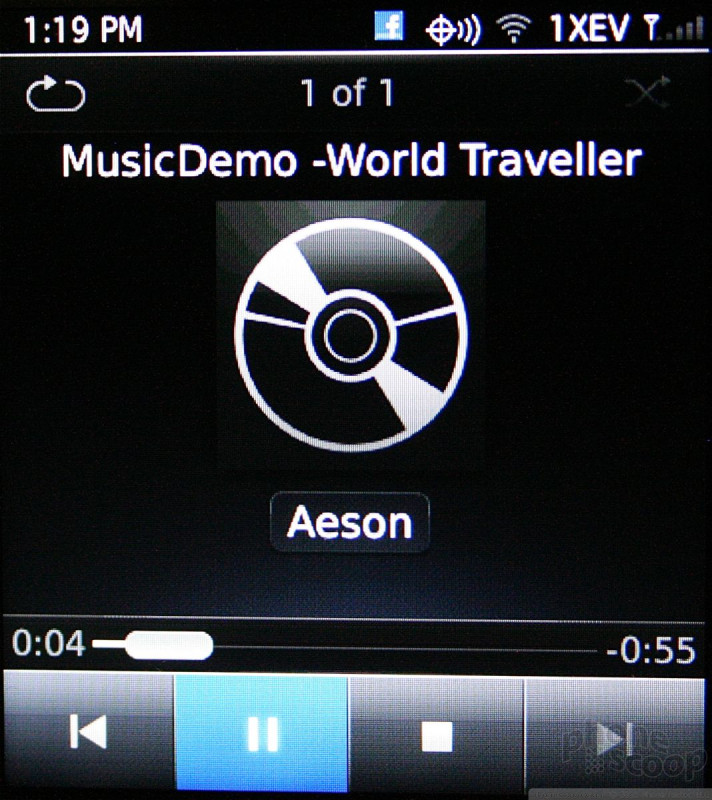
The media player was improved by RIM with the introduction of BB6, and the Style carries over the same new player as seen on the Torch. Now, when viewing artist, album or song lists, album art is displayed next to the file or folder in question. The result is a more visually pleasing experience.
Once you've chosen to listen to a song, the Style automatically displays cover art in a coverflow appearance for the current playlist. This means that while you're listening to the music, you can scroll through your library visually via album cover art. It's neat, and I like that it is built directly into the player, and not just the outer music menus.
The music player can be sent to the background and users may listen while doing other things, such as browsing the web. Incoming calls pause music, which resumes once the call is disconnected.
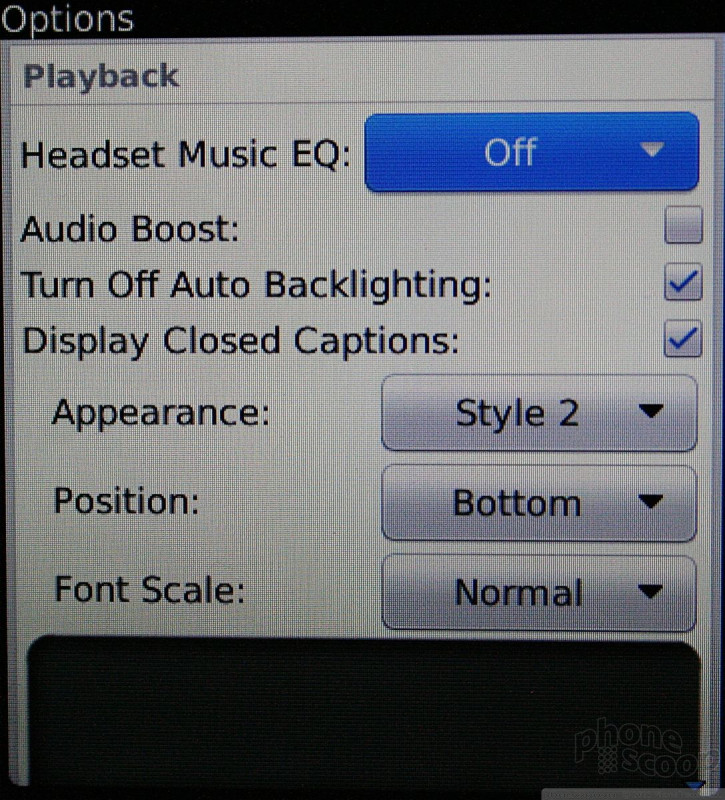
There are some advanced options, but not too many. There is an audio boost; captions can be turned on/off; and music can be "enhanced" (RIM parlance for adjusting the sound with its own pre-set EQ curve) when the Style is used with headphones.
The Sprint Music Store and Slacker are preinstalled so that users may seek out new tunes rather than listen to those they preloaded.
 Video Tour: BlackBerry 9670 Style
 iPhone 14 Plus Offers a Big Screen For Less
 Blu Gets Into US 5G with the Bold N2
 Sony's Newest Compact, High-End Phone is the Xperia 5 IV
 Apple Watch Goes Ultra
 BlackBerry Style 9670


