Windows Phone 7: Hands-On
Oct 11, 2010, 8:40 AM by Eric M. Zeman & Rich Brome
updated Oct 11, 2010, 1:53 PM
Hands-on with the full range of Microsoft Windows Phone 7 devices announced this week, including the HTC HD7 and Surround, LG Quantum, Samsung Focus, and Dell Venue Pro.
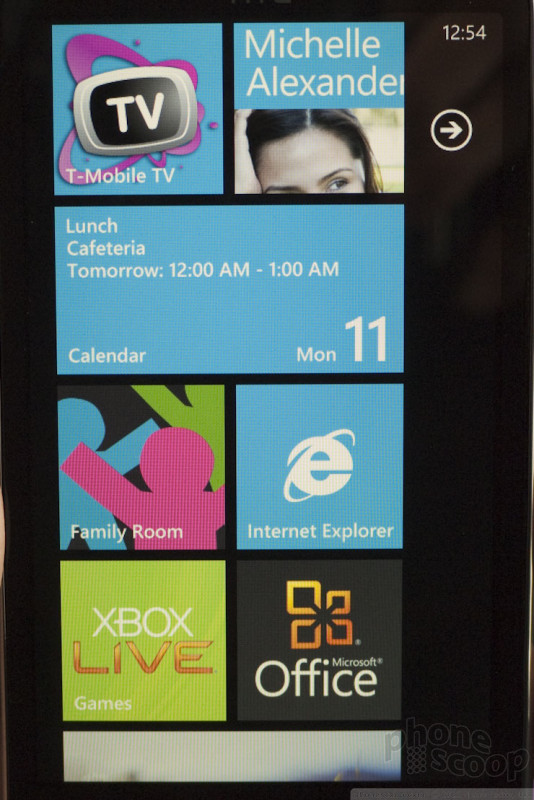
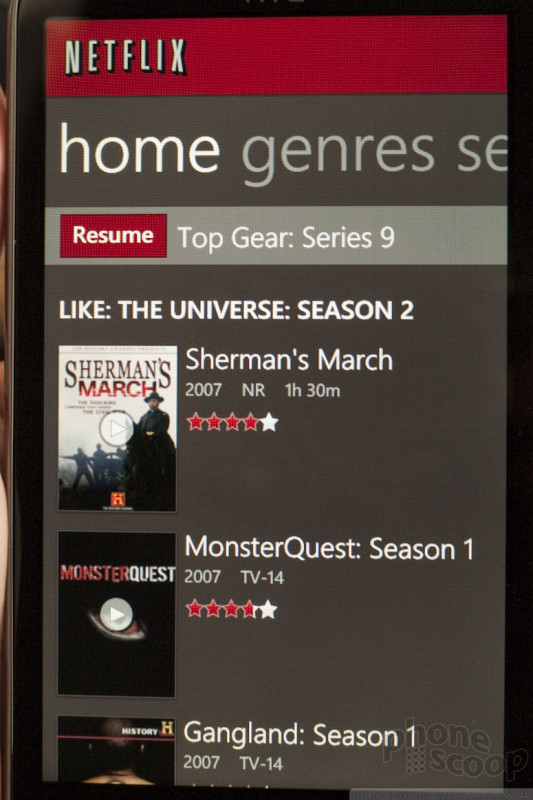
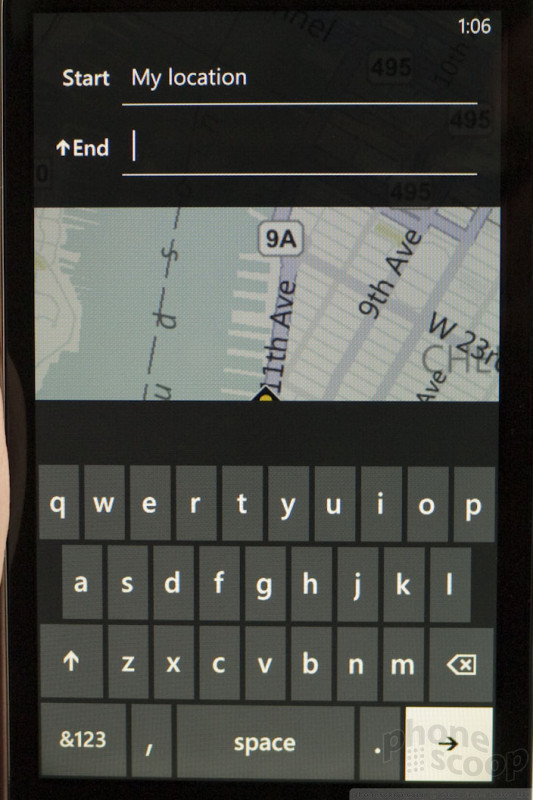
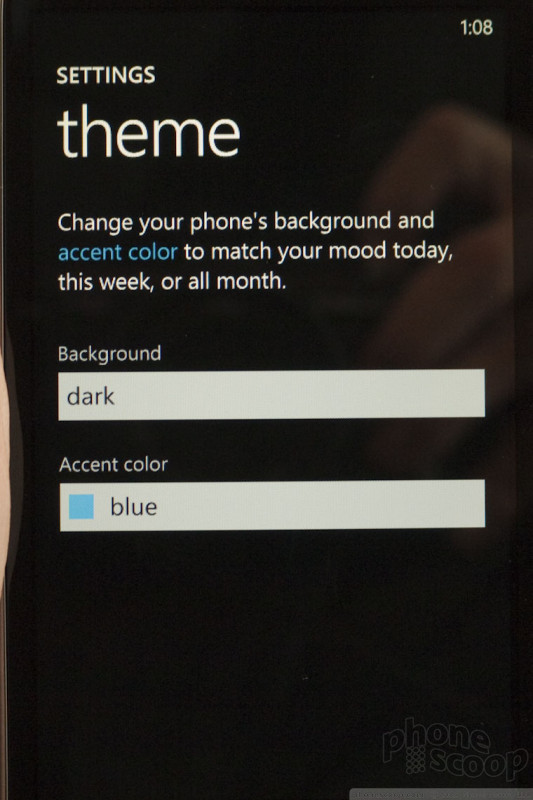
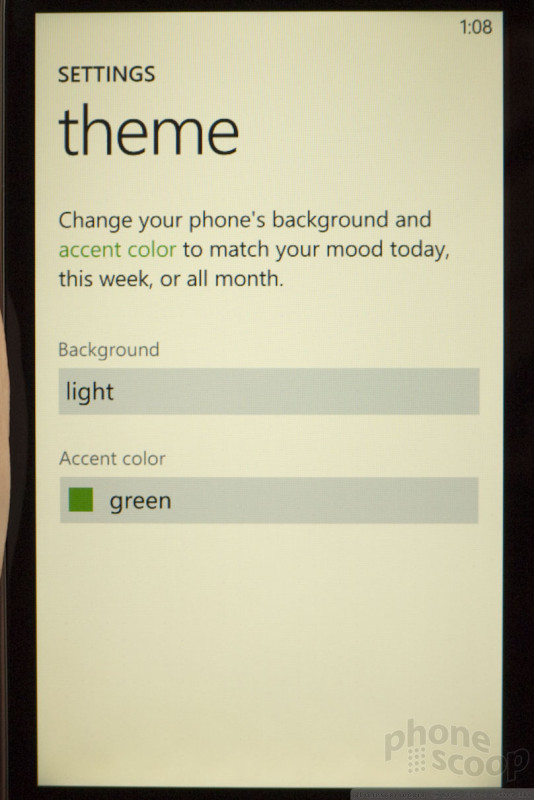
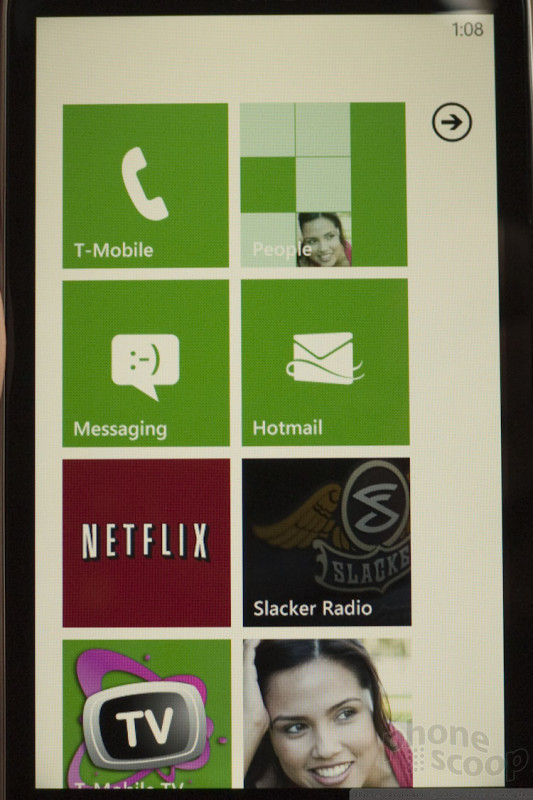
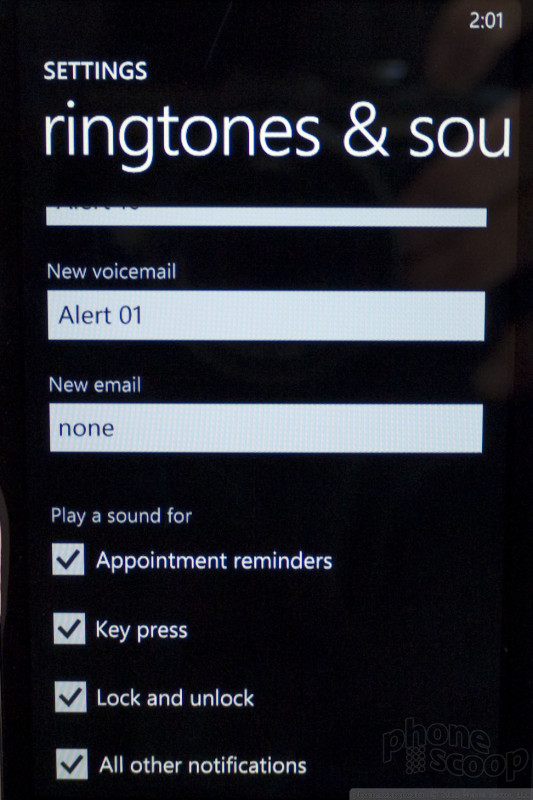
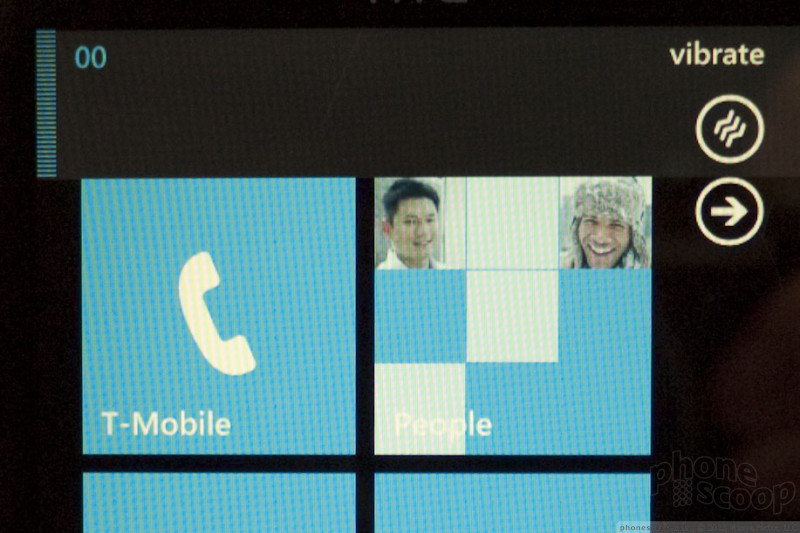
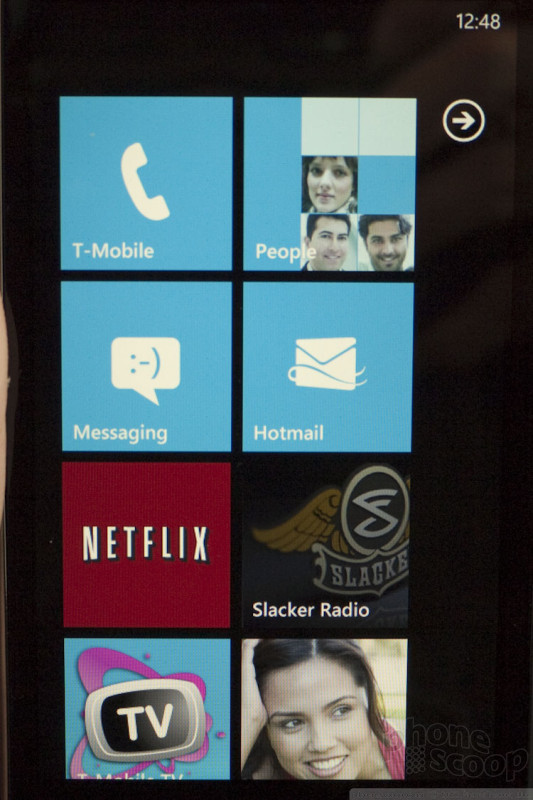
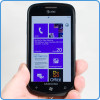
Windows Phone 7 is a wholly new user interface from Microsoft. It is based on tiles, hubs, and constantly-adjusting content that makes up the home screen. Users can change the layout of the home screen to suit their needs, and populate it with any number of tiles, each with its own application, shortcut or live information. In fact, Microsoft calls them "Live Tiles."
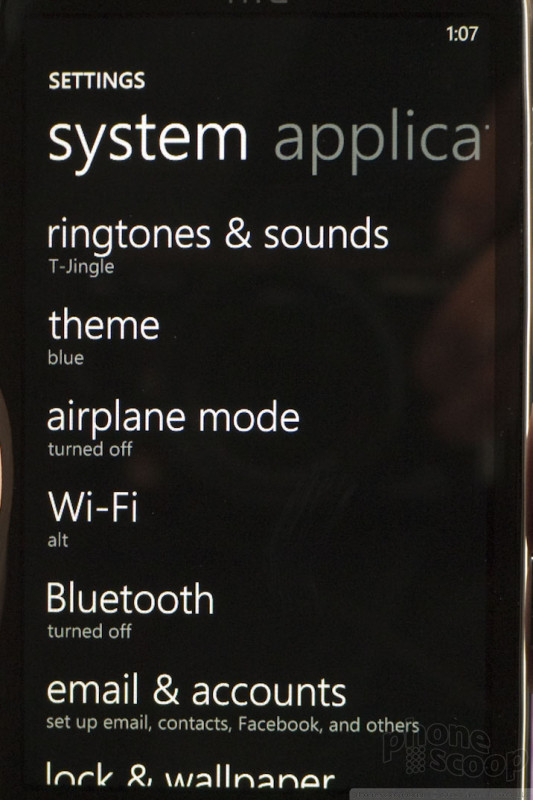
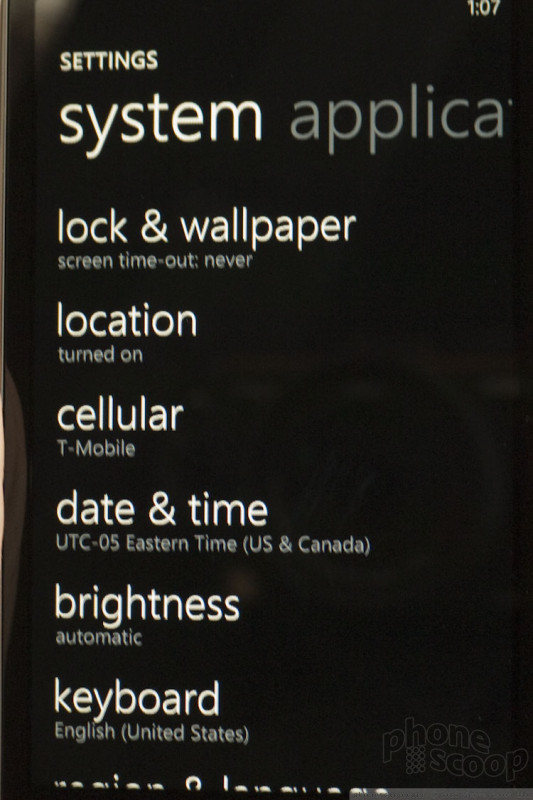
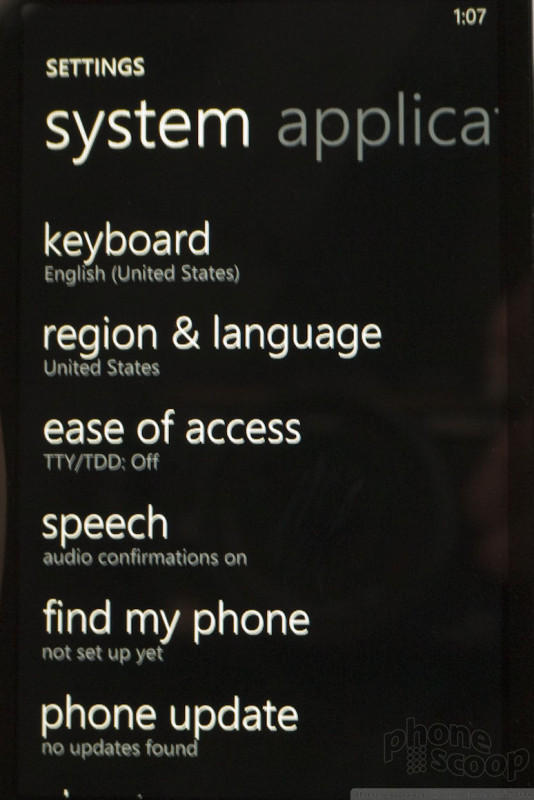
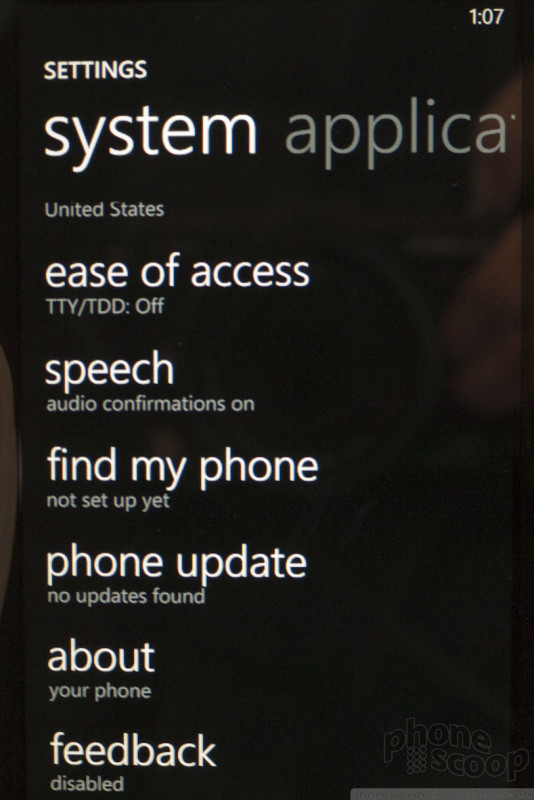
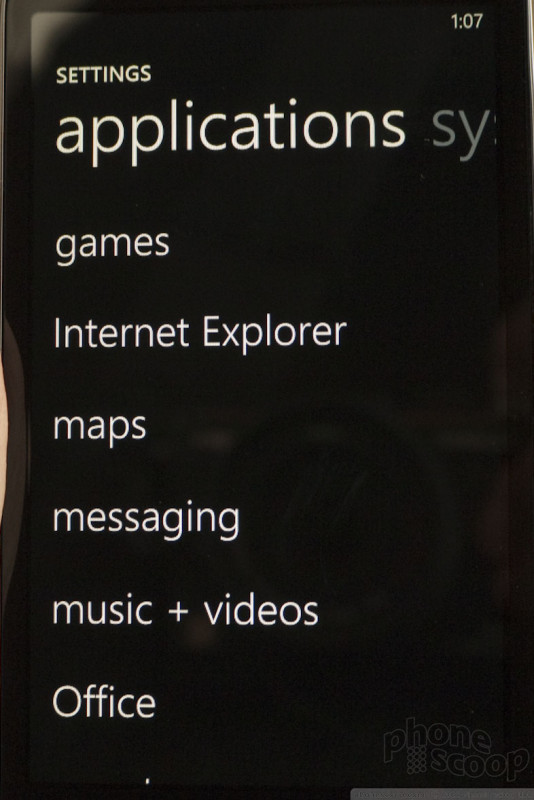
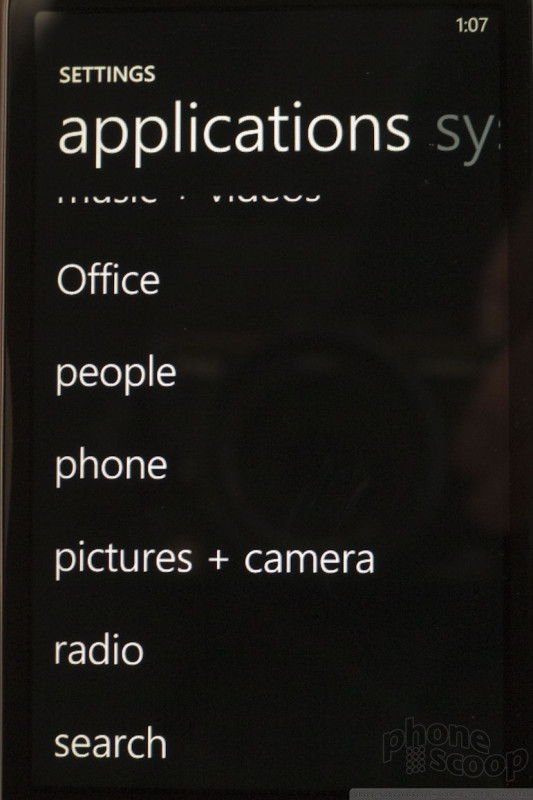
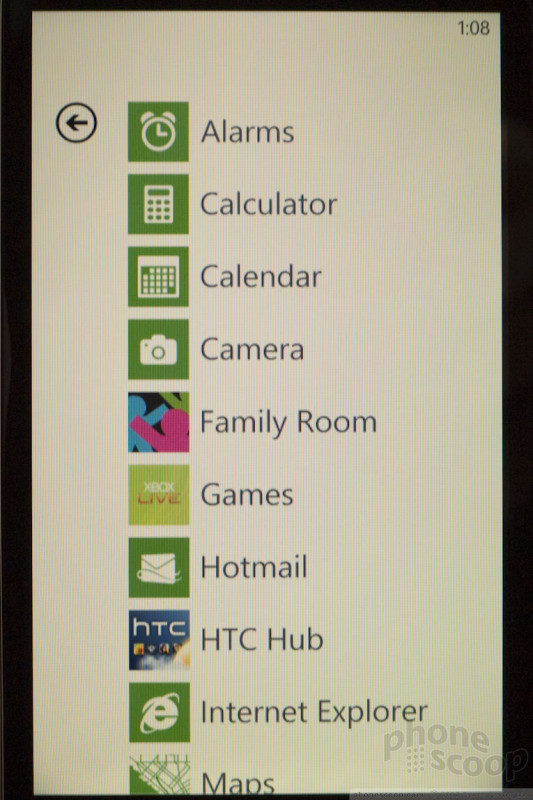
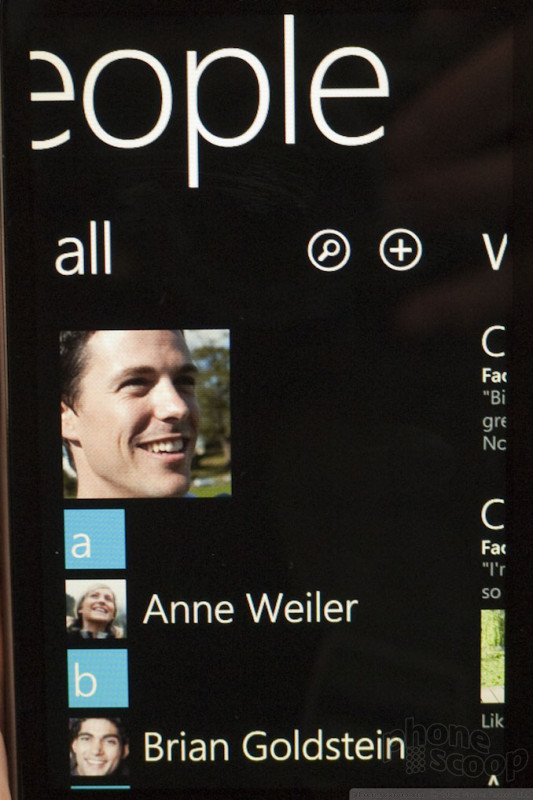
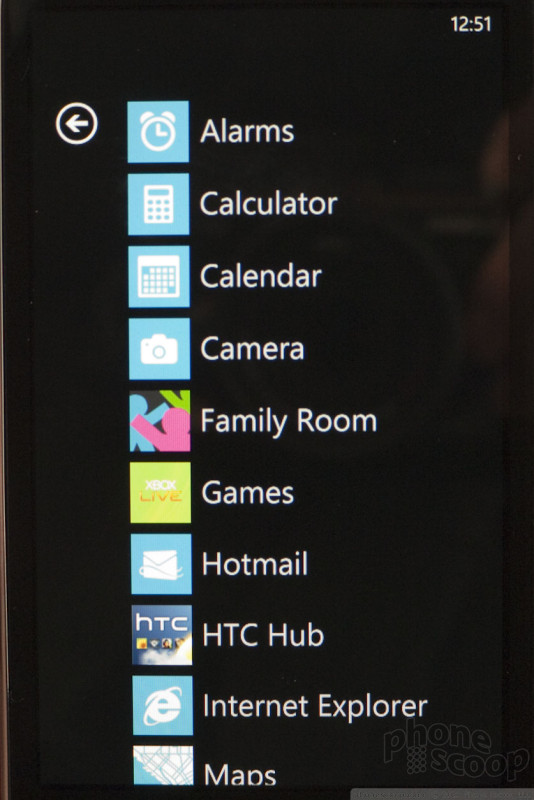
The tiles are laid out two-by-two in a lengthy column that stretches down the screen. Flicking up or down sends the home screen zipping in either direction. Swiping the main menu to the left opens a single-file list view of all the applications and settings. It is a long list, but you can scroll up and down quickly.
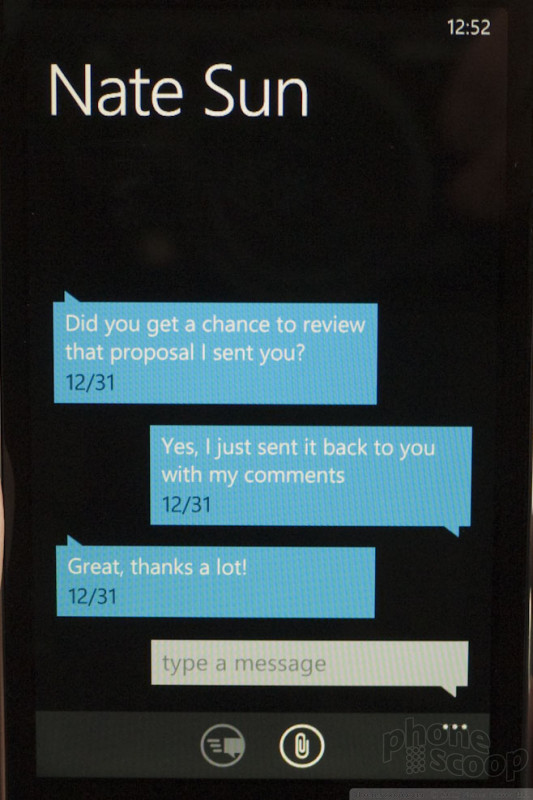
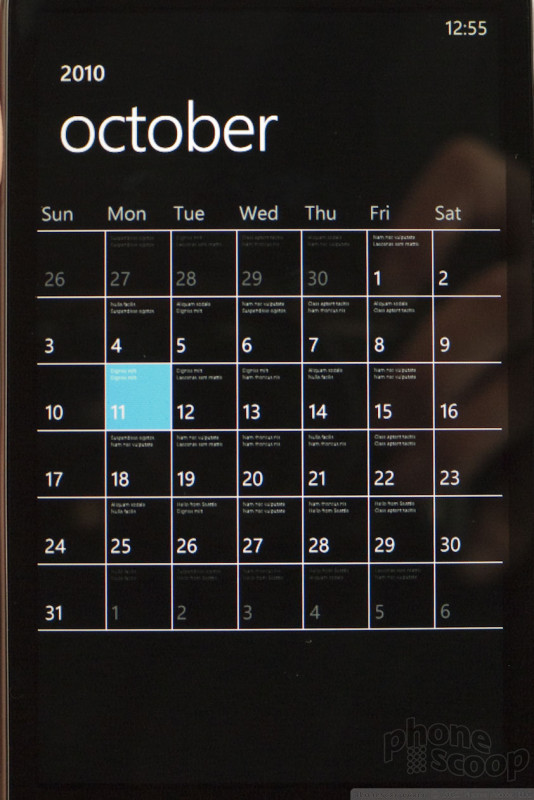
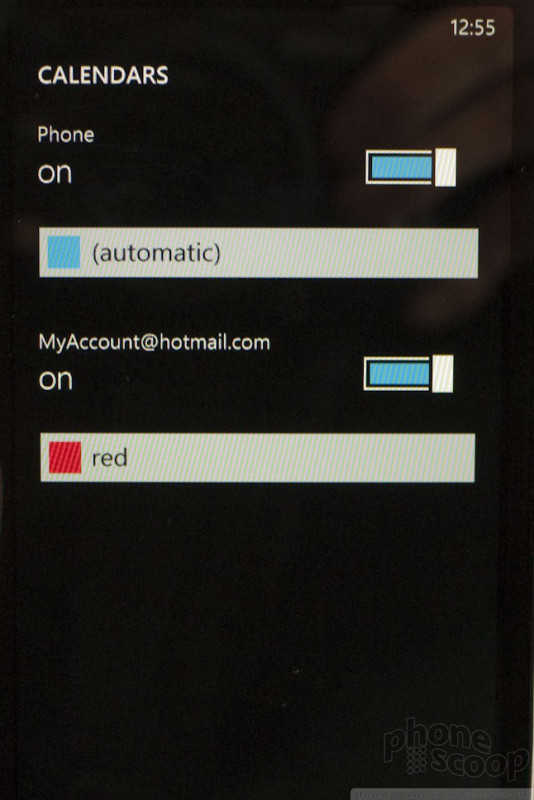
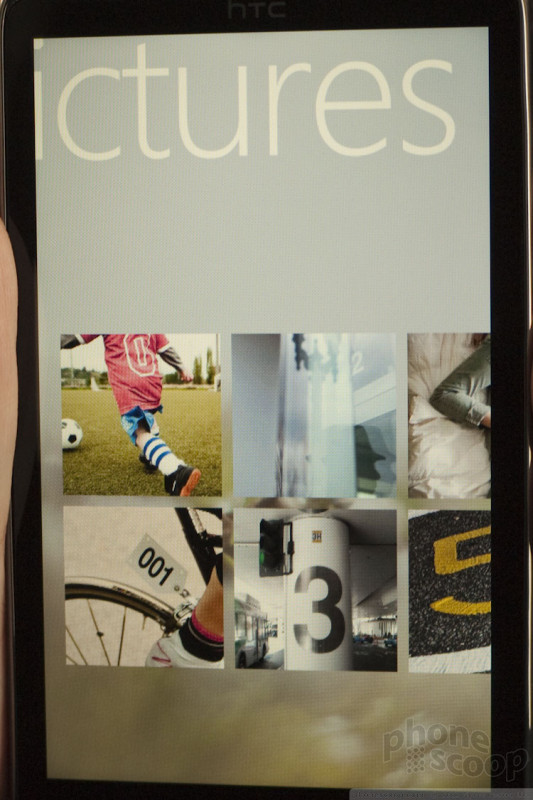
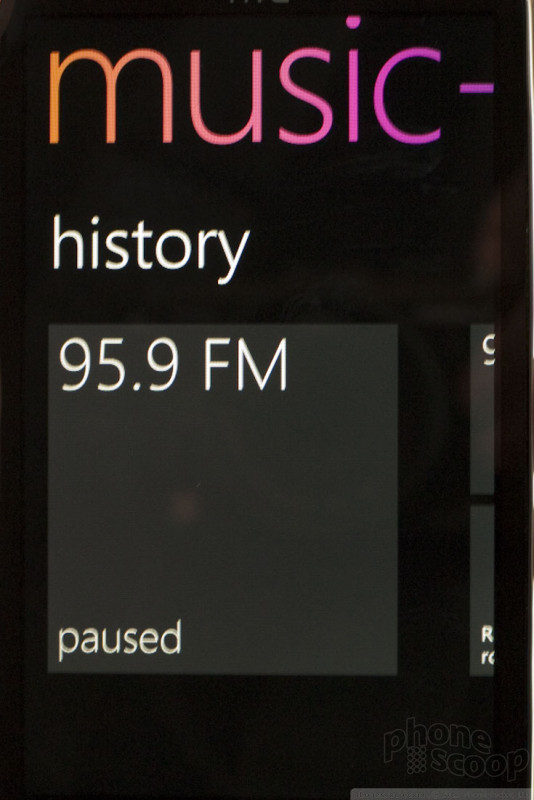
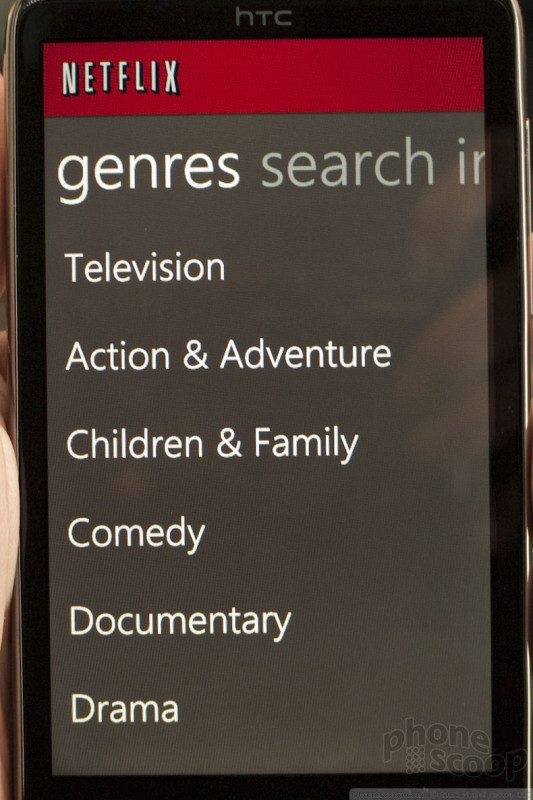
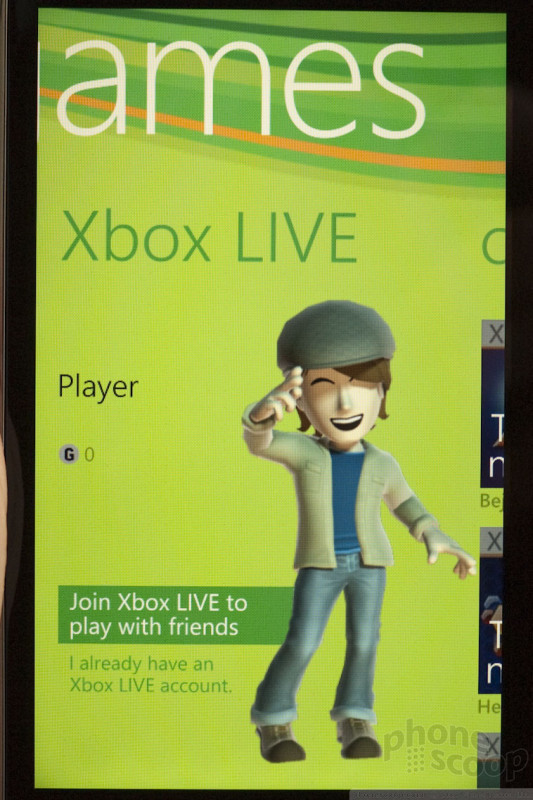
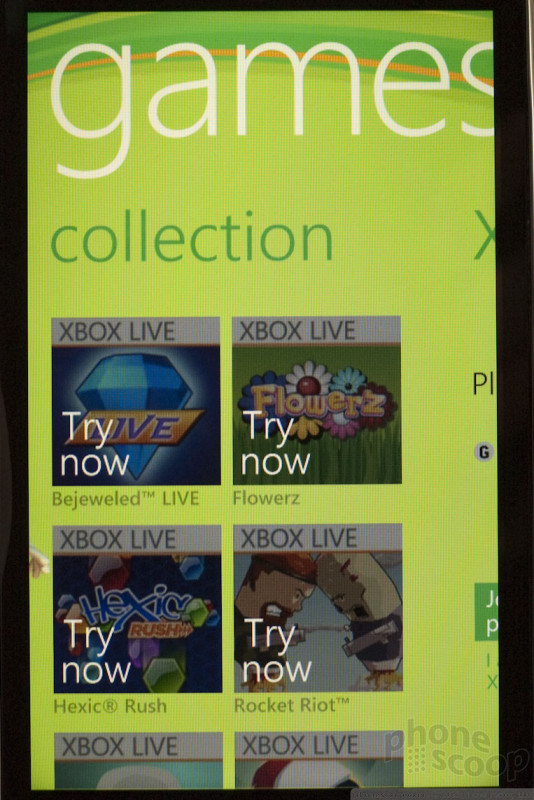
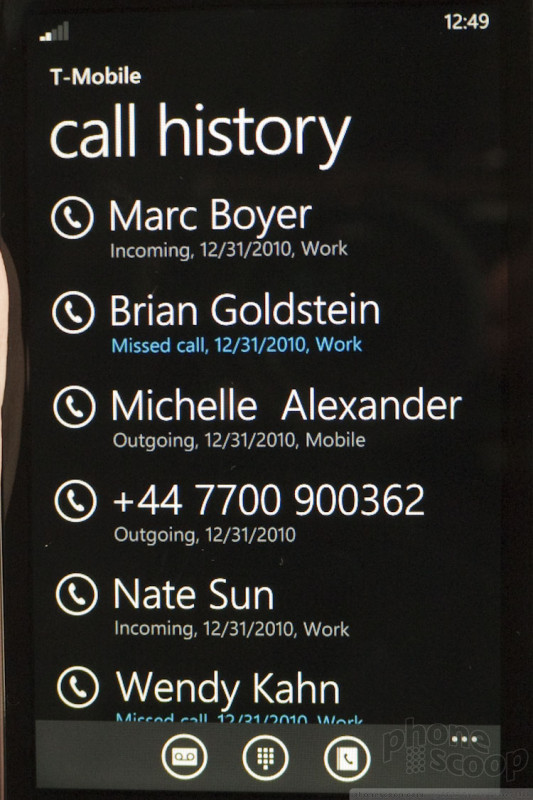
Pressing any of the tiles, and the whole UI folds over to the left and offers rich images/graphics, usually with a large-font text list. It's animation heavy; not everyone will like it.
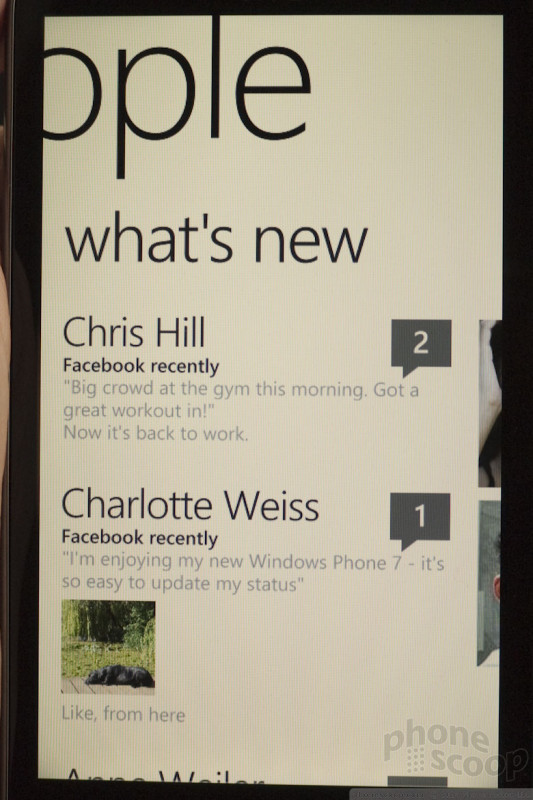
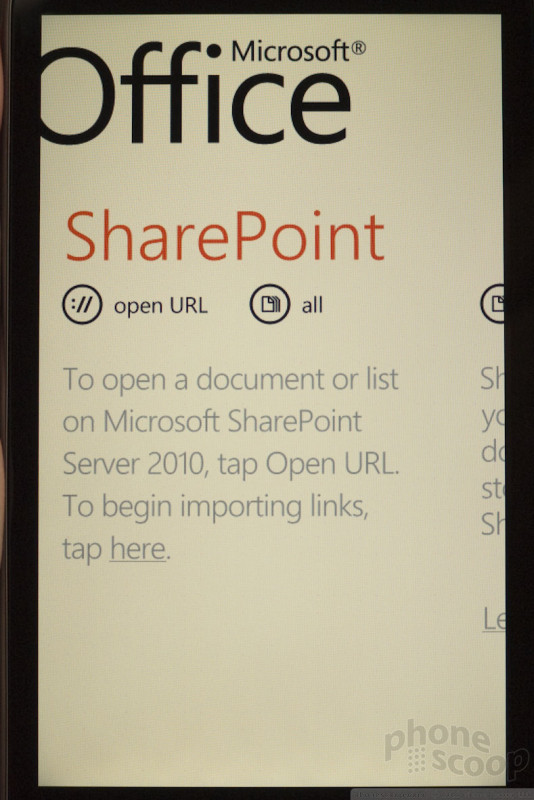
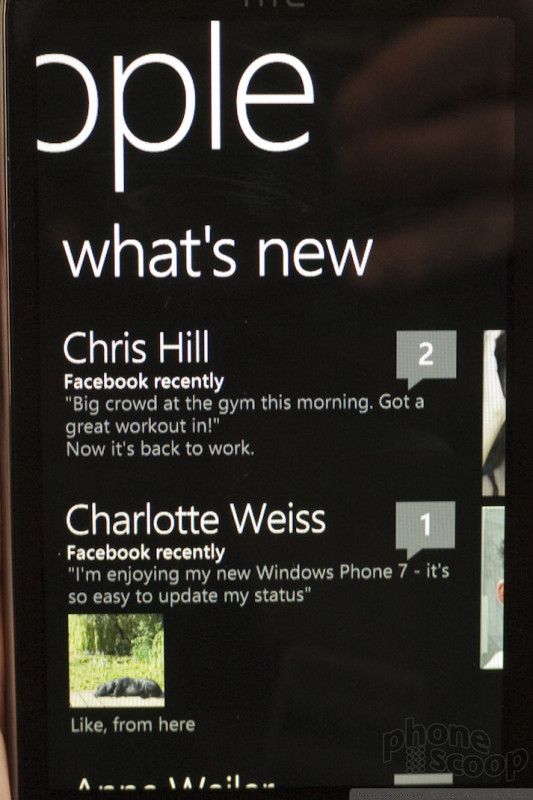
Some of the apps let you continue to swipe sideways to access more content and menus.
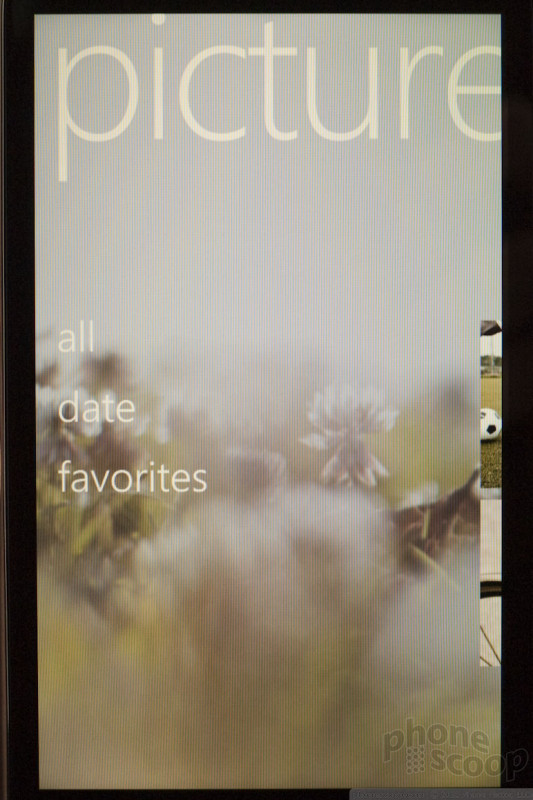
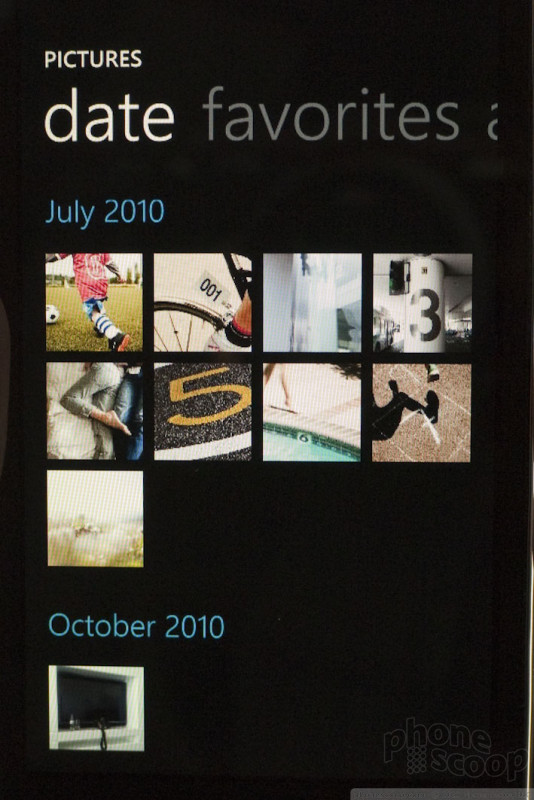
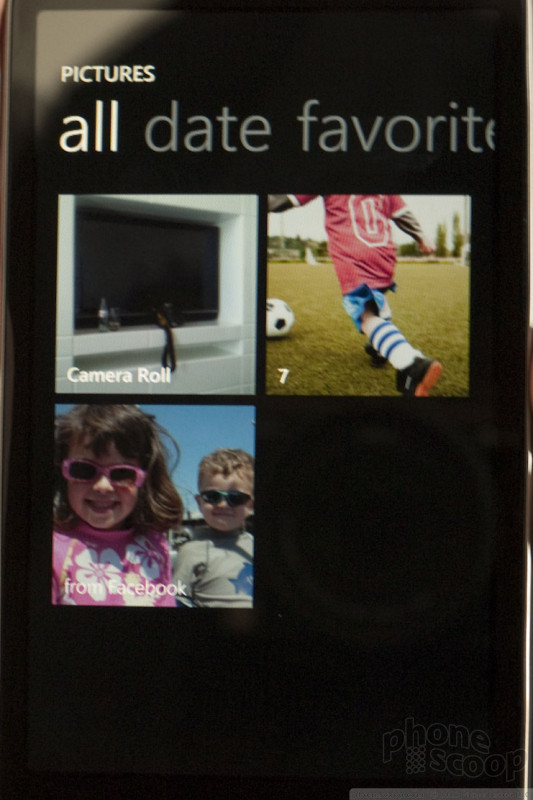
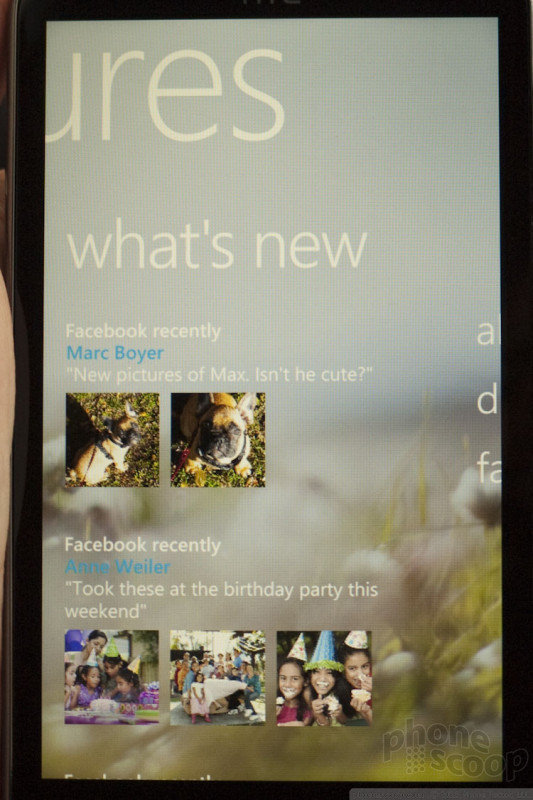
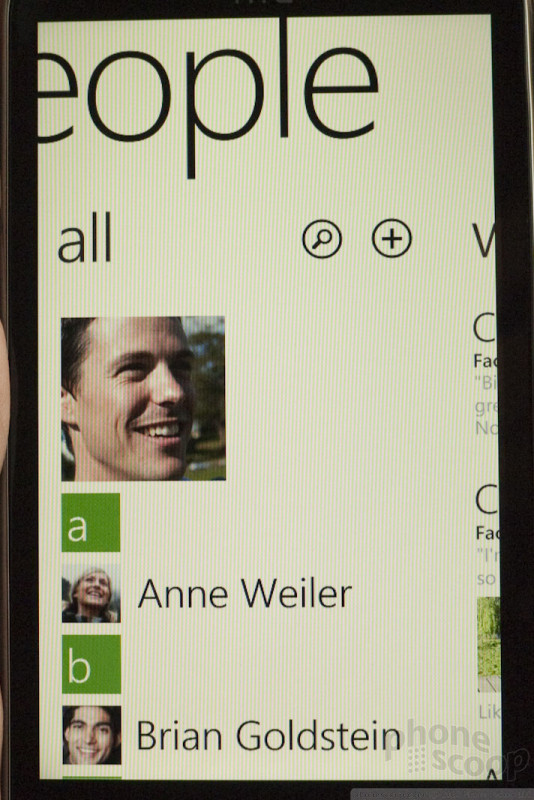
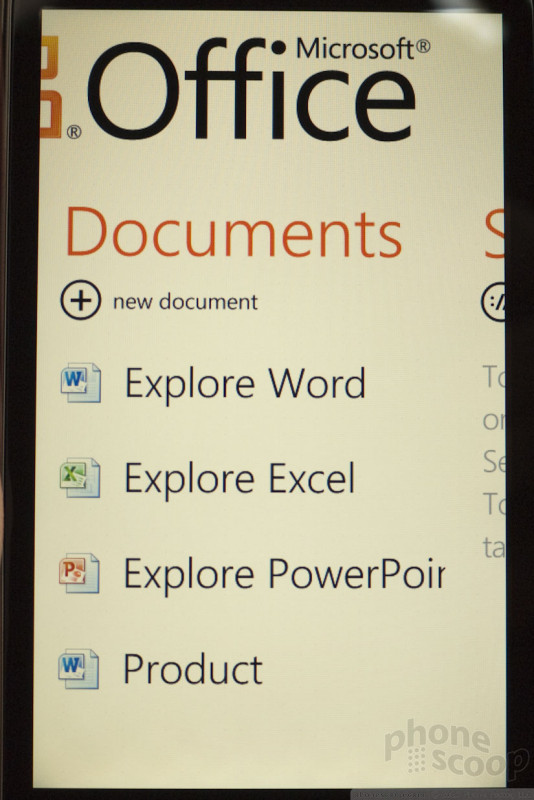
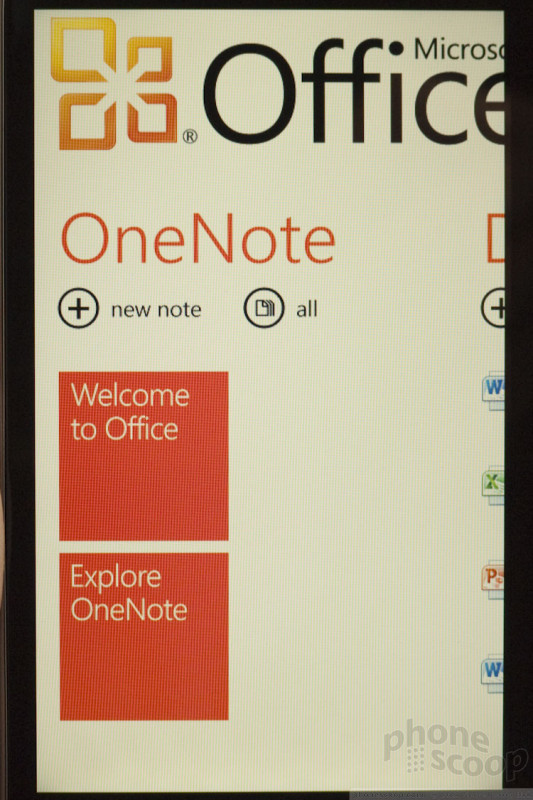
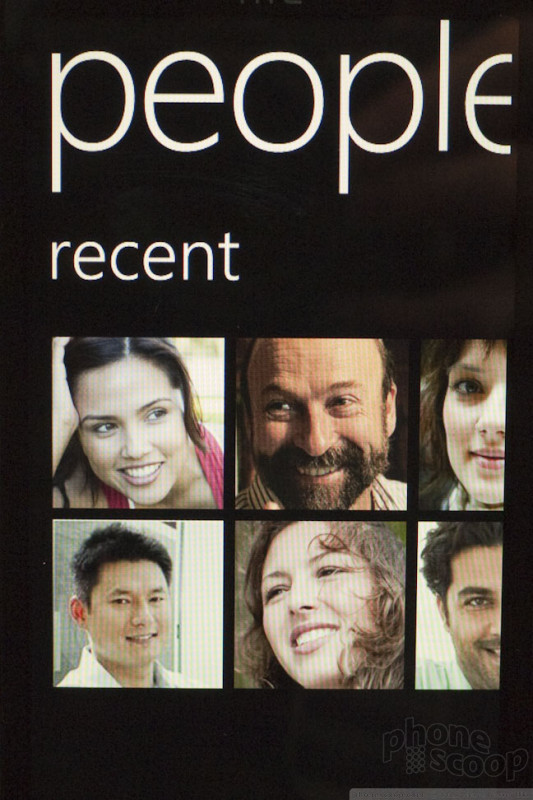
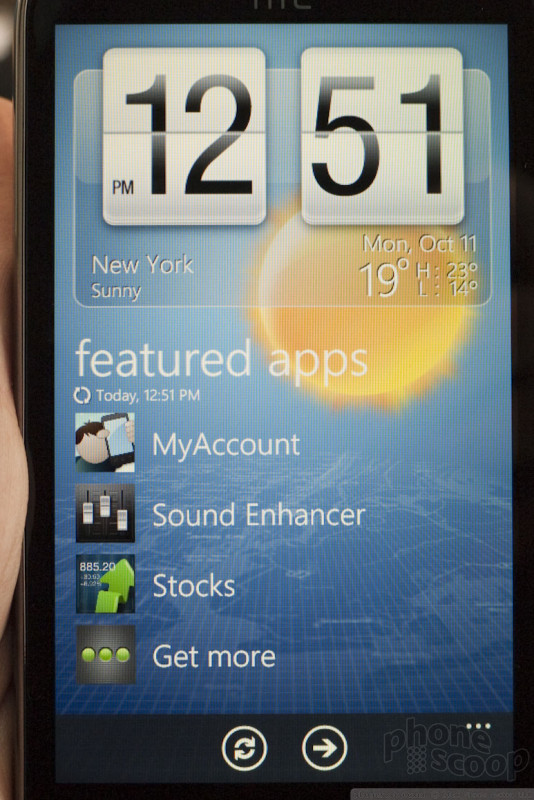
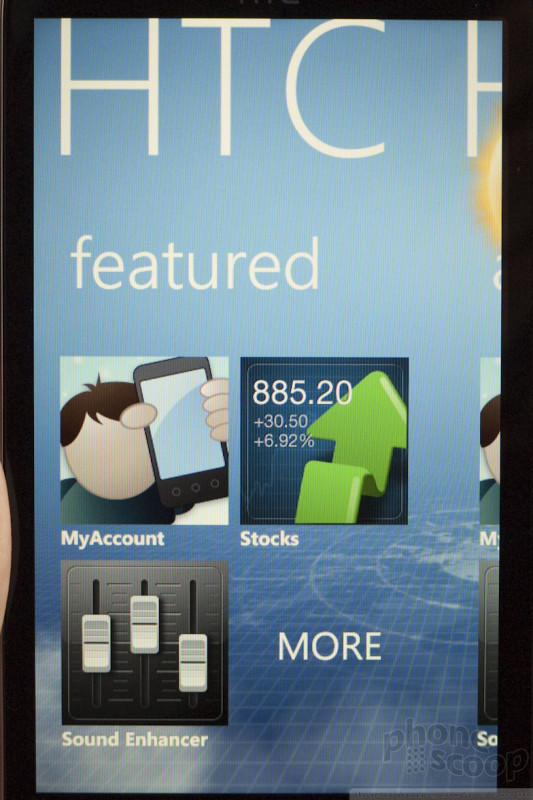
The Hubs are the major organizational themes of WP7, such as People, Office, Pictures, Music & Video. Each of these is a department unto itself wherein lies all the associated apps, settings, and content related to that feature.
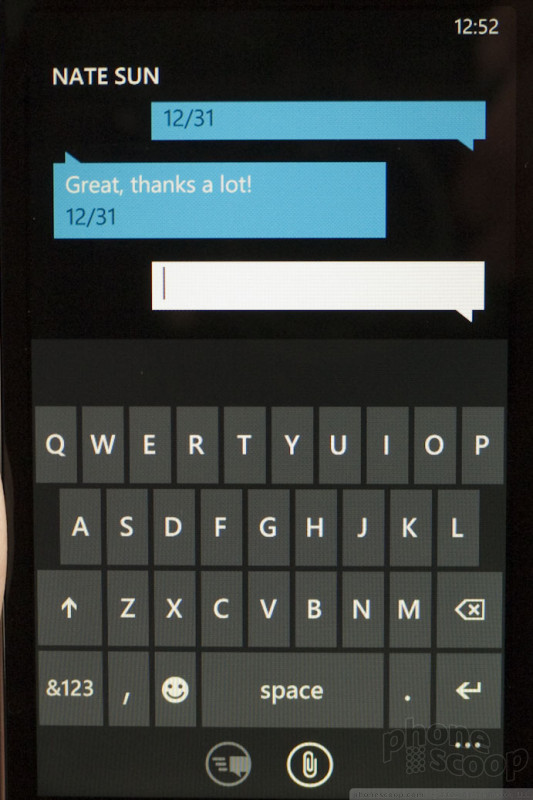
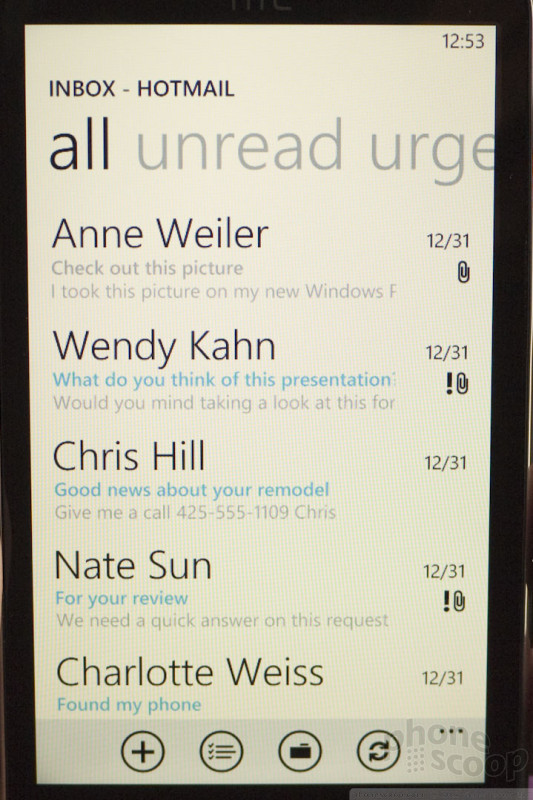
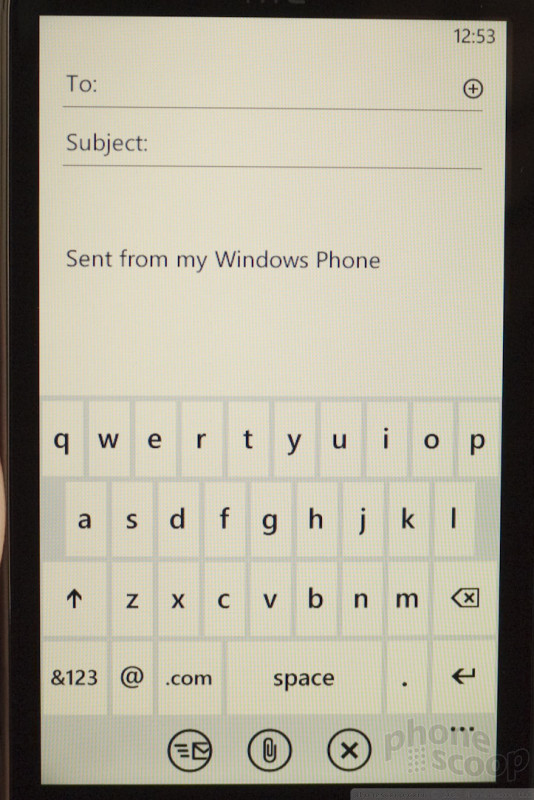
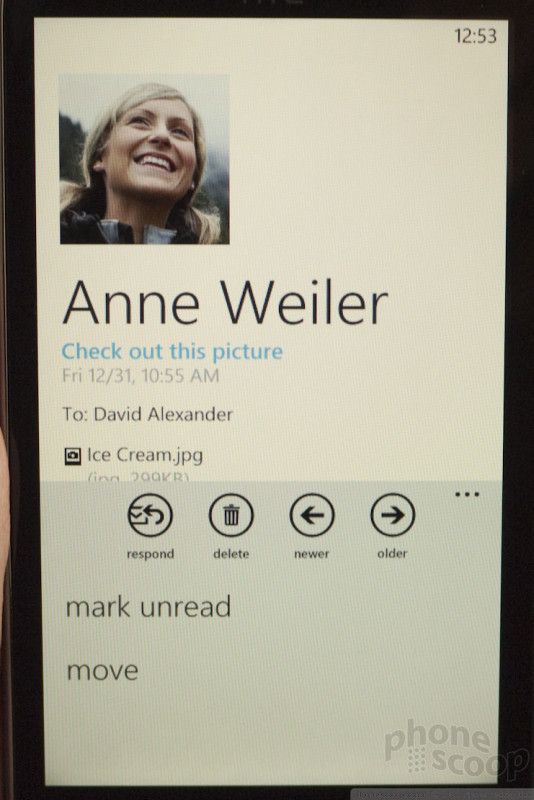
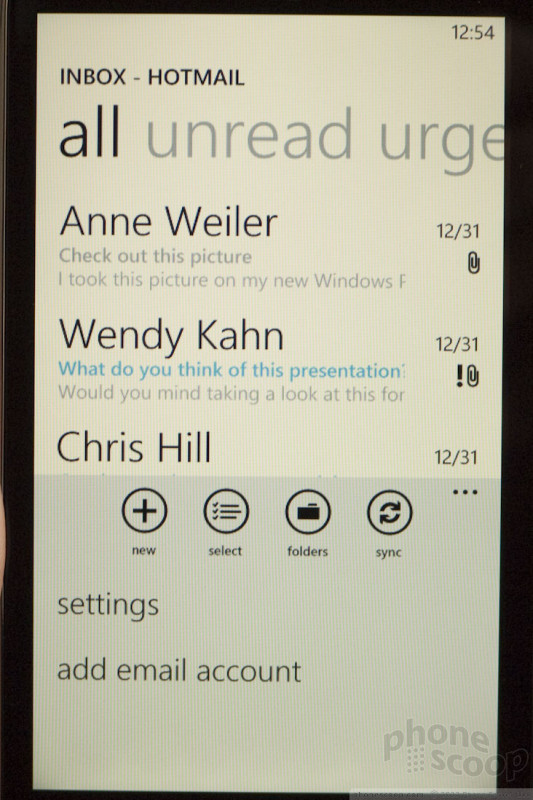
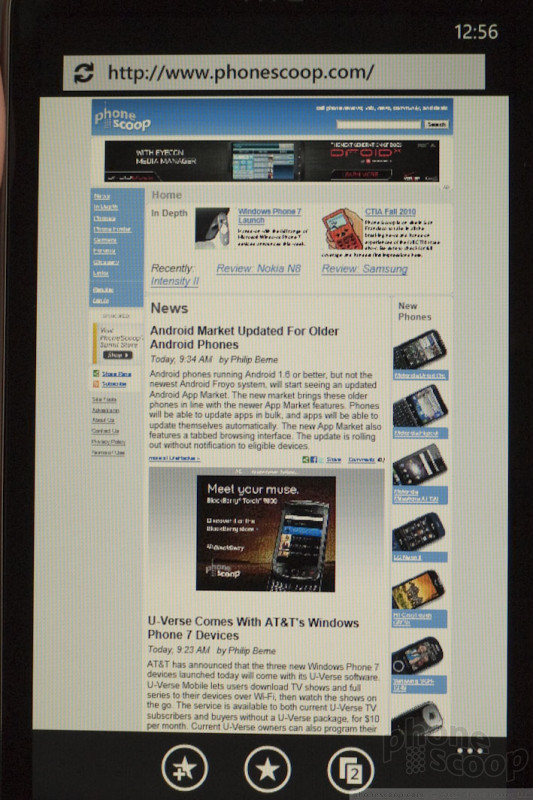
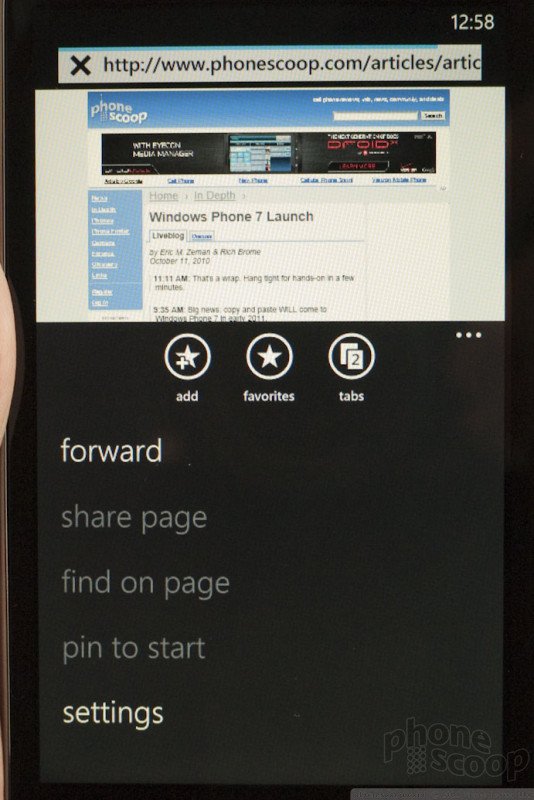
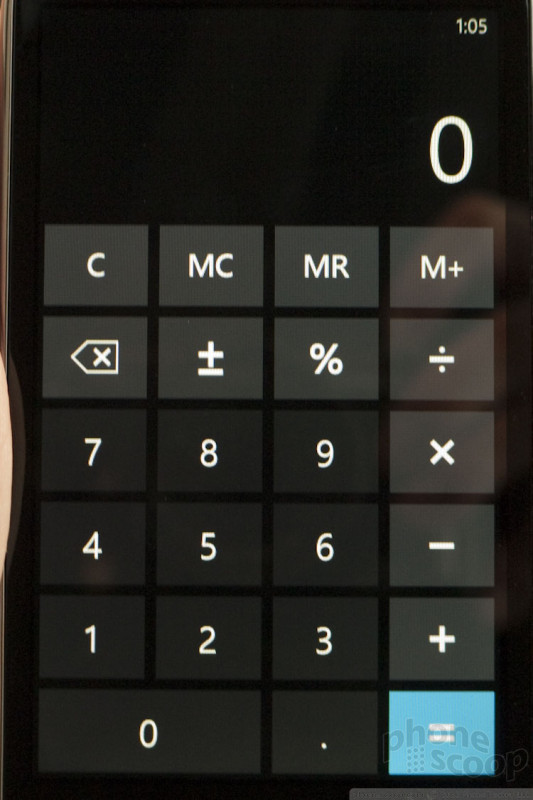
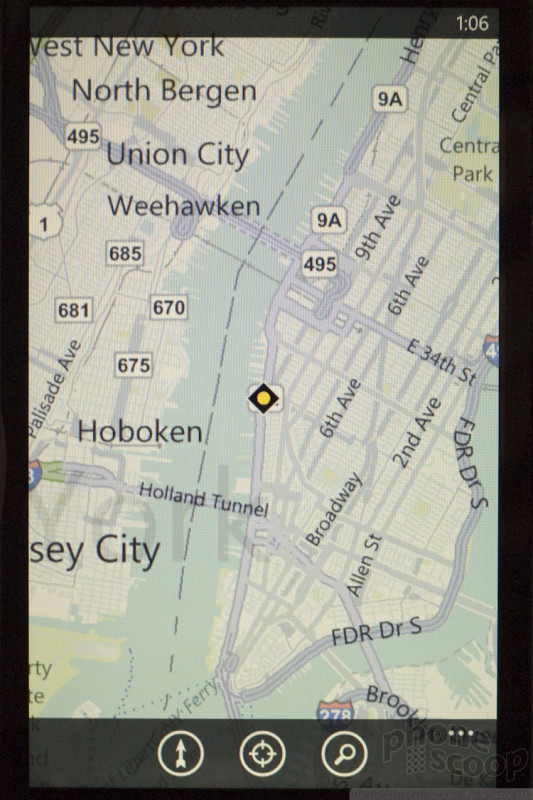
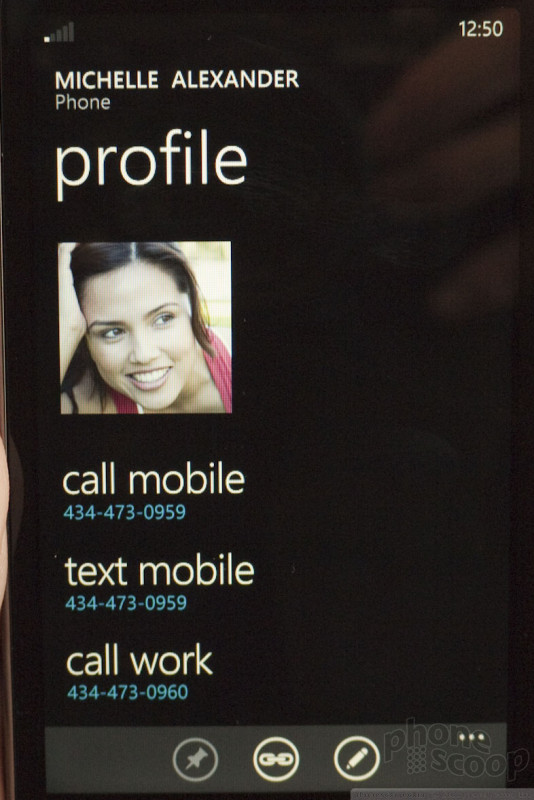
The bottom bar contains up to three icons with your primary controls / option buttons. These could be key actions like "reply" or "new". Sometimes the icons are cyptic. In some apps, there will be also be three little dots that appear in the bottom right corner, for additional options.
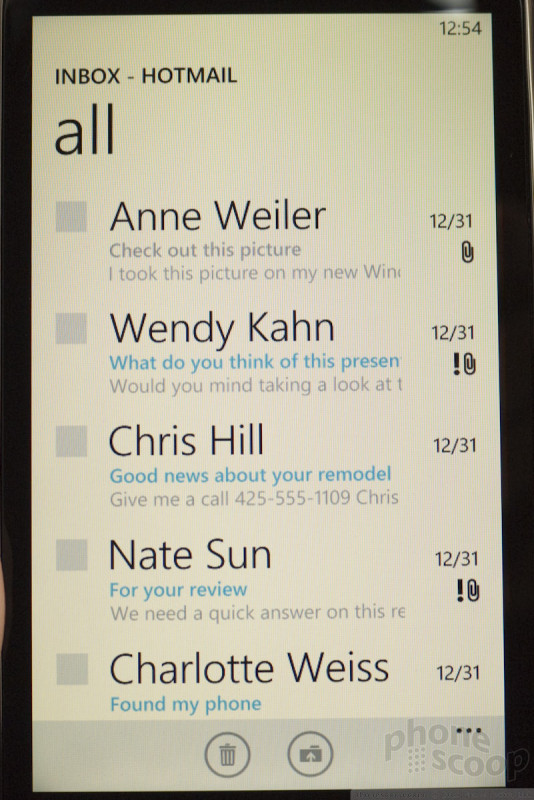
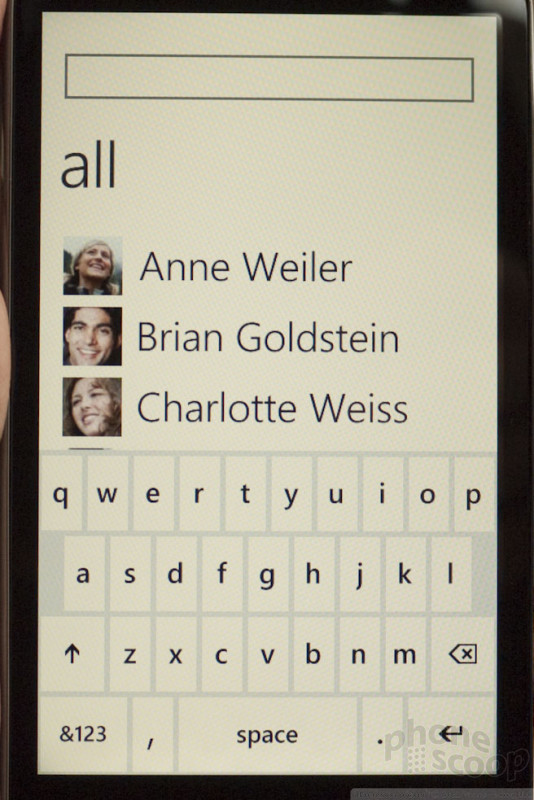
One really odd thing we noticed is that the screen only rotates to landscape view in some of the applications, but not nearly all. For example, the home screen works in portrait orientation only. Sometimes, apps will rotate only on the deepest screen, but not at the top level. For example, lists of media work only in portrait, but viewing photos and video can rotate. That's somewhat expects. However, oddly, this applies to apps like People as well. The contact list works only in portrait, although individual contact cards can rotate to landscape. It's a bit inconsistent and weird. This is something I hope Microsoft fixes.
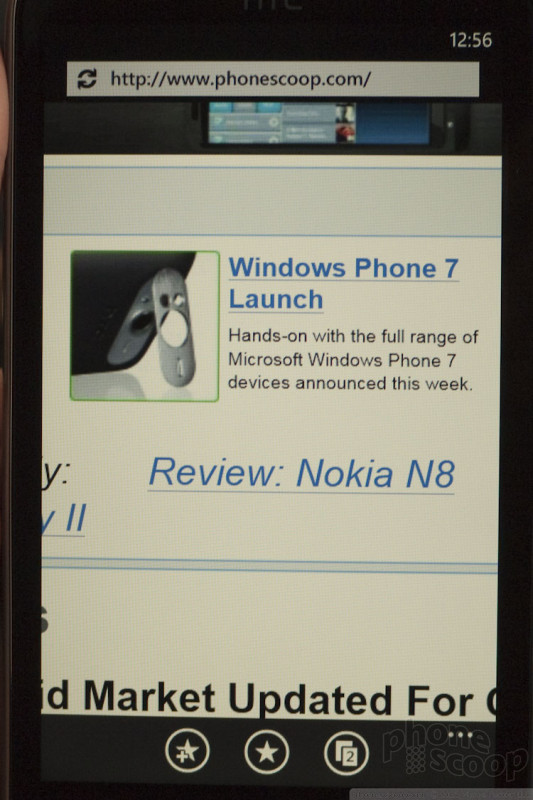
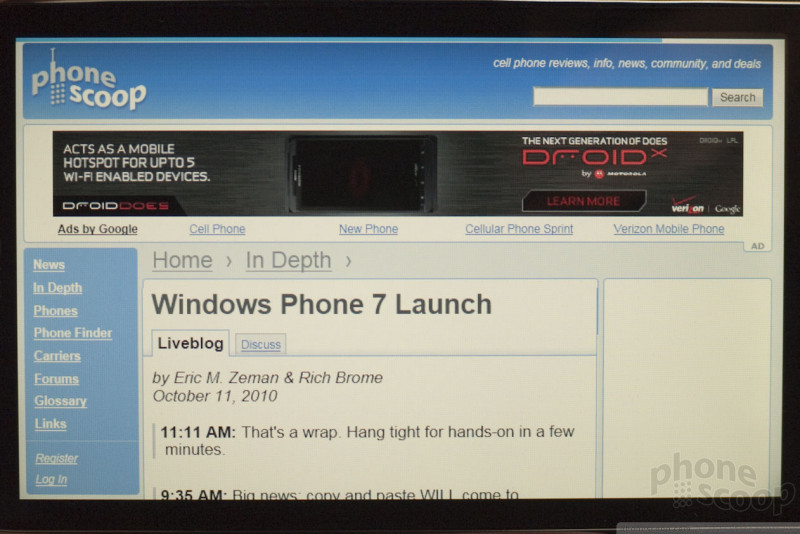
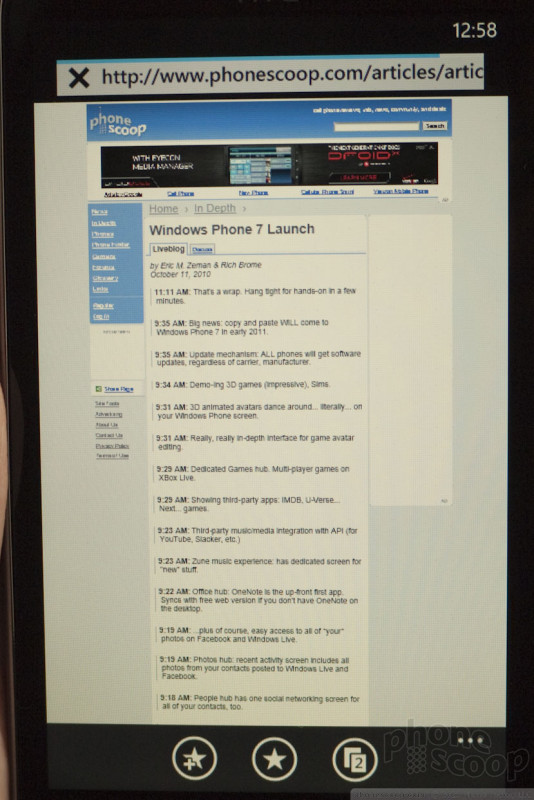
The browser (based IE 7) performed well enough. Double-tap to zoom in or zoom out, and multi-touch (pinch-to-zoom) is supported. Scrolling, zooming, and animations are all smooth. However, if you reorient the phone from portrait to landscape, you lose the all the navigation controls for the browser, which makes it less functional.
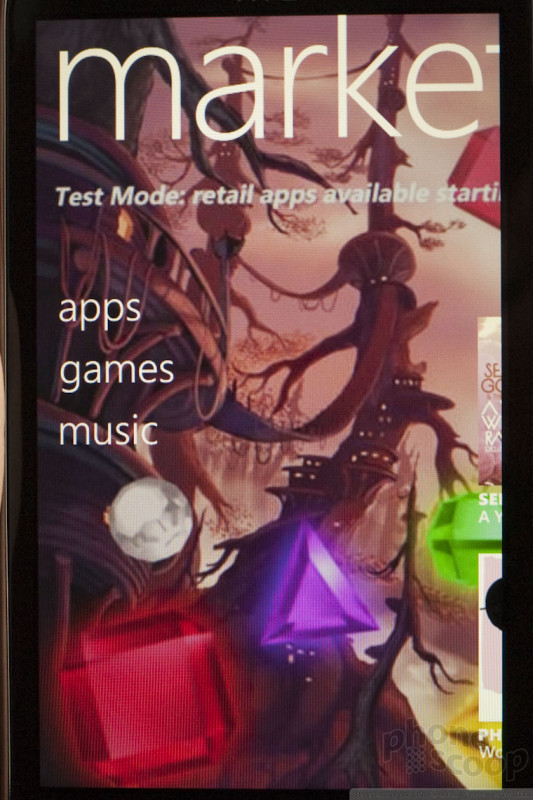
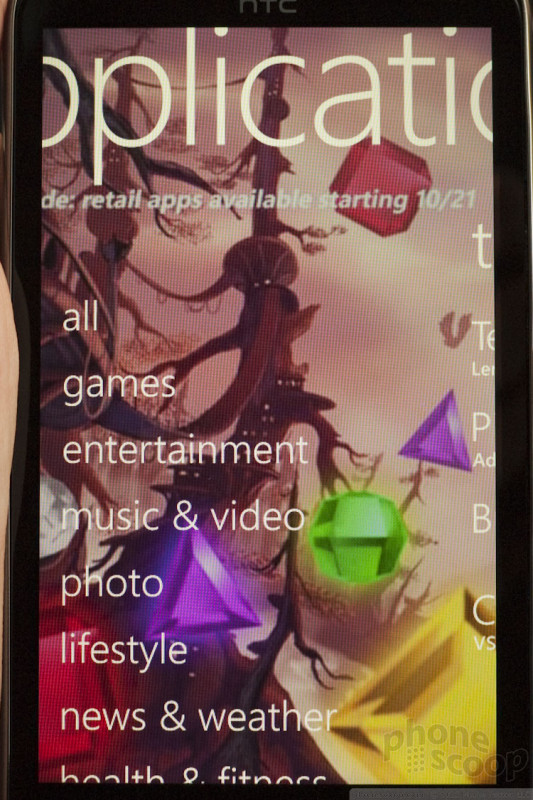
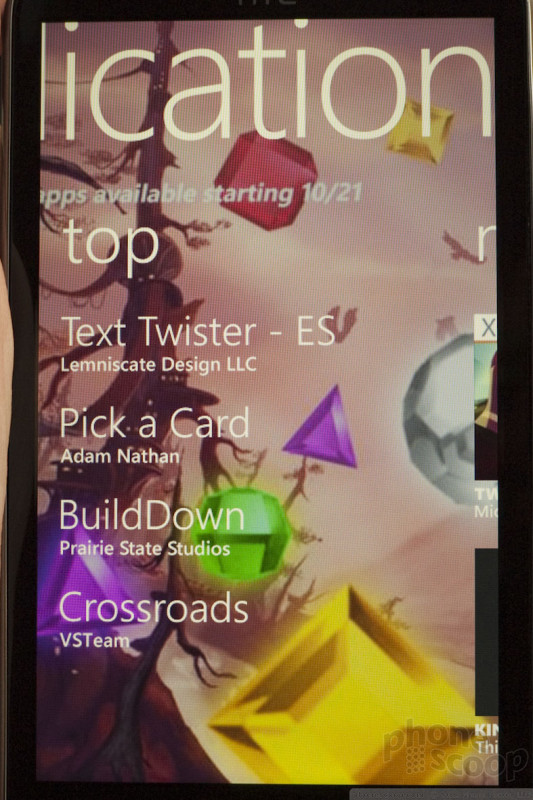
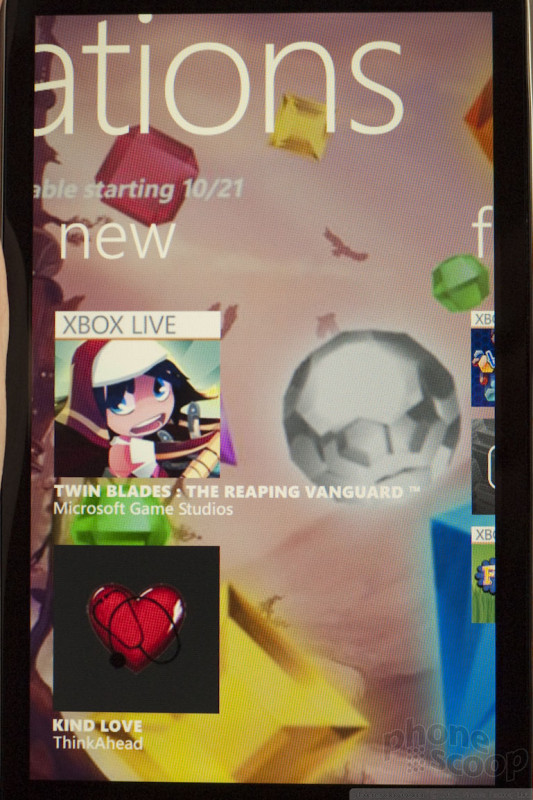
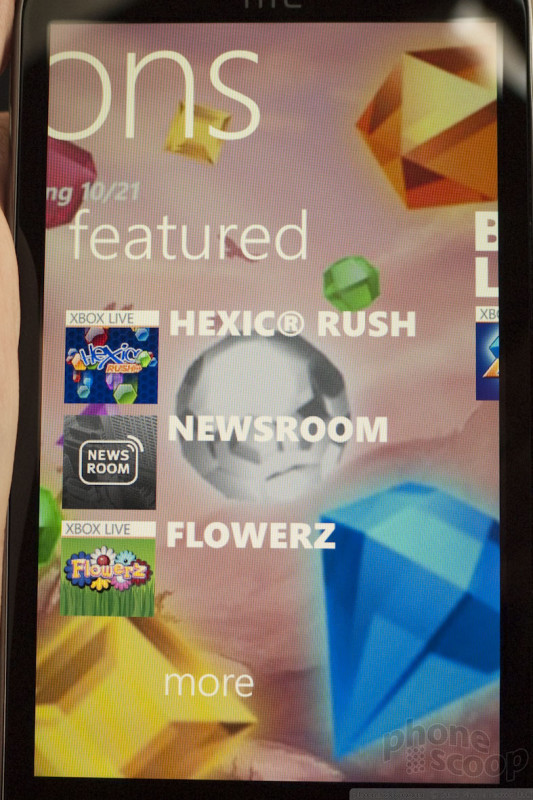
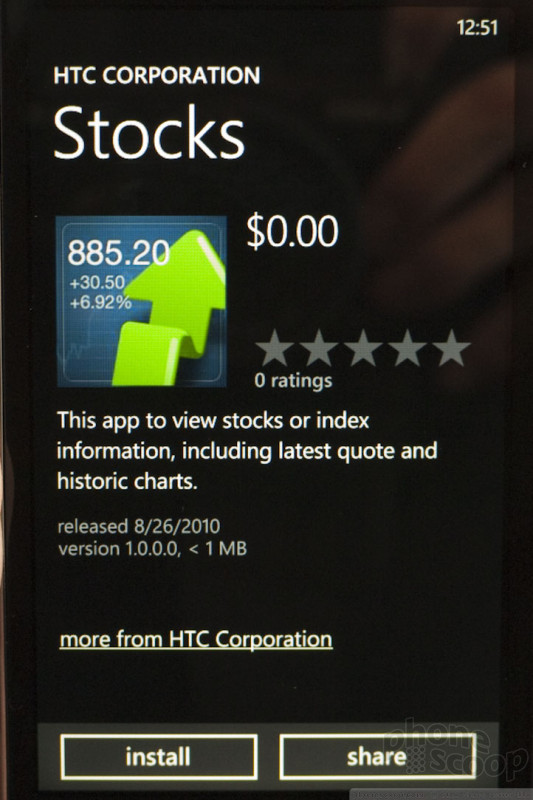
The Windows Phone Marketplace was active on the devices, but the pre-launch offerings were bare. Microsoft has said that there will be apps when the platform becomes available to general consumers. Navigating the games, apps, utilities, etc, though, was easy enough.
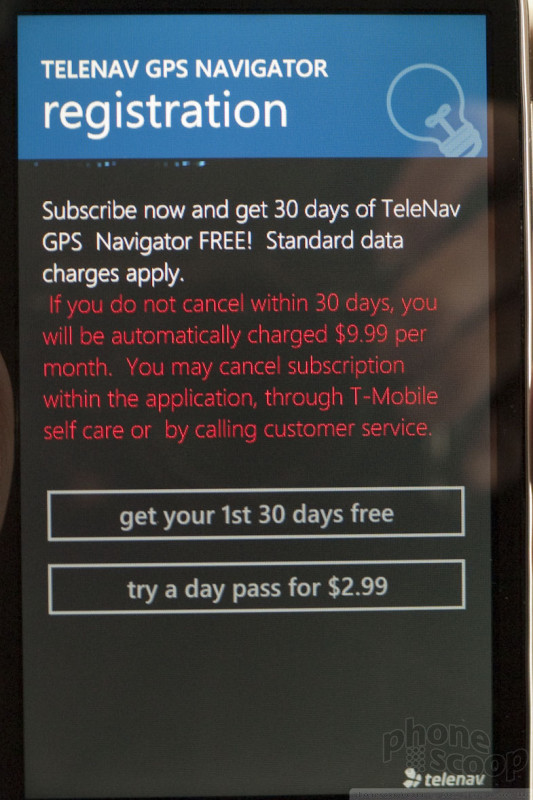
Native apps - the Tiles and Hubs - all worked and loaded almost instantly. They were extremely quick to jump to life and there were no delays. Third-party apps, however, were a lot slower. The demo Twitter client, and demo Fandago apps, for example, took nearly 30 seconds to open. Things were fast once the app started, but the launch delay was painful.
In sum, the new UI feels slick and polished. The architecture and layout is completely different from the old Windows Mobile, and that's a good thing. What's most absent is list after list after list of folders, and files to interact with. It's based heavily on graphics, and larger, easy-to-digest groupings. That's all good.
Will it be a good competitor to iOS and Android? Well, it easily surpasses the usability of Symbian, though webOS and RIM OS users might have enough available to them to prevent them from switching.

 About the author, Eric M. Zeman & Rich Brome:
Eric has been covering the mobile telecommunications industry for 17 years at various print and online publications. He studied at Rutgers Newark and University of Kentucky, and has a degree in writing. He likes playing guitar, attending concerts, listening to music, and driving sports cars.
 Review: HTC Arrive
 Review: HTC HD7
 Review: HTC Surround with Windows Phone 7
 Review: Samsung Focus with Windows Phone 7
 HTC Surround
 Samsung Focus
 HTC HD7 / HD7S


Comments

Data Plans

I can't take Windows Phone 7 Seriously.....Yet
This is a whole new OS from the ground up. Frankly, it has more features than I expected. Android was not this well-rounded and feature-complete in version 1.0, or even 1.5, for that matter.
I'm not saying...
(continues)
bkw79 said:
No multitasking, and no copy and paste? What year is this again? Didn't we already have to go through that kind of crap with the Iphone since 2007? And here it is, the end of 2010, and you do this?
I ...
(continues)
More important (at least when it comes to a...
(continues)
Didn't we already have to go through that kind of crap with the Iphone since 2007
#correction;
We had to go through that crap IN 2007, not SINCE 2007. Using the word "since" implies that the iPhone still does not have co...
(continues)

Windows Phone 7 on T-Mobile HD2
Thanks.
(Although if you're feeling adventurous and want to void your warranty & risk bricking your phone... the hacking community may whip up some ...
(continues)

HTC 7 Pro = Yuck!!


What is up with this information??????
No front facing camera on any ATT phone, really?
Carpe_Everything_baby said:
16 gb internal for the HTC surround, what about the other 2 ATT phones? no info on that?
No front facing camera on any ATT phone, really?
iPhone 4
Carpe_Everything_baby said:
16 gb internal for the HTC surround, what about the other 2 ATT phones? no info on that?
No front facing camera on any ATT phone, really?
They have the iPhone 4

muchdrama said:
Dynamite coverage, guys.
My contract can't end fast enough...
Yeah, I was thinking about an Epic when my upgrade comes around, but I'm impressed with WinMo7. Depending on how it turns out, I may ...
(continues)

The Way I see it
Before I can totally bash this, however, I will need to play around with the different phones, see if I like them or if I'm going to stick with Android.
Anyways, that's my two cents.

Samsung Focus w/QSD8250??
(continues)
(continues)

love iphone
I'm glad you have a device you like, but keep it to the iphone news topics