Review: Pantech Matrix Pro
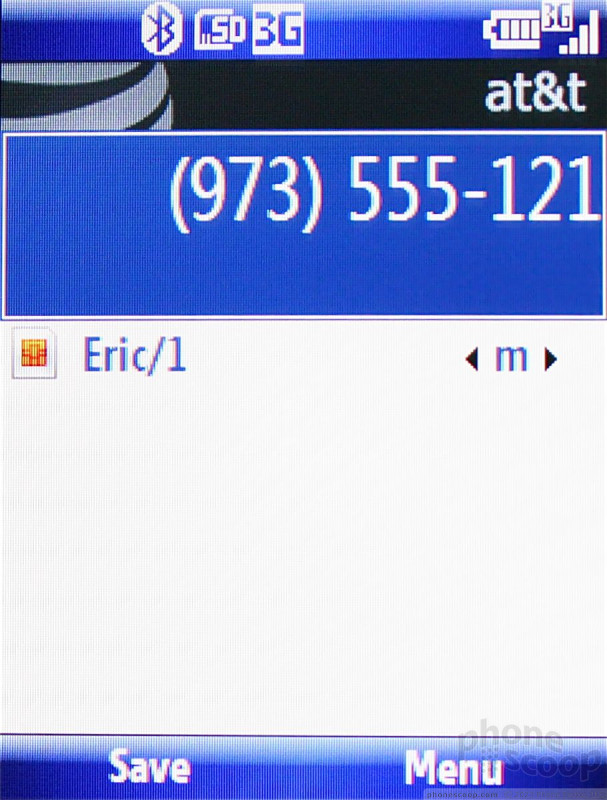
You can access your contact list from the right soft menu on the Today home screen. But you don't need to pull up and scroll through this menu and scroll through you contacts to find who you're looking for, or even navigate your speed dial options. You can just start typing the name of your contact on the Today home screen and the corresponding contacts are displayed.
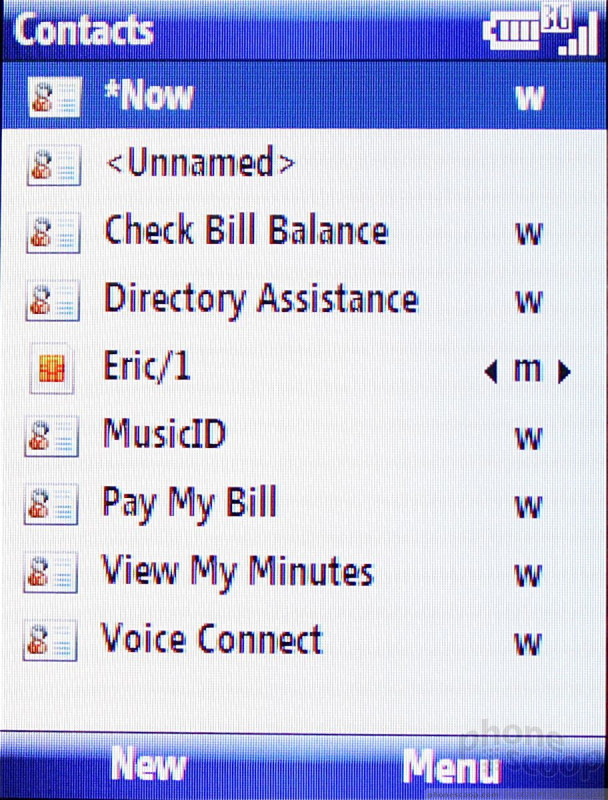
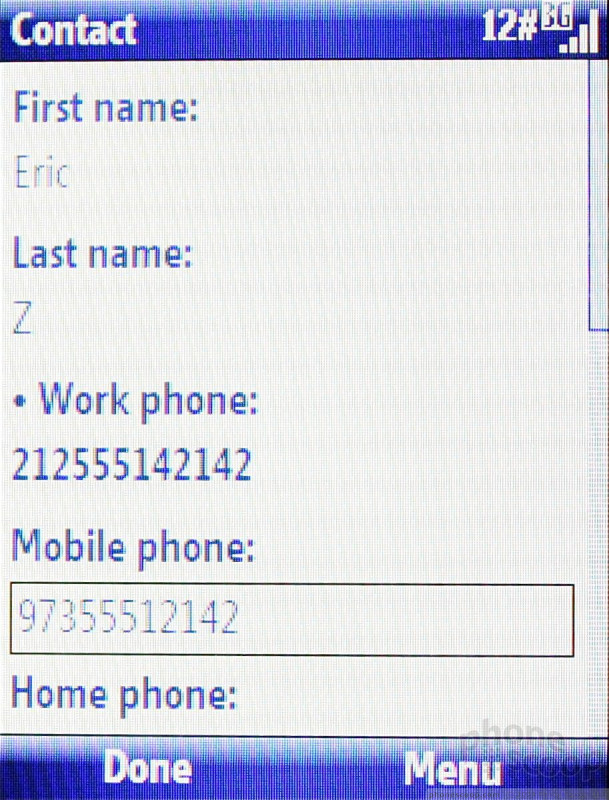
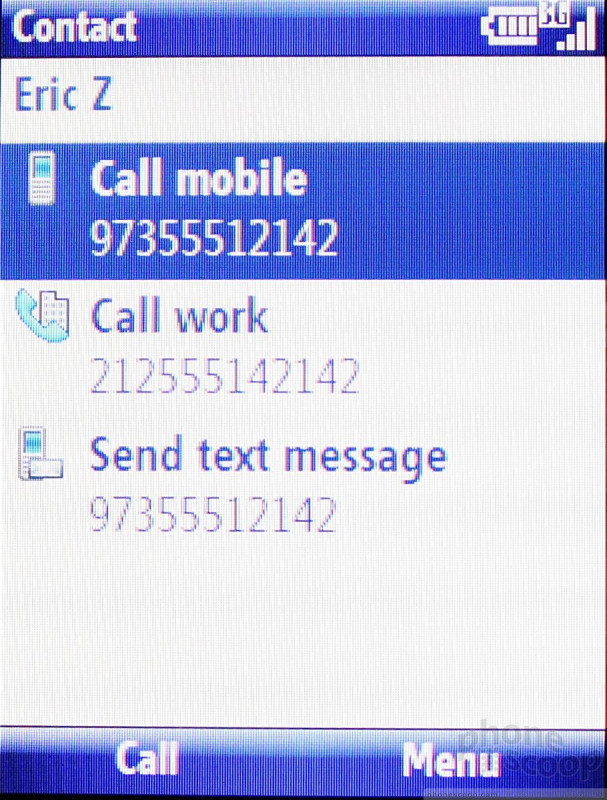
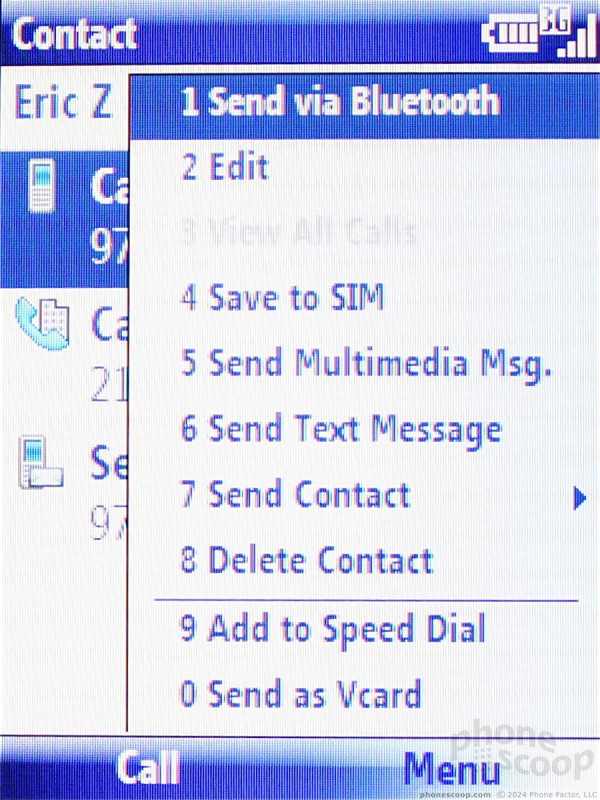
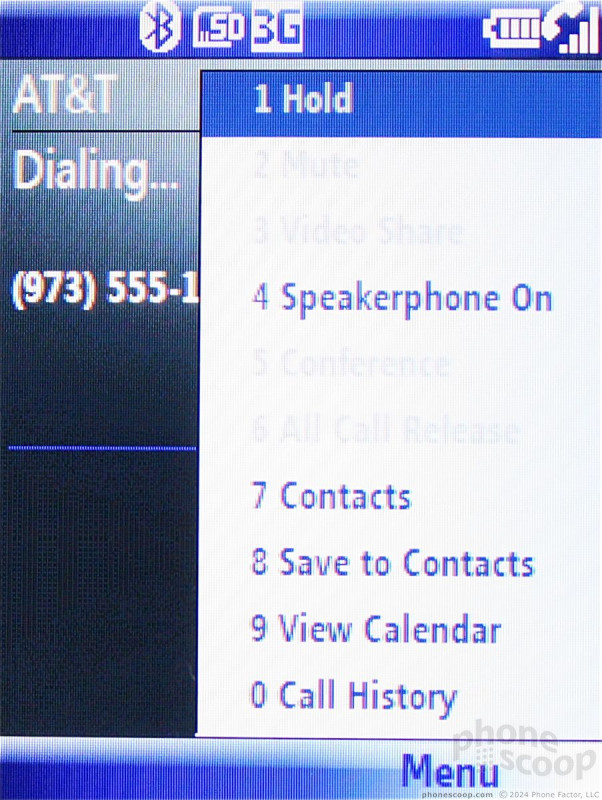
You can make calls or send messages from within each contact. Of course, because the Matrix Pro has an actual dialpad, you can dial numbers and set speed dials, too. Use the send key if you want to see a list of your recent calling activity.
Syncing contacts from a computer was no problem at all, and the WinMo search function makes sorting through vast contacts databases a breeze.
 Pantech Announces Matrix Pro
 Samsung Upgrades its Wearables
 iPhone 14 Plus Offers a Big Screen For Less
 iPhone 15 Series Goes All-In on USB-C and Dynamic Island
 iPhone 13 Upgrades Cameras, Displays
 Pantech Matrix Pro C820