


Preview: Samsung BlackJack
Nov 13, 2006, 11:30 AM by Eric Lin
Our exclusive hands-on preview of the small, slim BlackJack for Cingular, with Windows Mobile and HSDPA.
Body
It is amazing that the BlackJack is the newest member of a crowded category that did not even exist a year ago. The list of small, thin, QWERTY smartphones is getting longer and longer, and Windows Mobile phones comprise the bulk of the list. We've reviewed enough of these devices that we're sure you know all about the software by now. So we'll focus on the hardware and any other unique aspects of the BlackJack for this preview.
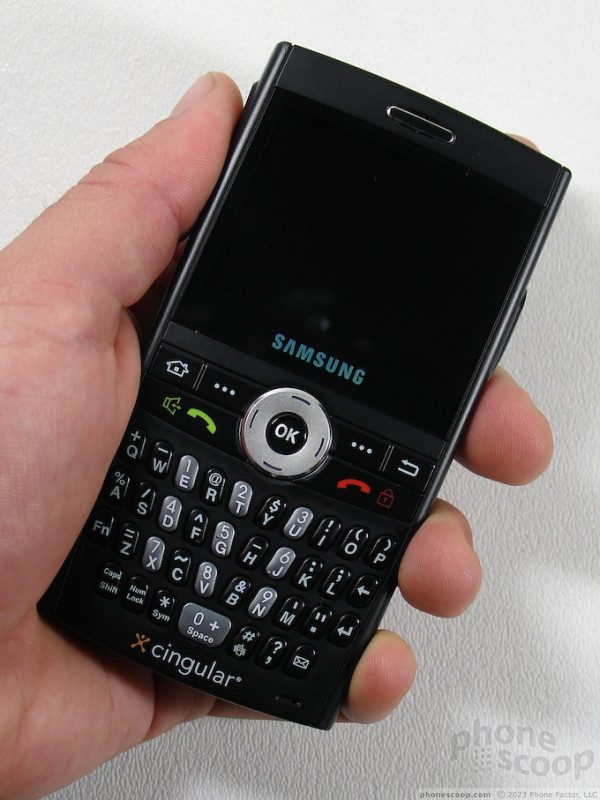
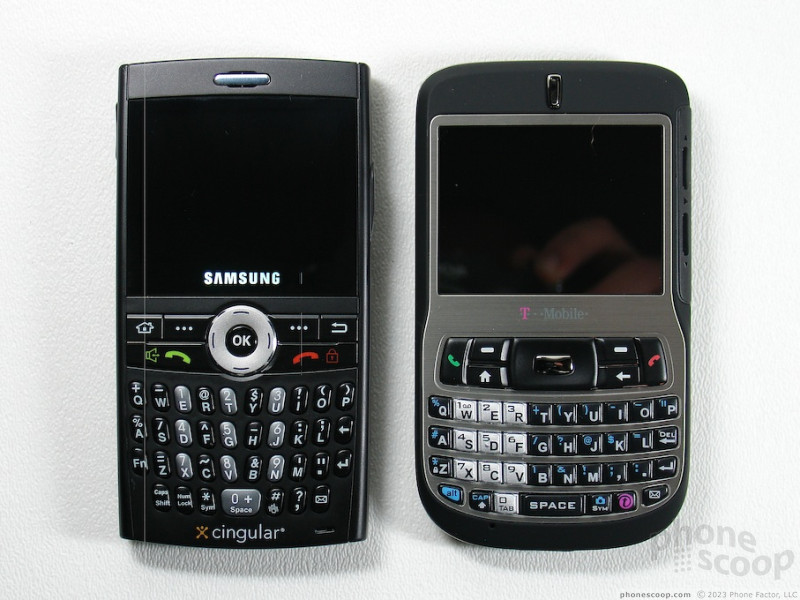
The BlackJack is also known as the Samsung i607. Like Samsung's other recent entry into this category, the i320, it is narrower than the Q, Dash or almost any other QWERTY phone. Thus despite its rectangular shape, the BlackJack fits nicely in the hand. The edges along the left and right sides are slightly rounded, increasing the comfort factor. It is easy to wrap your hand around it if you are using it one handed.
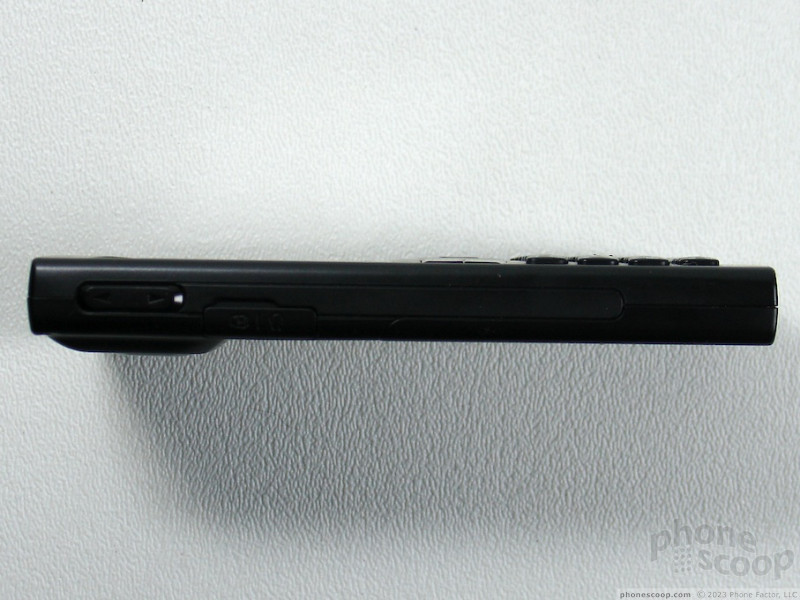
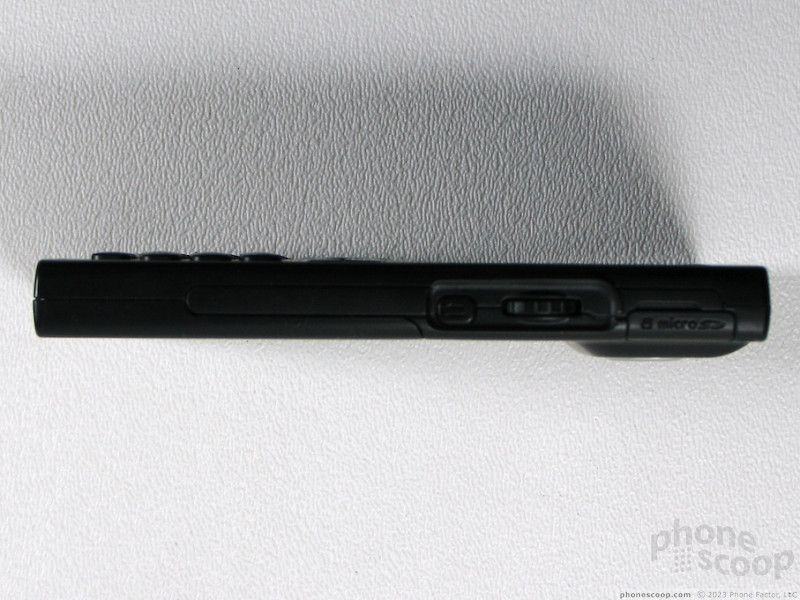
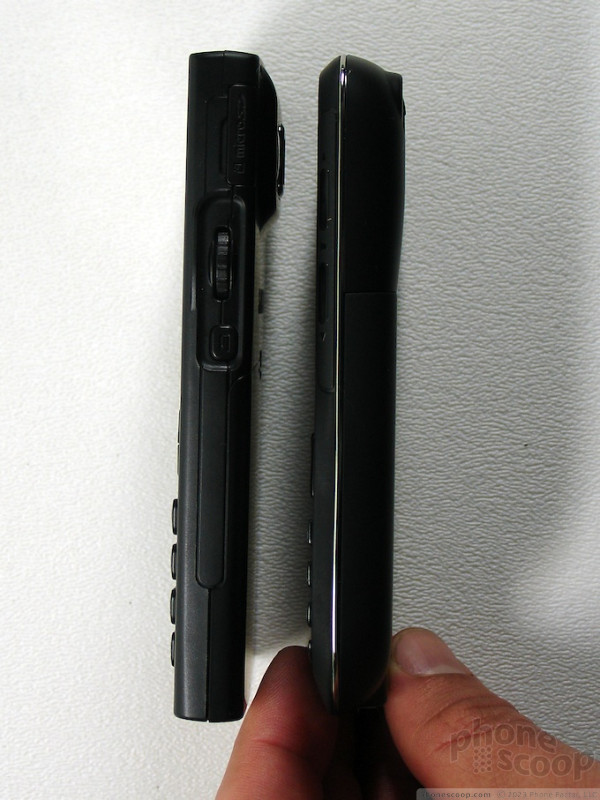
It is possible to use the BlackJack one handed, especially for reading email or web pages, thanks to the scroll wheel and back button on the right hand side. Other than needing the D-pad for right and left navigation, we found ourselves primarily relying on the scroll wheel.
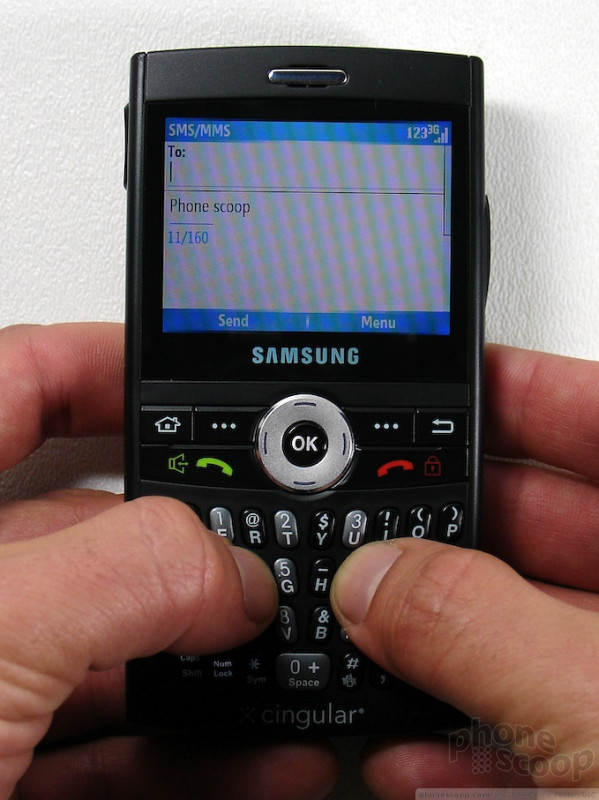
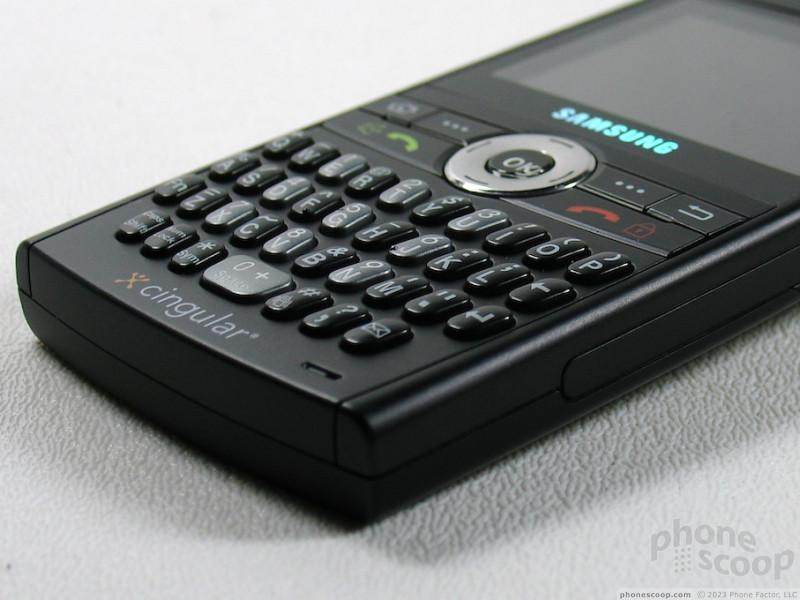
When held in two hands to type, the BlackJack is well balanced and sits on your fingertips comfortably. The keyboard is pretty easy to to get used to. After about three days with it, we were typing with about 90-95% accuracy. Although the keys look like those from the Q, they feel much better. They are only slightly rounded, and are much easier to press.
The navigation keys, outside of the scroll wheel on the side, are the BlackJack's weakness. The entire set of buttons, including the directions on the D-pad are all flat and even with each other. There is no way to feel which key you're on except for the center select button. Not only are the all the same height, but there are no divisions or ridges between the keys. This means that unless you are watching where you fingers are, you will likely press the wrong key or multiple keys a few times per day. We often find ourselves pressing the end key or right soft key instead of right on the D-pad even after four days of pretty heavy use.
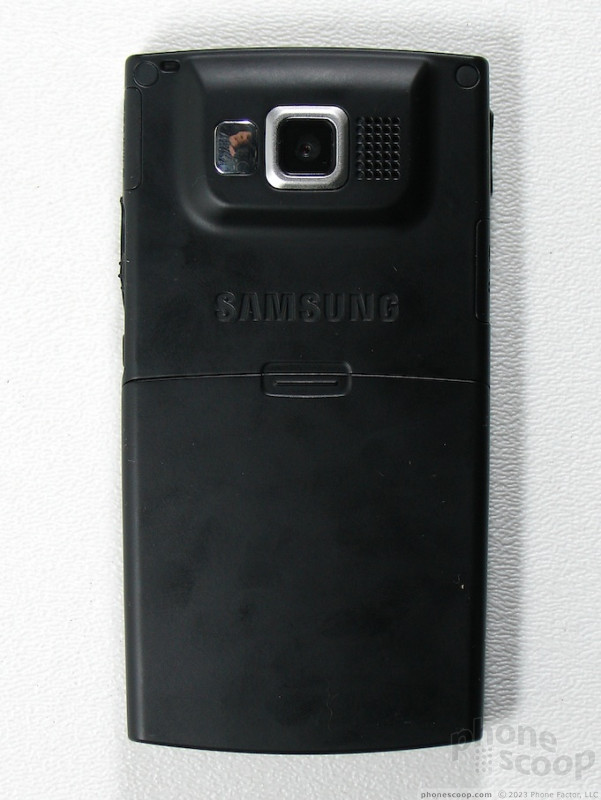
On the back of the unit, the camera and loud speaker bulge out slightly at the top, which seems unnecessary for a simple 1.3 Megapixel shooter. However this doesn't seem to hamper how the BlackJack slides in and out of a pocket - even in tight pants.

Performance
In areas with 3G coverage, the BlackJack immediately switches over to the advanced network. When in areas of weak signal strength or 2G coverage, it had no trouble switching down to GSM without any delays. Although it could only operate there in GSM mode, the BlackJack passed our vault test with flying colors. It held on to a signal even in the farthest corners of the vault, and rejoined the 3G network almost immediately upon exiting the building. This isn't just one of the performances from a smartphone, it's one of the best performances from any GSM phone.
The BlackJack is the second Windows Mobile phone for Cingular with HSDPA data. In San Francisco speeds are fairly impressive. DSL Reports kept asking us to use a larger file so that it could actually register the speed. Finally with the largest file on the mobile speed test, the BlackJack managed a respectable 775-800 Kbps. Even though Cingular's HSDPA is supposed to be capable of 3.6 Mbps in a maximum burst, 800 K is pretty impressive over a 600 KB transfer.

The BlackJack also deserves kudos for it's loud and high quality sound. We often found ourselves turning down the volume during a call, which is a pleasant rarity. It was also easy to hear the loud ringer in crowds or from across the house. The speakerphone is equally loud.
After our experience with the Dash, we expected more from the BlackJack's battery life. With normal use, each charge only last about one and a half days. This is better than the performance of the Motorola Q, in that you can at least use your phone for a full day without having to recharge it, however you still can't leave home, even for just an overnight trip, without your charger.
Multimedia
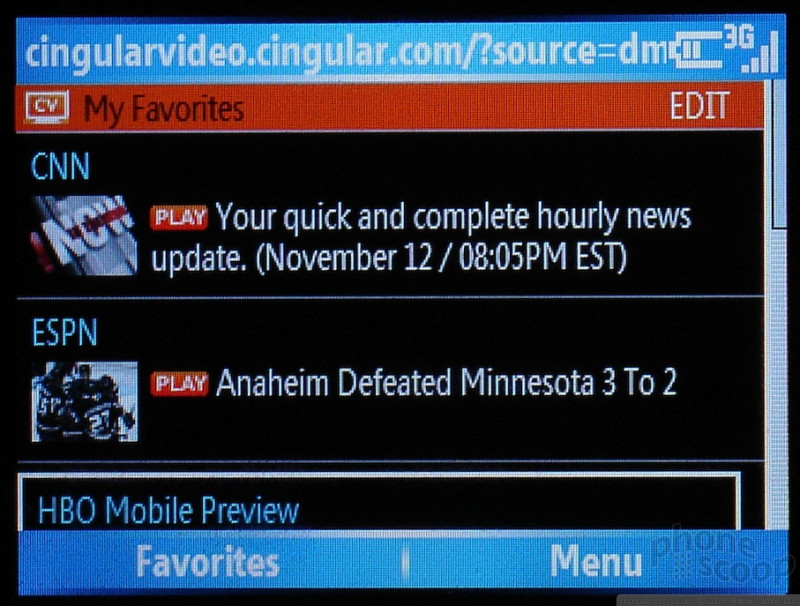
In addition to the typical applications included on every Windows Mobile Smartphone, the BlackJack includes access to all the new Cingular multimedia services the carriers has recently been touting.
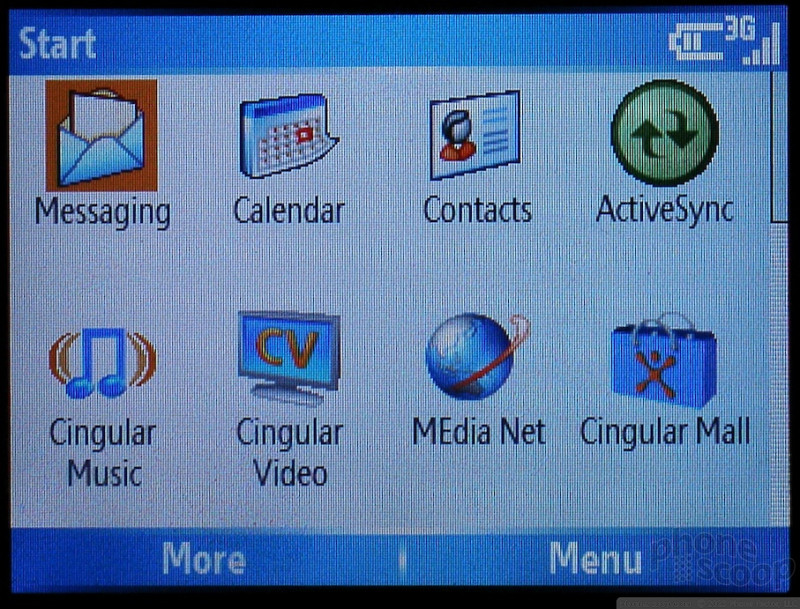
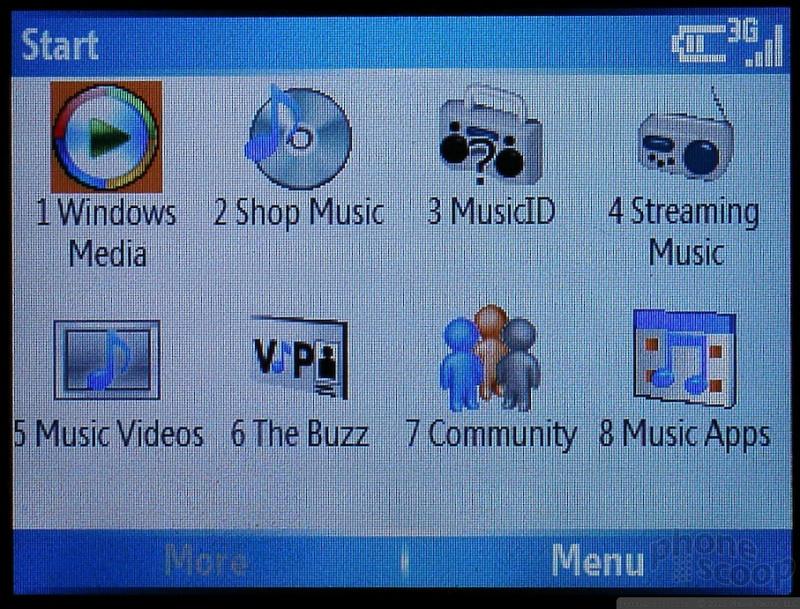
Most of these are simply links to online sites or stores, however a few are actually stand alone applications. Links to the online services such as Cingular Video, Shop Music and Music Videos direct you to sites that are designed for smaller screens and less data-centric phones. The sites all demand many clicks to get to anything other than the one or two featured tracks.
The one exception was a search box on the front page of the Shop Music site for ringtones. There was no apparent way to sign into a music service and shop for tracks online, though Cingular said they would offer that service.
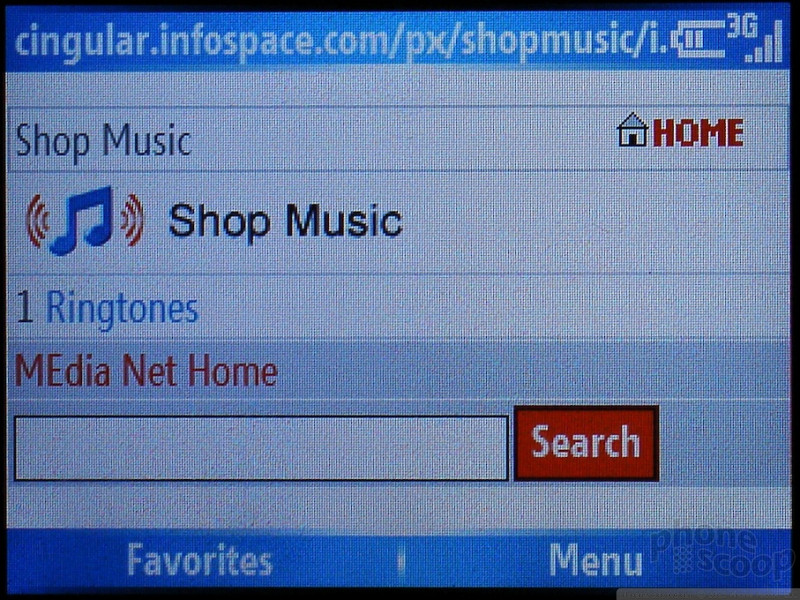
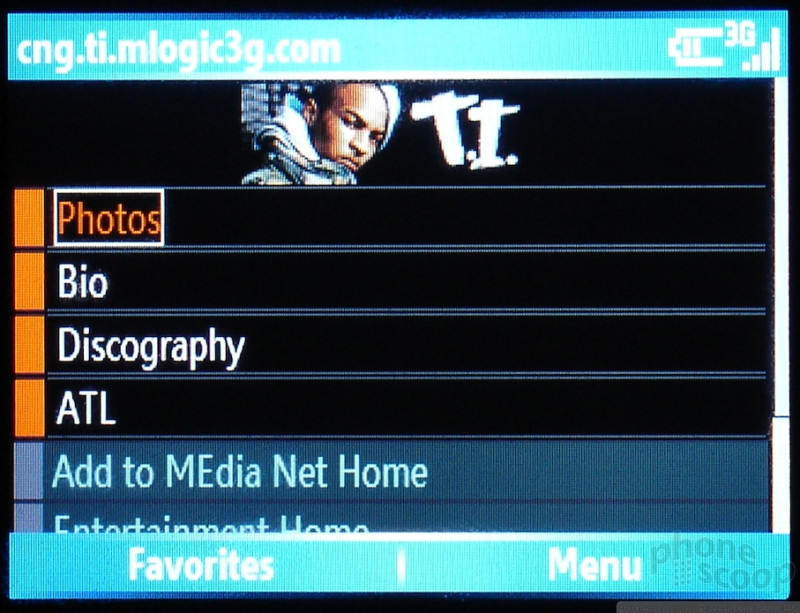
Quickly finding anything other than a ringtone is impossible and especially frustrating on a smartphone, where you're accustomed to having quick access to lots of data.
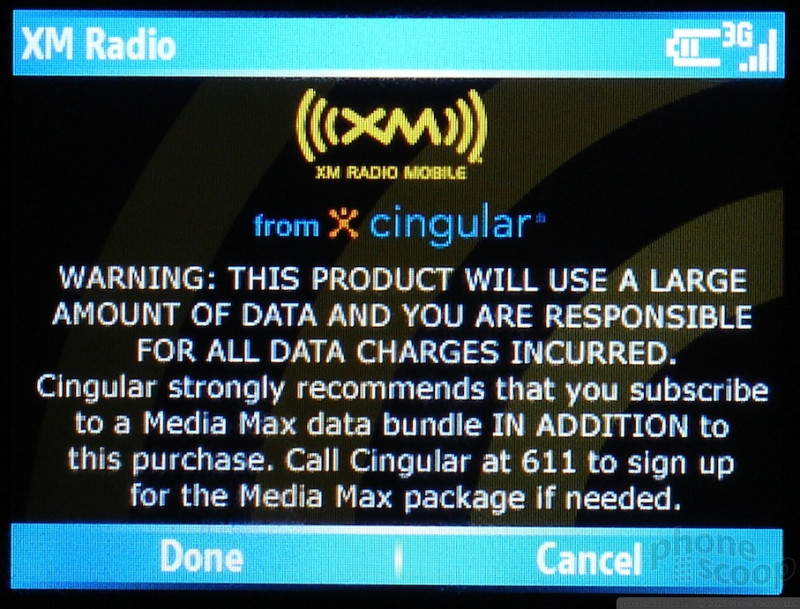
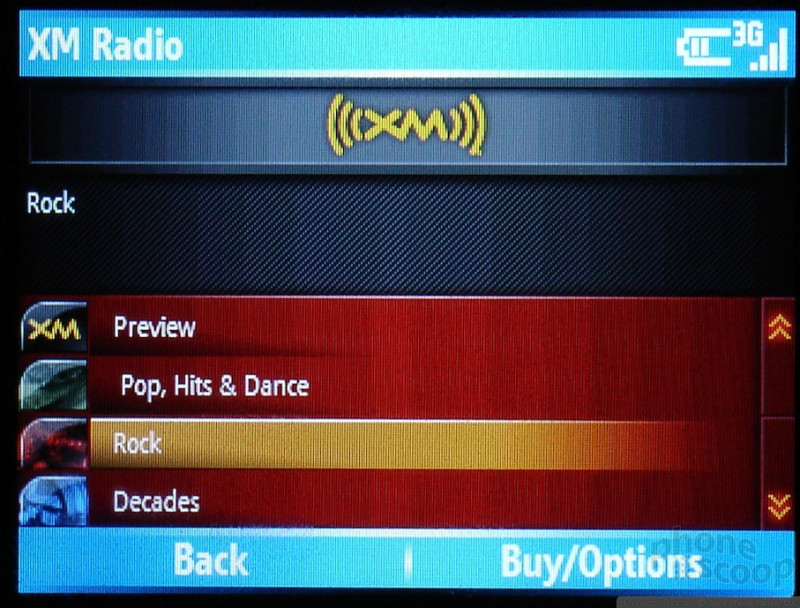
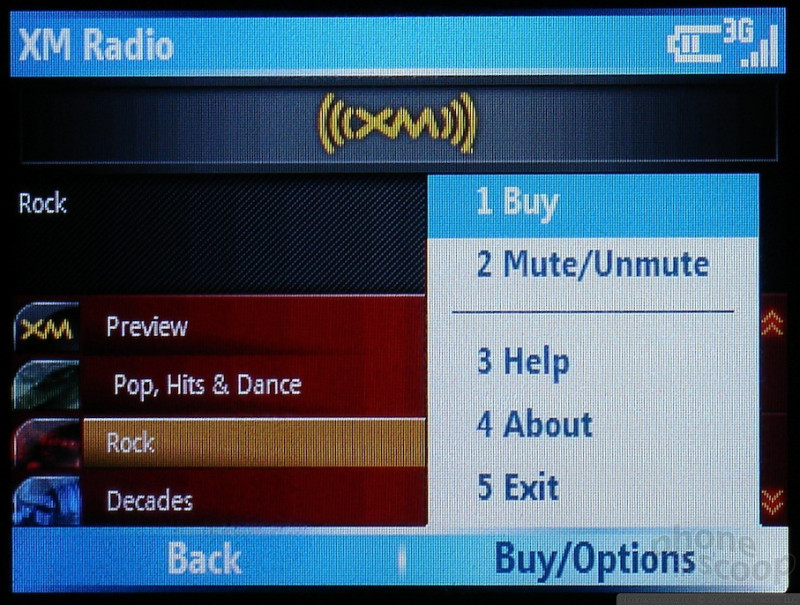
The XM radio streams and video clips both require a media subscription, as they are data heavy applications. XM radio offers streams in about 10 different categories, but most have multiple stations. Video offers short clips from many broadcast and cable channels.
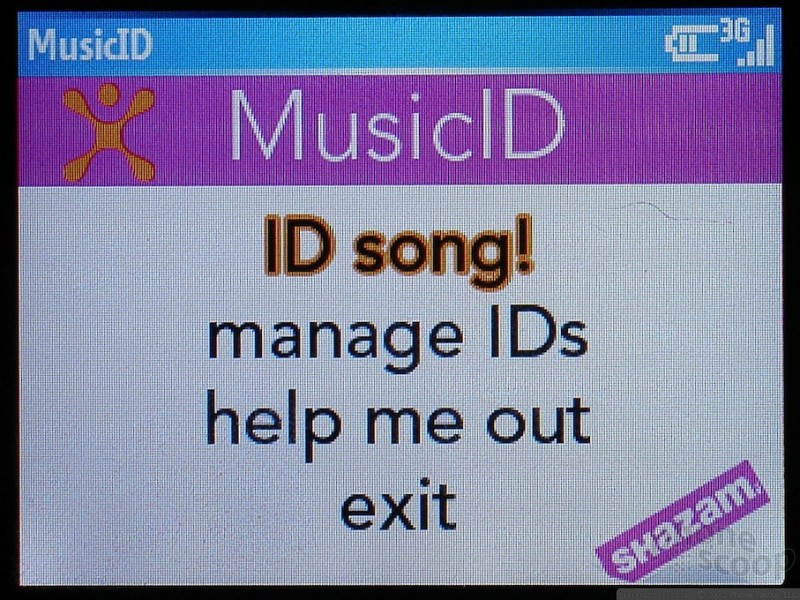
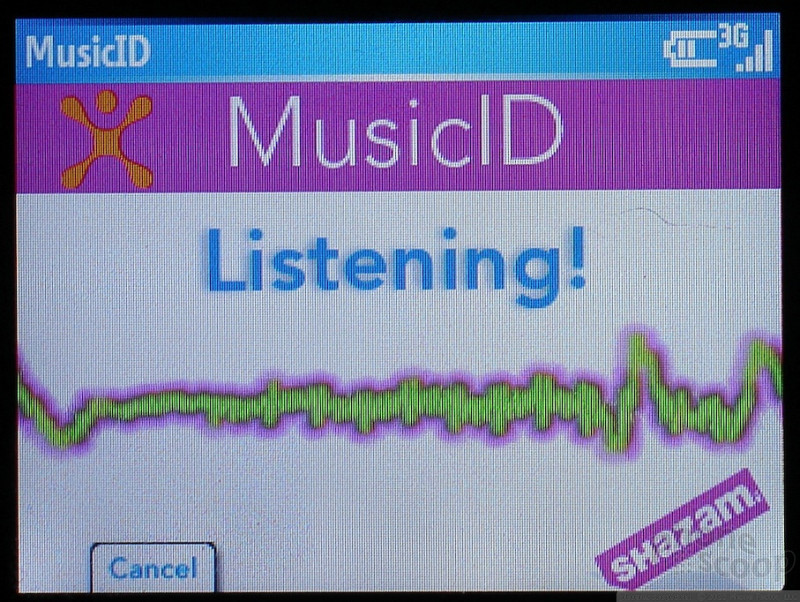
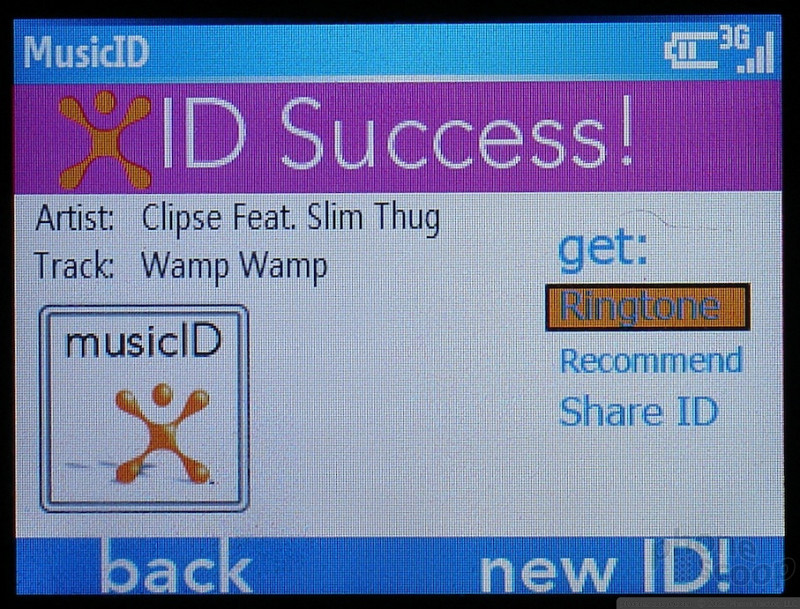
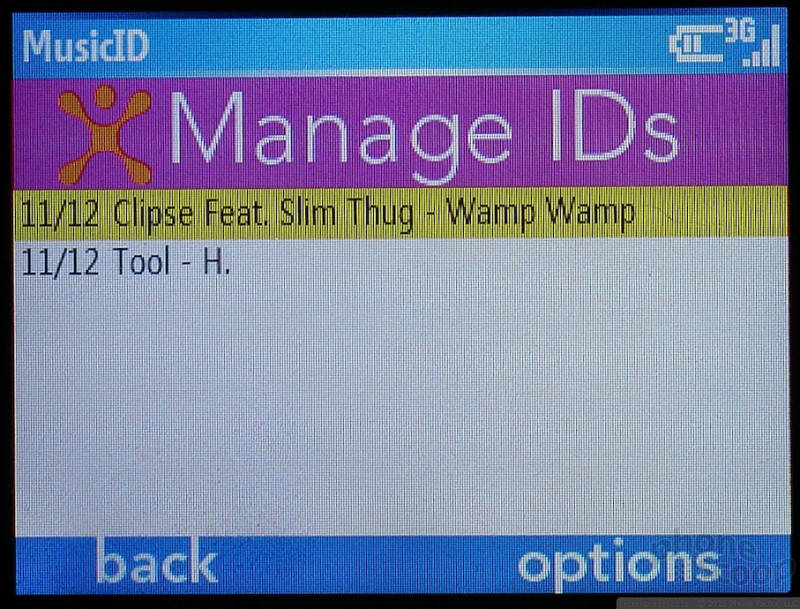
One of Cingular's most unique media applications is the music ID system, which is a well designed little program that lets you hold your BlackJack up to the stereo while a song is playing, and will try to tell you what song it is. As long as you are not trying to ID a repetitive electronic track, the system is surprisingly fast and accurate. Once a song is identified, the application stores the artist, album and track in a list for you. The new SYNC A707 has the same application.
The rest of the BlackJack's software is Windows Mobile Smartphone AKU3, just like the Dash. It is priced like the Dash too. The two are similar in most every respect. In fact the biggest difference other than carrier, is whether you get your high speed data over WiFi or over the 3G network.
 Hands On with the T-Mobile REVVL 6 Pro 5G
 Hands On with the Motorola edge (2022)
 Hands On with Xplora Kids Smartwatches
 Hands On with the Motorola razr and razr+ (2024)
 Hands On with the Boost Summit 5G
 Samsung BlackJack SGH-i607
Comments

Using Blackjack as a modem for a computer
Thanks,

Blackjack w/out data plan?
Any help would be great.
Erik Weibust
(continues)
(continues)

Need Help About the Black Jack
Triple b
Sakgo@sbcglobal.net

Closing a web page
go to applications
go to task manager

Considering purchase - MicroSD WiFi question
Has anyone used the Spectec MicroSD Wifi card with the Blackjack? This could solve the problem, but I haven't been able to find out if it's compatible with this phone.
http://www.spectec.com.tw/sdw823.htm »

Drivers?
I own a Blackjack with a Cingular unlimited data plan. I'm traveling and didn't bring the cd with me.
I'm assuming that the driver is on that disc and I can't seem to find it anywhere on-line.
Does anyone know how I can use this phone as a modem with my laptop for access to the 'net? Cingular is of no help.
I'd appreciate as detailed instructions as anyone cares to provide.
Thanks in advance.
Sally

Blackjack
(continues)

Using Lotus Notes

Storing Notes.
I am wondering if there is a feature that allows for the storage of notes. I have not been able to see the phone in person and really want to know what the abilities are.
I frequently do stock trading with via my PC with Ameritrade and would like to be able to edit notes pertaining to my transactions. I was considering the Cingular 8125 which I understand can be used to edit spreadsheet info. but I'm not certain what type of editing you can do with the BlackJack.
Thanks for any help you can provide.
Art
Does this help? Feel free to write (I...
(continues)

will it synch with a mac?
(continues)

Help with error
Alert
Could not retrieve data. Please check the connection settings and try again later.
Does anyone know how to make this stop?
Do you have a data plan?

AIM
My only challenge so far is getting the installed IM client to work. Has anyone tried it? I get through the sign in and when it starts to get my buddy kist, it freezes. I get a "communication error. check your settings" error. Well, there are no settings (port, etc.) to check. Any thoughts??

Is BlackJack A2DP Enabled?
I'd like to use Bluetooth Stereo Headphones, and want to make sure it works with the phone.

BlackJack vs. 8125 Pocket PC

Blackjack Features Vs Treo 650
(continues)
1) the background CAN be changed to your likings (pictures, etc.)
2) lol you live in a bluetooth world now! there is a data cable included with the blackjack, yet its much easier to just send from computer to bla...
(continues)
i believe it does store all kinds of info into phone book and organizes very well. i do know that there are I.D. ringtones and I.D. photos.
thanks and hope my answers help

HELP!! blackjack audio issues
I also can't figure out how to play a song over my bluetooth either.

Having a problem with internet enabled java apps.
I tried Gmail, Goodle maps, and Opera mini and for all of them, java keeps asking whether the app running should be allowed to connect to the internet. There is no way to disable this prompt and gmail tries a few times then gives up, while the other ones seem to run, but the prompts are really annoying.
The other thing that pissed me off was the subscription price Cingular is trying to make you pay because it's a "PDA" phone instead of a "Smartphone". The price difference is staggering while my usage is probably no different.

features and plans..
(continues)

Awesome Phone...loads of free stuff available for it!!
I have also been trawling around looking for some stuff i can pimp it out with like blackjack homescreesn, blackjack free software or blackjack tweaks and hacks and i came accross this site which is packed with stuff for the blackjack.
http://www.forum.blackjacksmartzone.com »
i would definately recommend checking it out if you want to get some cool stuff for your blackjack.
Thx
SoneC
I just realized i posted an incorrect link, the actual link is
http://forum.blackjacksmartzone.com »
i put in www by mistake.
thx

Software options
Thanks

