Review: Samsung Rugby Smart for AT&T
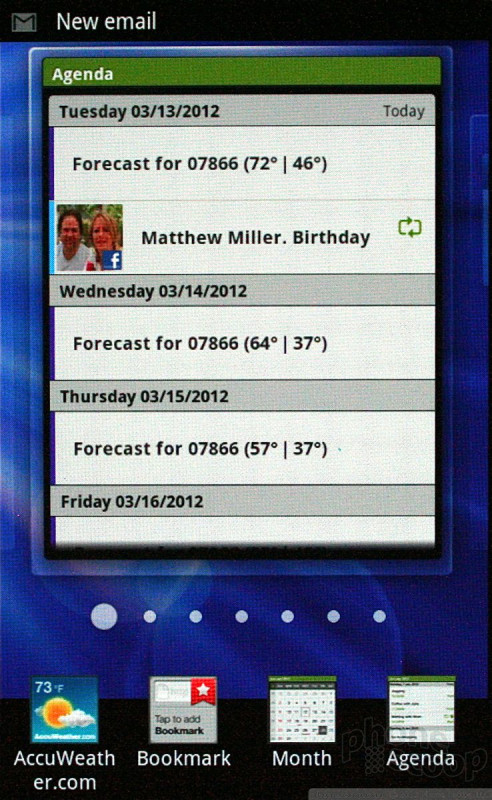
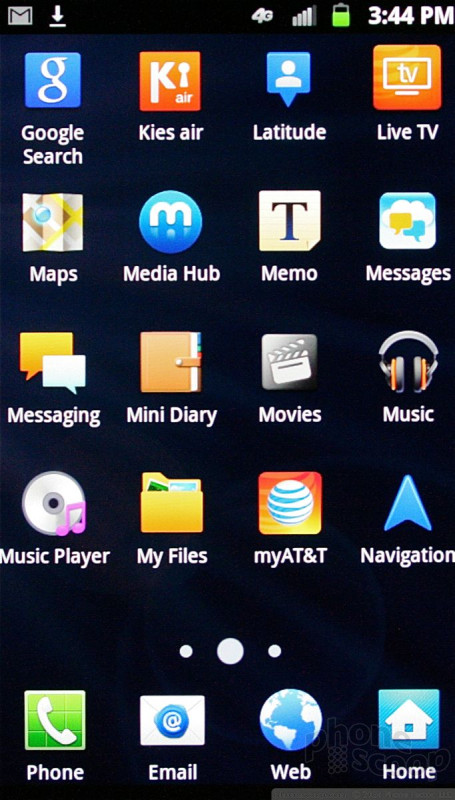
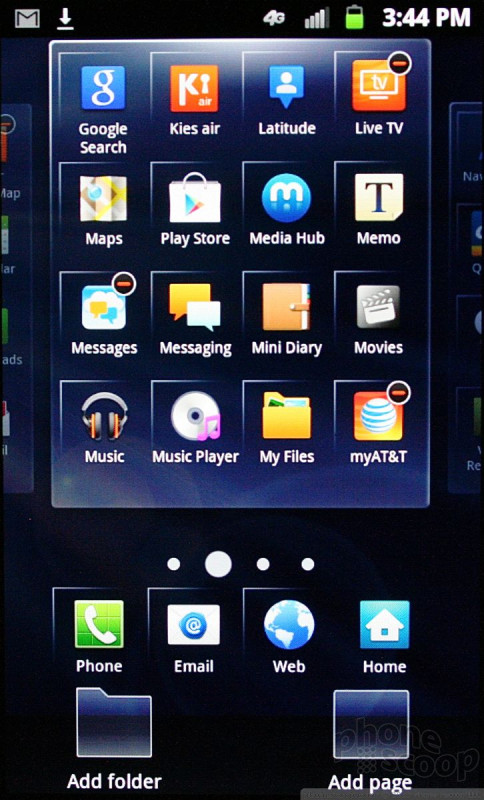
The Rugby runs Android 2.3.6 Gingerbread with the current skin from Samsung on top. There are seven home screen panels that can be stuffed with apps, shortcuts, or widgets. The main app menu is laid out in an alphabetical grid, but it can be switched to a list view or a customizable grid.
The lock screen offers shortcuts to missed calls and text messages. They'll appear as a notification near the top of the lock screen. Instead of swiping from the bottom to the top (which is how you would normally unlock the Rugby), put your finger on the notification alert and swipe it off the screen. That will take you to the call log or the messaging app instead of to the home screen. I wish there were permanent lock screen shortcuts to the camera and other apps, but at least these offer quick access to vital communications.
Beyond these, the Rugby acts as any other Android smartphone would.
Performance of the device was great. It was speedy throughout the user interface, and I didn't see any hiccups or problems. The home screen panels fly past as you swipe through them, and apps open quickly.

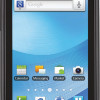 Samsung Brings Android to Rugby Line
 Samsung Refreshes Galaxy S Series with S Pen, New Cameras
 Samsung Refines its Foldable Phones
 Samsung Expands Mid-Range Lineup with Galaxy A35 5G
 Samsung Brings Back the FE for its Galaxy S23 Series
 Samsung Rugby Smart