Review: LG Connect 4G for MetroPCS
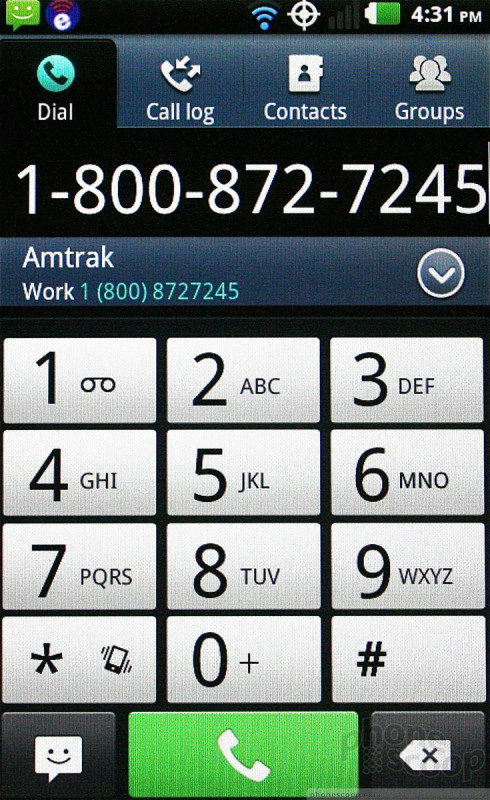
The Connect uses the stock Android 2.3 calling and contacts applications. From the home screen, press the phone icon and the dialer pops open with the usual options (dialer, call log, contacts, groups) available in tabs across the top. One thing I like is that there's a little shortcut to the SMS app from the phone dialer. This means you can type in a new number and then easily start an SMS convo. with that person instead of dialing the number.
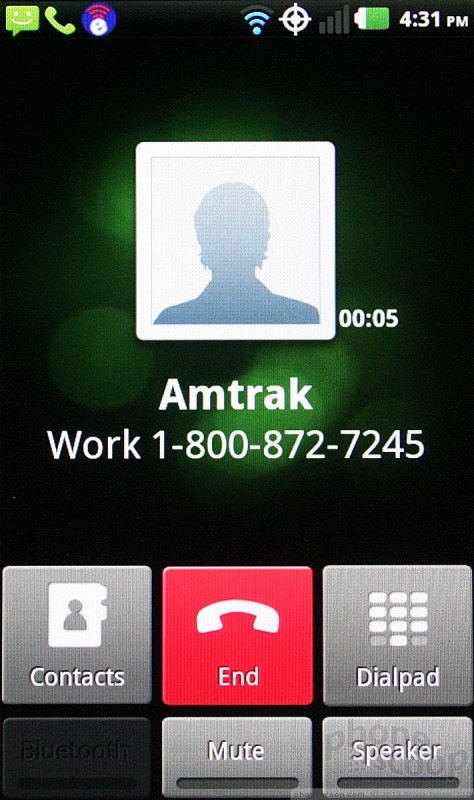
The Connect offers haptic feedback when you dial numbers on the touch display. Call features include mute, speakerphone, add a line, etc.
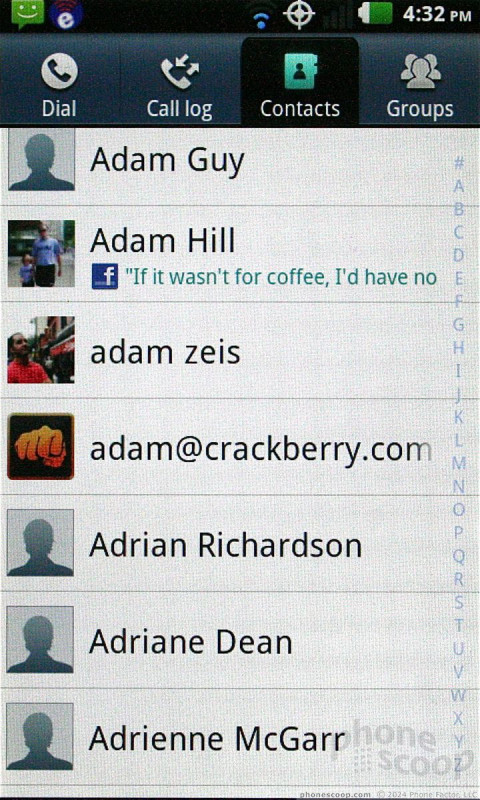
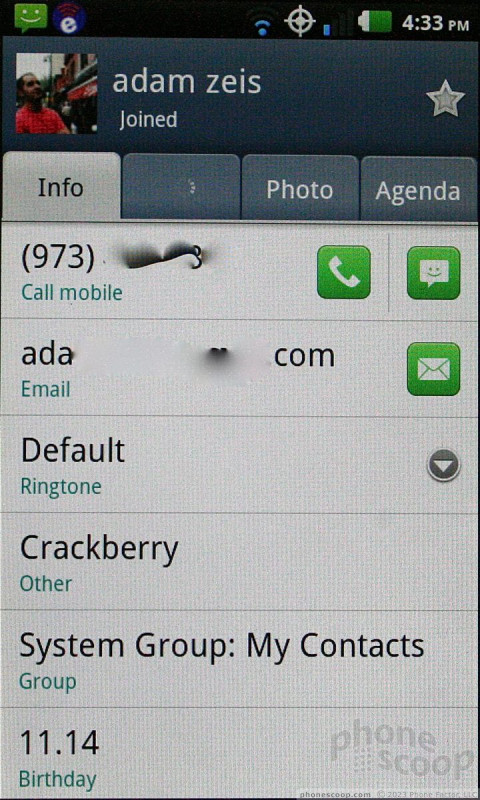
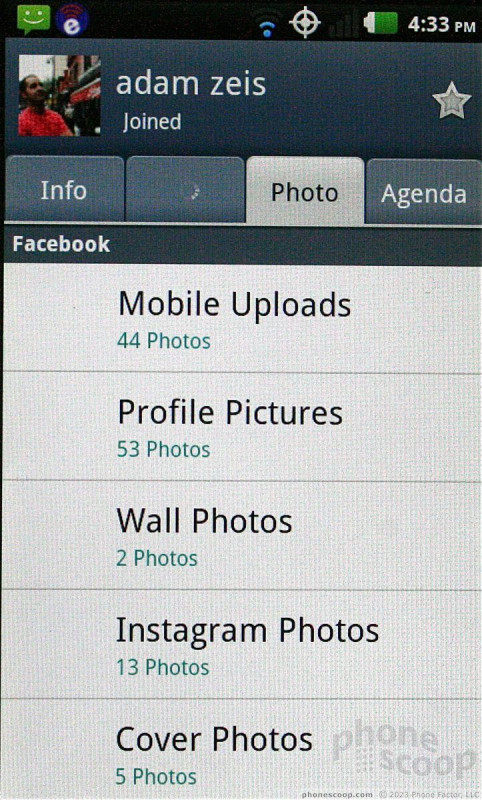
The Connect will import all of your Google, POP3, or Exchange contacts if you have them. Adding Facebook and Twitter friends is optional. Contacts can hold innumerable phone numbers, email addresses, notes, and so on. The Connect doesn't have any nifty contact widgets for the home screen; only the stock tools are available.
 Hands On with the LG Connect 4G
 LG Brings LTE to MetroPCS with the Connect 4G
 Hands On with the T-Mobile REVVL 6 Pro 5G
 Samsung Upgrades its Wearables
 LG Connect 4G